WP-A
Max 3000g d= 0.1g
00
+
g
Calibration @admin
1
2
3
Max
Scale interval
Dead load at
Max at
calibrated at
Sensitivity
3000.0 g
0.1 g
mV/V
mV/V
mV/V
µV/d
0.040800
1.177298
0.987577
0.470919
30000 d
1 d
103.966 g
3000.000 g
2516.5 g
98.11 cnt/d
Save
For new calibrations, the parameters [Scale interval], [Dead load at] and [Max at] are
inactive.
Note:
If a linearization was carried out (see Chapter 4.7.1.2.1.4.4), the following message
appears once the parameter has been selected: "Cannot be changed while
linearization is active."
Only deleting of the linearization points deactivates the linearization mode!
[Save] is deactivated for new calibrations. The next menu item [Scale interval] is
activated.
Possible error messages, see Chapter 9.7.1.
WP-A
Max 3000g d= 0.1g
00
+
g
Calibration @admin
1
2
3
Max
Scale interval
Dead load at
Max at
calibrated at
Sensitivity
3000.0 g
0.1 g
mV/V
mV/V
mV/V
µV/d
0.040368
1.177688
0.987884
0.471075
30000 d
1 d
102.832 g
3000.000 g
2516.5 g
98.14 cnt/d
Save
STOP
Set Max failed.
> phys. Max
Ok
If [OK] is pressed, the input value for the maximum capacity is canceled.
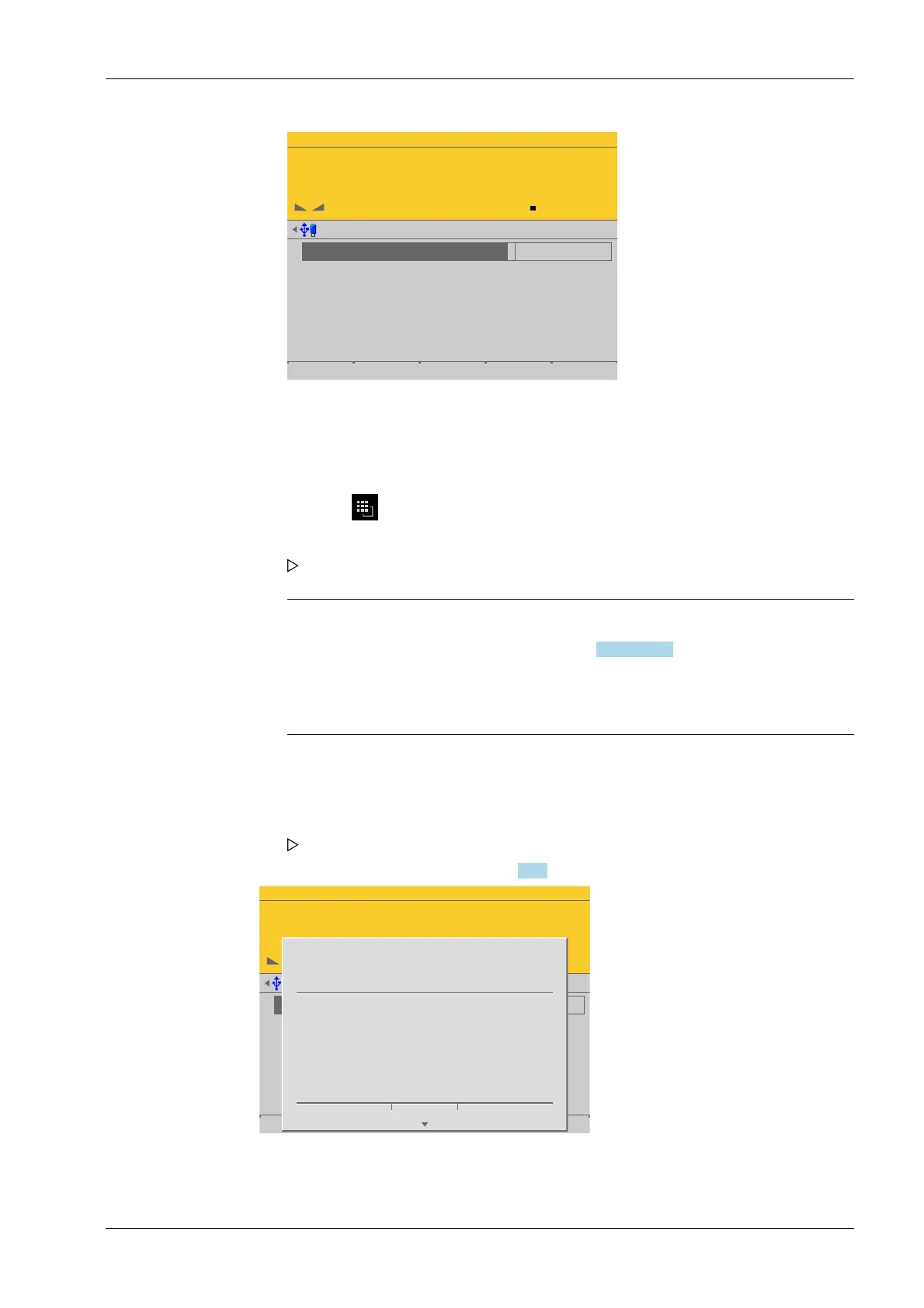
1. Select [Max] and activate the input eld.
2. Enter the value with decimal places (in this example: 3000.0).
3. Press the key to select the weight unit.
4. Conrm the entries.
The conrmation is displayed with "setting Max…".
5. Press the [Save] soft key to save the calibration.
The reference value is calculated for the electronics test.
4 System setup Process Controller Maxxis 5 PR 5900
EN-107 Minebea Intec



 To Next Page