The conrmation is displayed as follows: "saving calibration…"
Note:
After exiting calibration, go to the menu [Param] and set the parameter [Settings
locked] to activate overwrite protection via the software (see Chapter 2.7.2).
Note:
A unique check number is created every time a calibration or changed parameters
are saved. This can be viewed in the menu [Operating] - [System information] -
[Show calibration check numbers] (see Chapter 5.7) and may also be written on the
W&M label.
To save an application for use in legal metrology, see Chapter 4.7.1.2.
4.7.1.2.1.1 Max (maximum capacity)
In this menu item (under New/Modify), the maximum weight is dened when calibrating
the Internal weighing point weighing electronics.
The maximum capacity (Max) determines the maximum weight without dead load of the
weight to be measured and the displayed number of digits behind the decimal point.
Normally, Max is less than the load cell capacity (max. capacity of load cell x number of
load cells).
Permissible values for the maximum capacity are: Max weight value from 0.00010 to
999999 in mg, g, kg, t, lb or oz.
Maximum weight value must be an integer multiple of the scale interval (1 d). It may have
up to 6 digits and is entered as a numeric value with or without a decimal point.
Accessible via MENU - [Operating] - [System setup] - [Weighing points] - [Weighing
point x] - [Calib] - [New/Modify] - [Max] .
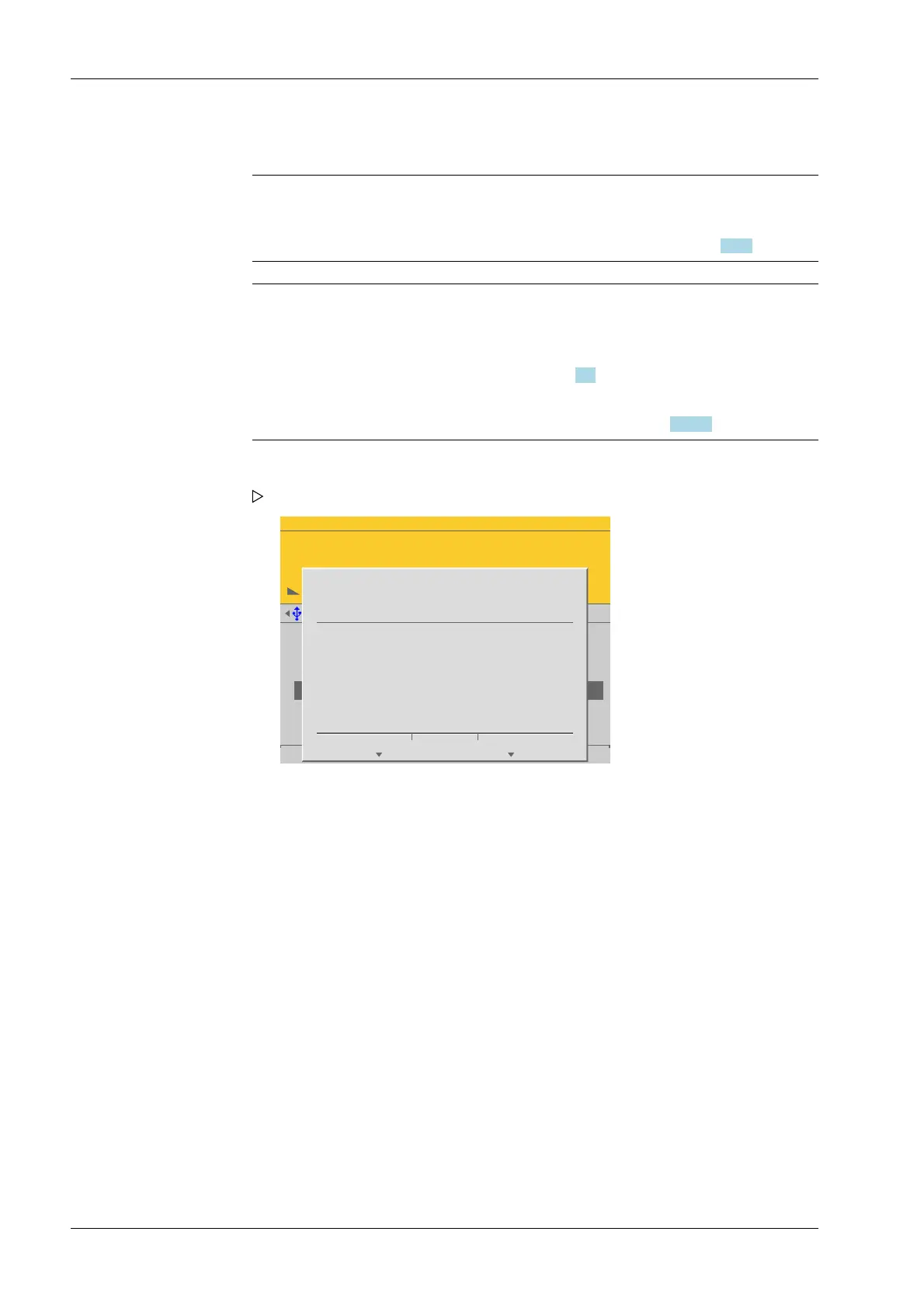
5. Cancel the calibration using the EXIT key.
WP-A
Max 3000g d= 0.1g
00
+
g
Max
Scale interval
Dead load at
Max at
calibrated at
Sensitivity
3000.0 g
0.1 g
mV/V
mV/V
mV/V
µV/d
0.040750
1.177246
0.987513
0.470898
30000 d
1 d
102.832 g
3000.000 g
2516.5 g
98.10 cnt/d
by load by mV/V by data Linear. Save
?
Exit without save data?
All changes will be reverted!
Yes No
Press the [Yes] soft key to exit calibration without saving.
Calibration is nished without saving with the following display: "undoing
calibration…".
A prompt is shown.
Process Controller Maxxis 5 PR 5900 4 System setup
Minebea Intec EN-106



 To Next Page