WP-A
Max 3000g d= 0.1g
00
+
g
Max
Scale interval
Dead load at
Max at
calibrated at
Sensitivity
3000.0 g
0.1 g
mV/V
mV/V
µV/d
0.040750
1.00000
0.400000
30000 d
1 d
83.33 cnt/d
by load by mV/V by data Linear. Save
WP-A
Max 3000g d= 0.1g
00
+
g
Load cell configuration @admin
Number of load cells
max. capacity of load cell
Gravity
Hysteresis error
Certified data
LC 1 Rated output
4 load cells
3000 kg
9.81379 m/s
not specified
all load cells same
1.000000 mV/V
Enter Calc
[Number of load cells]
Number of load cells connected in parallel (1, 2…[4]…9, 10)
Take the next values from the technical data of the load cells.
[max. capacity of load cell]
Maximum capacity E
max
of a load cell (not the total maximum capacity of the scale!)
[Gravity]
Gravity at the place of installation; default is the value for Hamburg, Germany:
9.81379 m/s².
[Hysteresis error]
Selection: not specied, specied
If [not specied] is switched to [specied], values for [Correction A] and
[Correction B] must be entered. For the calibration certicate values of the load cell,
please refer to "Hysteresis correction values for Smart Calibration".
[Certied data], [LC rated output], [LC output impedance]
Selection: all load cells same, each load cell specic
For [each load cell specic], press the [Enter] soft key to enter individual data for each
load cell.
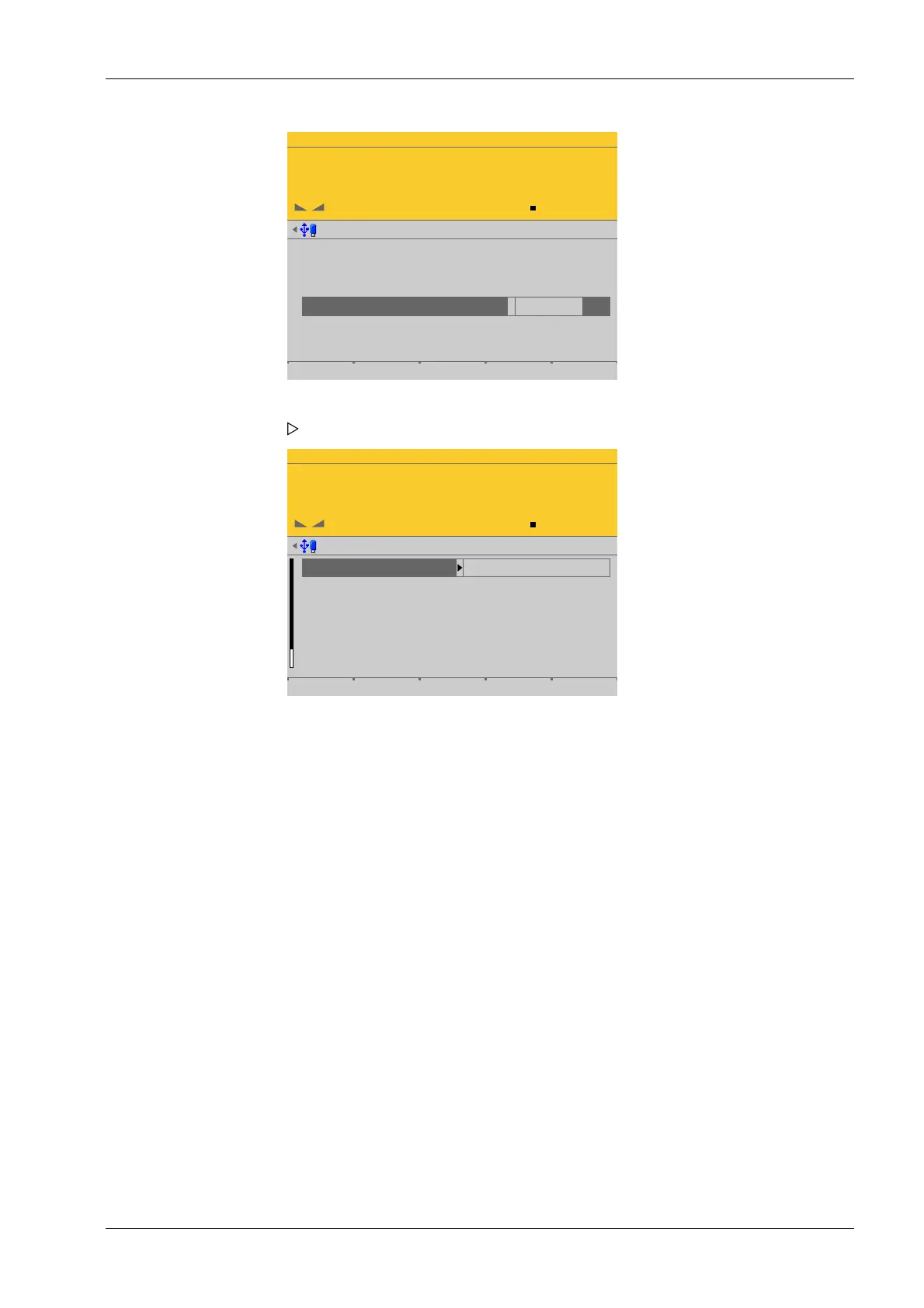
1. Select [Max at] and press the [by data] soft key.
A selection window opens.
2. Select and conrm the individual parameters.
4 System setup Process Controller Maxxis 5 PR 5900
EN-115 Minebea Intec


 To Next Page