WP-C
R1 Max 30kg d= 0.0005kg
50000
+
kg
xBPI scale setup @admin
Dead load
Set
Delete
SPAN
Adjust with user weight
Adjust with automatic weight
WP-C
R1 Max 30kg d= 0.0005kg
000002
–
xBPI scale setup @admin
Calibration check
input
input
Load to small
-20.0000 kg
0.00005 kg
Accept Reset error Cancel
The weight is specied automatically.
WP-C
R1 Max 30kg d= 0.0005kg
51000
+
xBPI scale setup @admin
Calibration check
input
input
Difference display
0.0015 kg
20.00165 kg
Accept Reset error Cancel
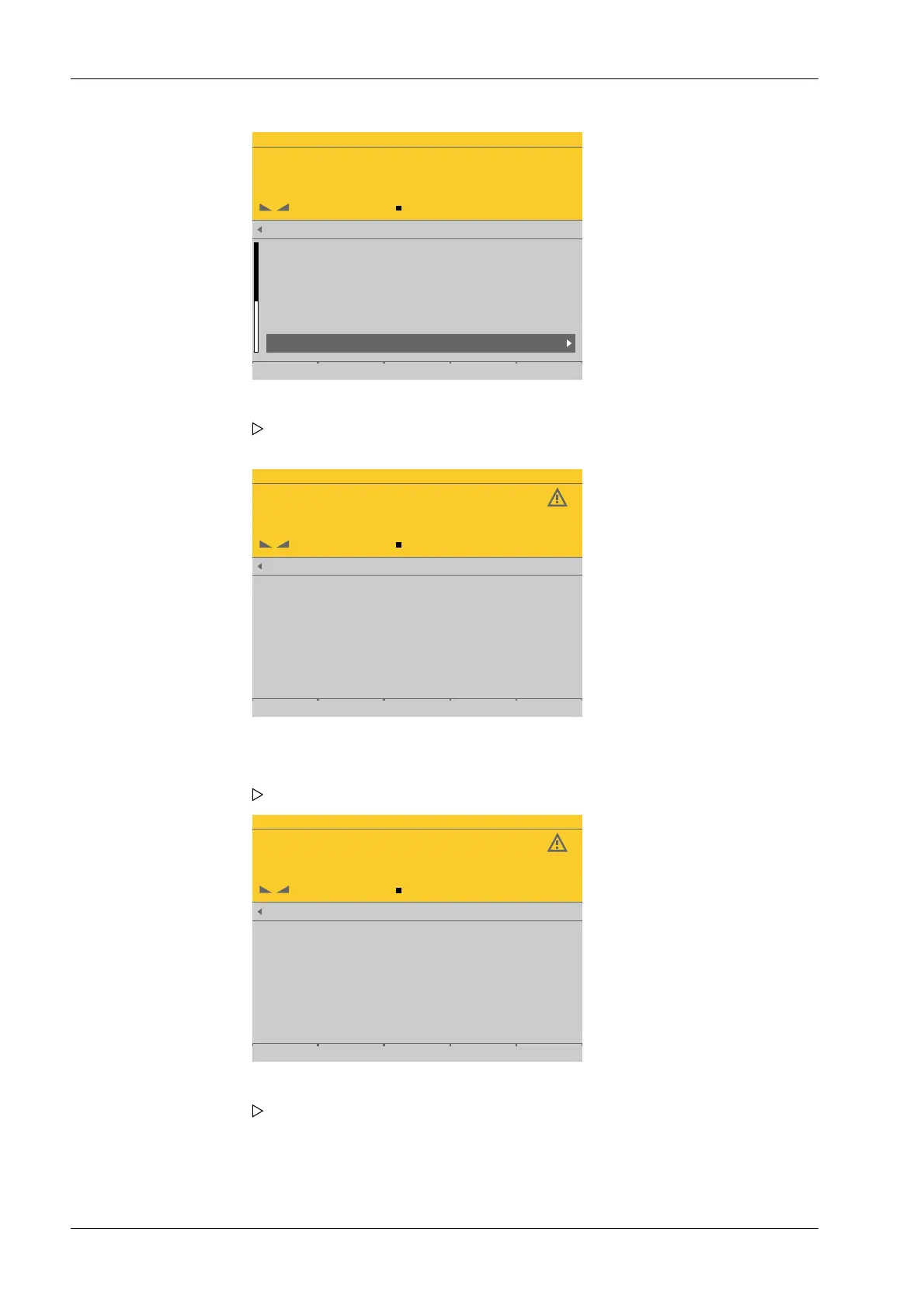
1. Select and conrm [Adjust with automatic weight].
The calibration process is performed without a weight and the calibration check
indicates the status.
2. In this example, a weight of 20 kg is put onto the scale.
The deviation is shown. Weight + deviation with 10-fold resolution in the last line.
3. Press the [Accept] soft key.
The data is transferred and the calibration check indicates [complete]. The weight
is shown. With 10-fold resolution in the last line.
Process Controller Maxxis 5 PR 5900 4 System setup
Minebea Intec EN-142



 To Next Page