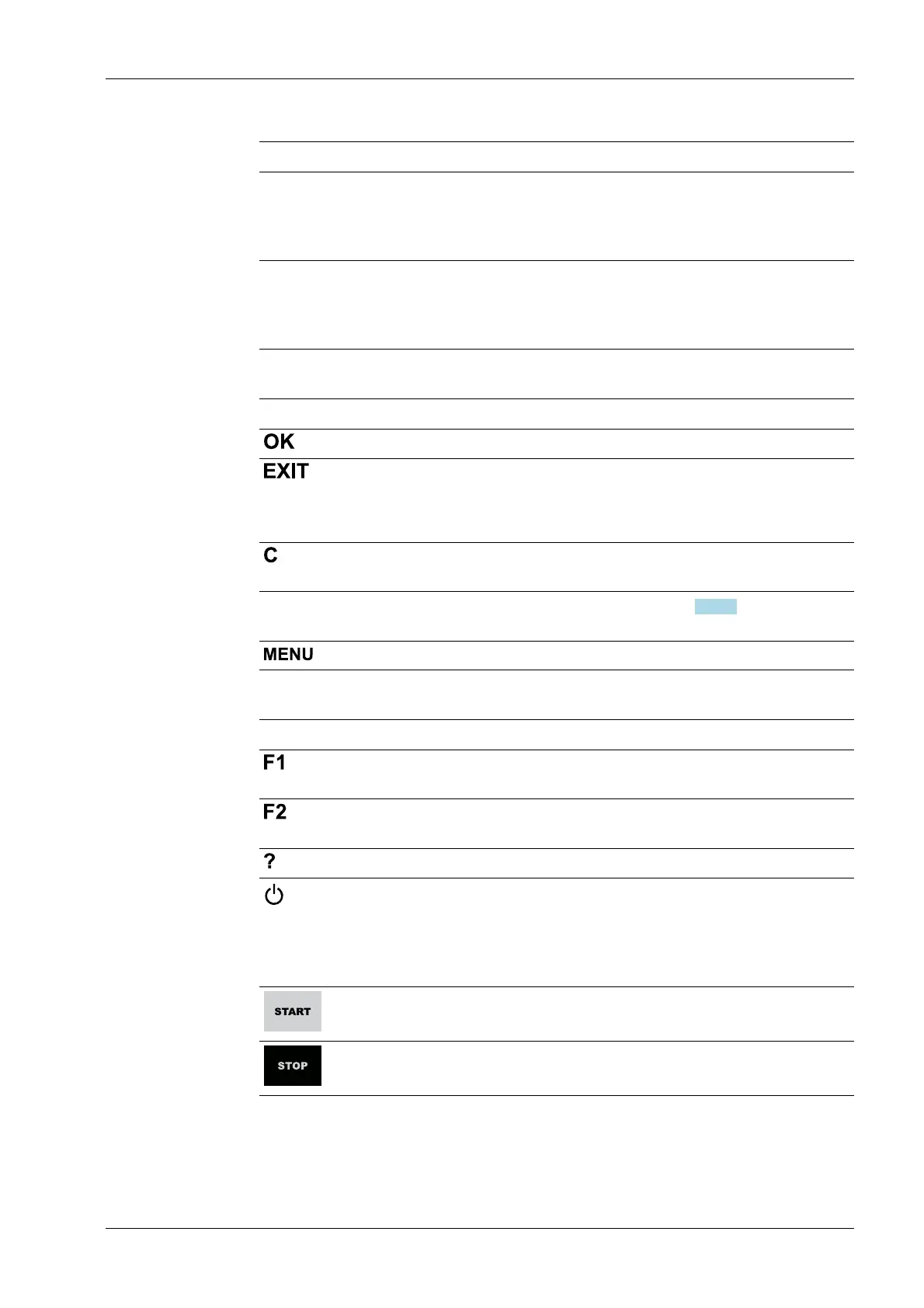
Key Description
◀ - Cursor to the left
- Selection
- Exit menu window.
▶ - Cursor to the right
- Selection
- Conrm input/selection.
Menu keys
Key Description
Conrm input/selection.
- Cancel entry/selection (after a conrmation prompt) without saving
the change.
- Exit parameters/menu window.
Pressing the delete key deletes individual characters (within an entry) or
whole strings of characters.
Soft key 1 to
5
Select appropriate menu function, see also Chapter 2.1.3.2.
Switch to the operating menu.
Function keys
Key Description
Assigned to a dened function (see system menu [System setup] - [Oper-
ating parameters]).
Assigned to a dened function (see system menu [System setup] - [Oper-
ating parameters]).
Displays the relevant help window.
- Turns o the display.
- Ignores all key presses.
- LED is red.
Pressing again will switch the display on again.
Starts an application-specic function.
Stops an application-specic function.
2 Commissioning Process Controller Maxxis 5 PR 5900
EN-13 Minebea Intec



 To Next Page