WP-C
R1 Max 30kg d= 0.0005kg
01200
+
xBPI scale setup @admin
Calibration check
input
input
Difference display
0.0210 kg
20.02105 kg
Accept Reset error Cancel
WP-C
R1 Max 30kg d= 0.0005kg
000003
–
xBPI scale setup @admin
Calibration check
input
input
Load to small
-30.0000 kg
0.00020 kg
Accept Reset error Cancel
WP-C
R1 Max 30kg d= 0.0005kg
05300
+
xBPI scale setup @admin
Calibration check
input
input
Difference display
0.0350 kg
30.03525 kg
Accept Reset error Cancel
4.7.5.3.8 User linearization
In this menu item, the xBPI scale weighing electronics are calibrated with user
linearization points.
The measurement range for a straight can be optimized by setting the linearization
points.
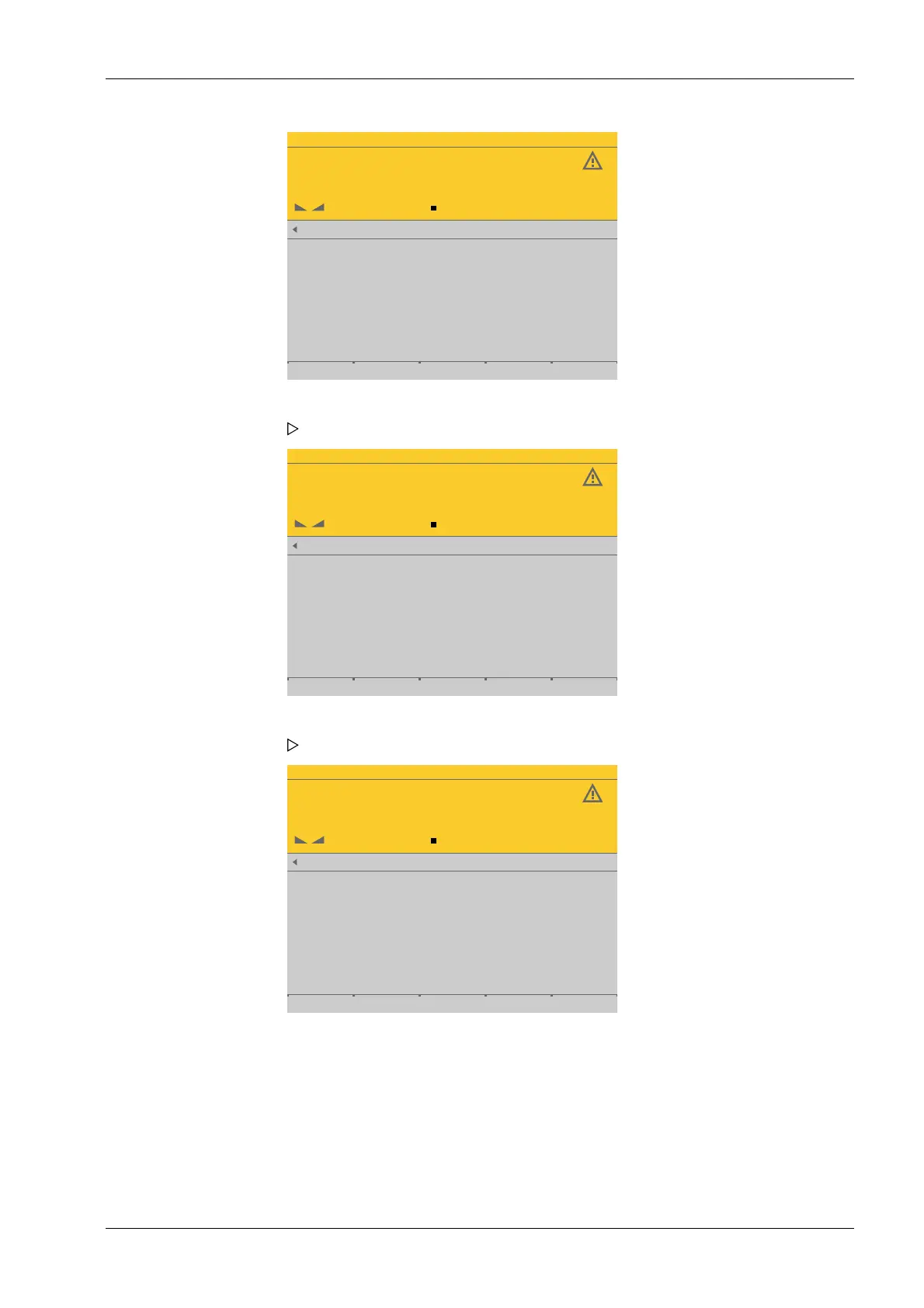
7. Press the [Accept] soft key.
The last linearization point to be calibrated is displayed.
8. Place the displayed weight (here 30 kg) on the scale.
The deviation is shown. Weight + deviation with 10-fold resolution in the last line.
9. Press the [Accept] soft key.
10. Press the EXIT key to return to the xBPI setup menu.
4 System setup Process Controller Maxxis 5 PR 5900
EN-149 Minebea Intec



 To Next Page