[Power-on zero range]
Selection: Factory settings, 2 % of max. load, 5 % of max. load, 10 % of max. load,
20 % of max. load
[Power-on tare/zero]
Selection: Active, Inactive, Only for zeroing
[Measuring rate]
Selection: Normal output, Fast output
[Calibration check]
Selection: No calibration prompt, Calibration prompt
[External Adjustment]
Selection: Accessible, Blocked
[Application Tare]
Selection: Accessible, Blocked
[Maximum capacity]
Selection: Reduced by pre-/dead load, Constant
4.7.5.5.1.2 Interface parameters
In this menu item (under Conguration), the interface parameters of the xBPI scale
weighing electronics are congured.
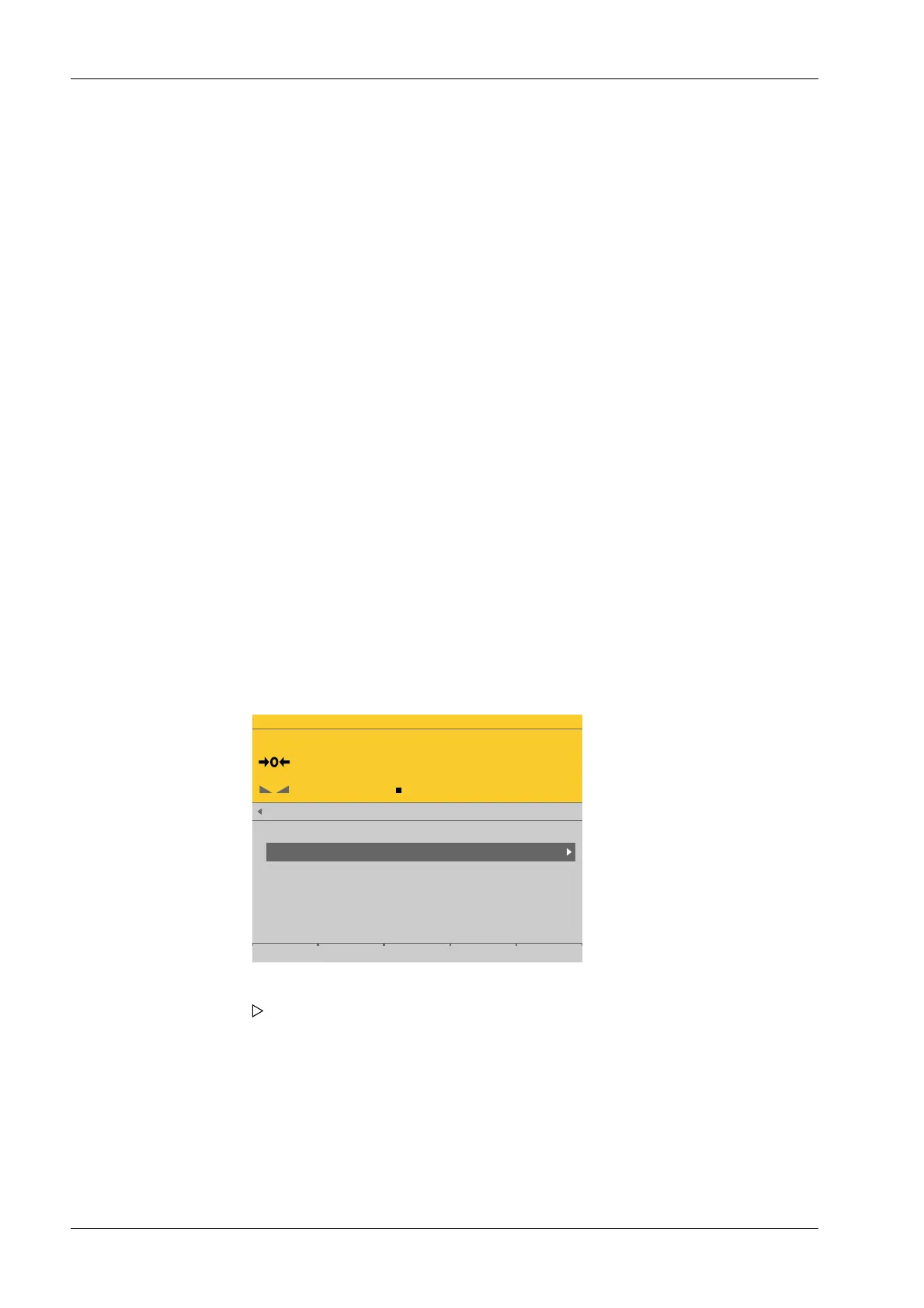
Accessible via MENU - [Operating] - [System setup] - [Weighing points] - [Weighing
point x] - [xBPI scale] - [Setup] - [Conguration] - [Interface parameters] .
WP-C
R1 Max 29.9kg d= 0.0005kg
00000
kg
xBPI scale setup @admin
Weighing parameters
Interface parameters
3. Press the [Save] soft key to save the settings.
1. Select and conrm [Interface parameters].
A selection window opens.
Process Controller Maxxis 5 PR 5900 4 System setup
Minebea Intec EN-154



 To Next Page