WP-D
Max -------?? d= -------??
read config failed
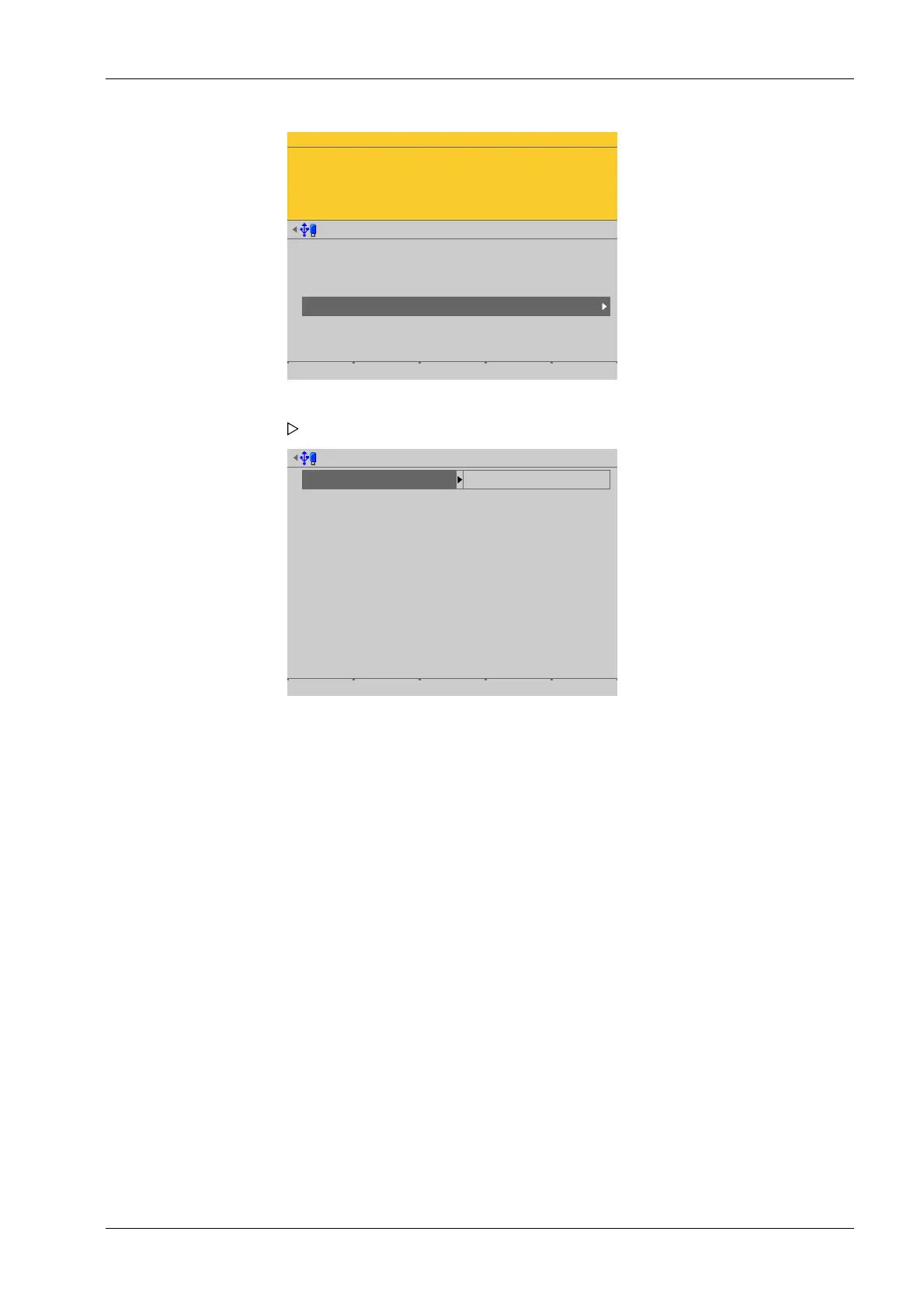
Weighing points @admin
Weighing point A
Weighing point B
Weighing point C
Weighing point D
Internal weighing point
Internal weighing point
xBPI scale
Pendeo Truck
Parameters Calib Units
Weighing point D @admin
Weighing point
Interface
Baudrate
Data bits
Parity
Stop bits
Pendeo Truck
Option-2 RS-485-A
19200 baud
8 data bits
odd parity
1 stop bit
Default Save
Inactive parameters are grayed out.
[Interface]
Serial interfaces.
Selection: not assigned, Built-in RS-232, Built-in RS-485,Option‑x RS-485‑A,
Option‑x RS-485‑B
In this case: Select [Option‑2 RS-485‑A].
[Default] soft key
Settings are reset to factory settings.
4.7.7.2 Parameters
In this menu item (under Calib), the parameters of the digital weighbridge load cell
Pendeo
®
Truck are congured.
Accessible via MENU - [Operating] - [System setup] - [Weighing points] - [Weighing
point x] - [Parameters] .
1. In this case: Select and conrm [Weighing point D] with [Pendeo Truck].
A selection window opens.
2. Select and conrm the individual parameters.
3. Press the [Save] soft key to save the settings.
4 System setup Process Controller Maxxis 5 PR 5900
EN-163 Minebea Intec


 To Next Page