WP-D
Max -------?? d= -------??
read config failed
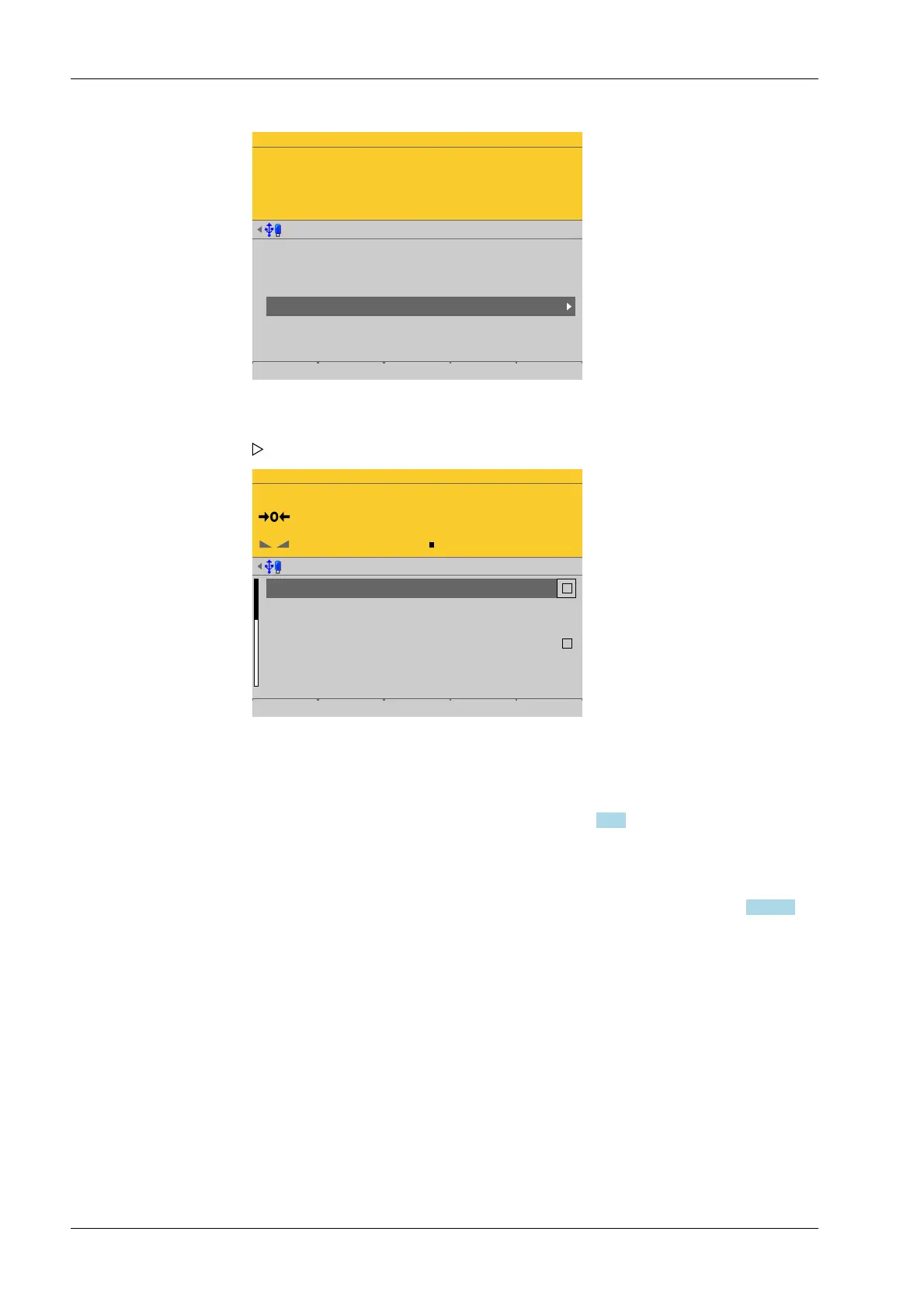
Weighing points @admin
Weighing point A
Weighing point B
Weighing point C
Weighing point D
Internal weighing point
Internal weighing point
xBPI scale
Pendeo Truck
Parameters Calib Units
WP-D
Max 200t d= 0.02t
0000
t
Weighing points @admin
Settings locked
W&M
Ambient conditions
Detect a defect load cell
Pendeo Unbalanced check deviation on WP
Standstill time
none
very stable condition
0 %
0.50 g
Default Save
[Settings locked]
The weighing point settings and assignment can only be viewed as if the
corresponding CAL switch were closed; see Chapter 2.7.1.
[W&M]
Setting for operation in legal metrology.
Selection: [None], OIML, NTEP (for USA) or NSC (for Australia), see Chapter 4.7.1.1.1.
[Ambient conditions]
This parameter is used to dene the ambient conditions of the scale.
Selection: very stable condition, Stable condition, Unstable condition, Very unstable
condition
[Detect a defective load cell]
Select and conrm these parameters if the maximum simulation of a faulty load cell is
to be performed automatically. A warning symbol is displayed as long as the load cell
is being simulated.
[Unbalanced check deviation]
The plausibility check is activated when the average deviation is > 0%.
1. In this case: Select [Weighing point D] with [Pendeo Truck] and press the
[Parameters] soft key..
A selection window opens.
2. Select and conrm the individual parameters.
Process Controller Maxxis 5 PR 5900 4 System setup
Minebea Intec EN-164


 To Next Page