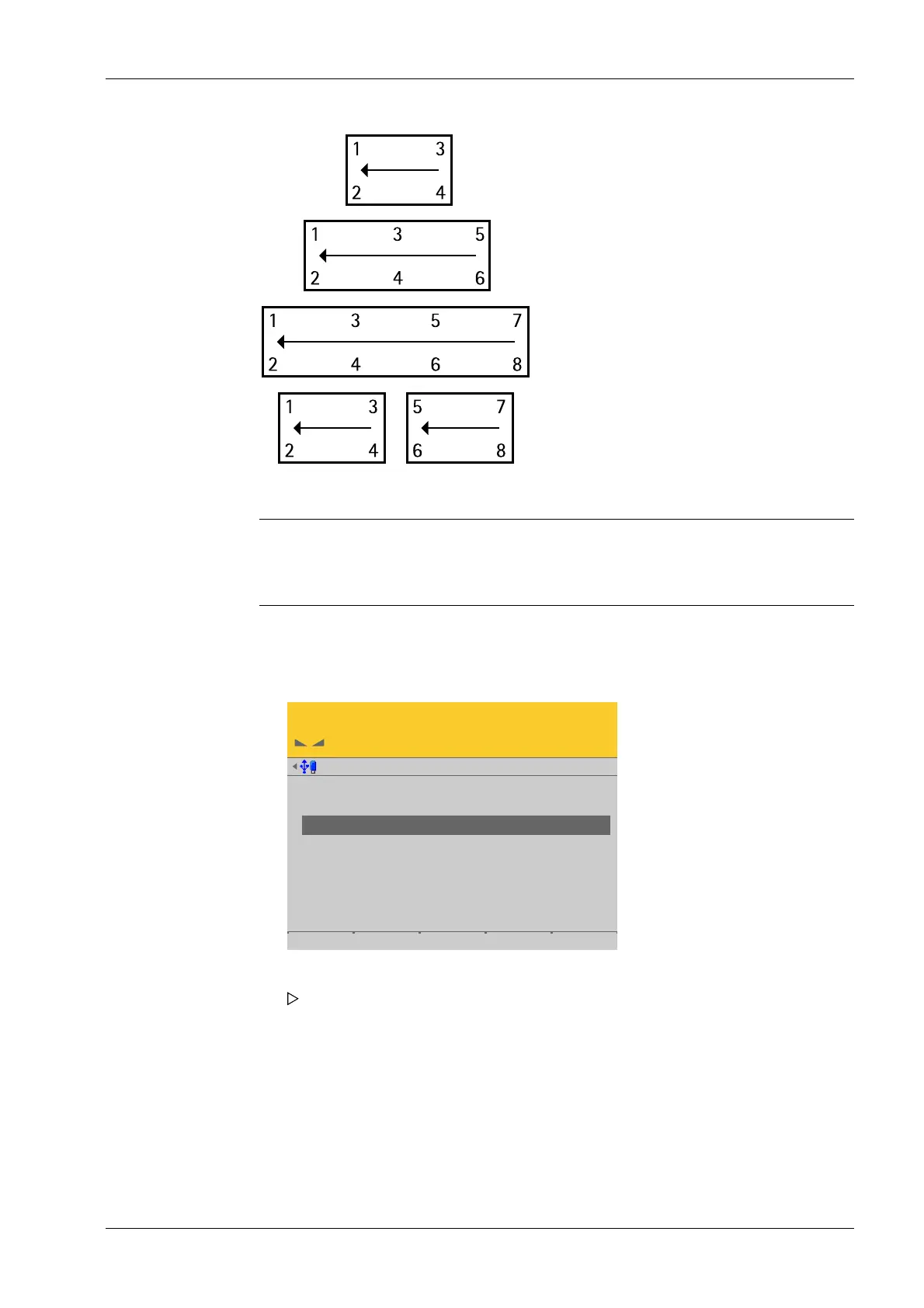
Example of a possible allocation.
Note:
The assignment from the installation should be documented in the case of load cells
being replaced.
Accessible via MENU - [Operating] - [System setup] - [Weighing points] - [Weighing
point x] - [Calib] - [View and assign load cells] - [Assign] .
View @admin
LC 1
LC 2
LC 3
LC 4
1.316 t
1.477 t
2.230 t
2.484 t
Info Assign by name Accept
1. Unload the scale.
2. Press the [Assign] soft key.
A prompt is shown.
4 System setup Process Controller Maxxis 5 PR 5900
EN-173 Minebea Intec



 To Next Page