View @admin
LC 1
LC 2
LC 3
LC 4
1.316 t
1.476 t
2.230 t
2.484 t
Info Assign by name Accept
?
WARNING!
Assigning the load cells clears
the dead load information.
Cancel Continue
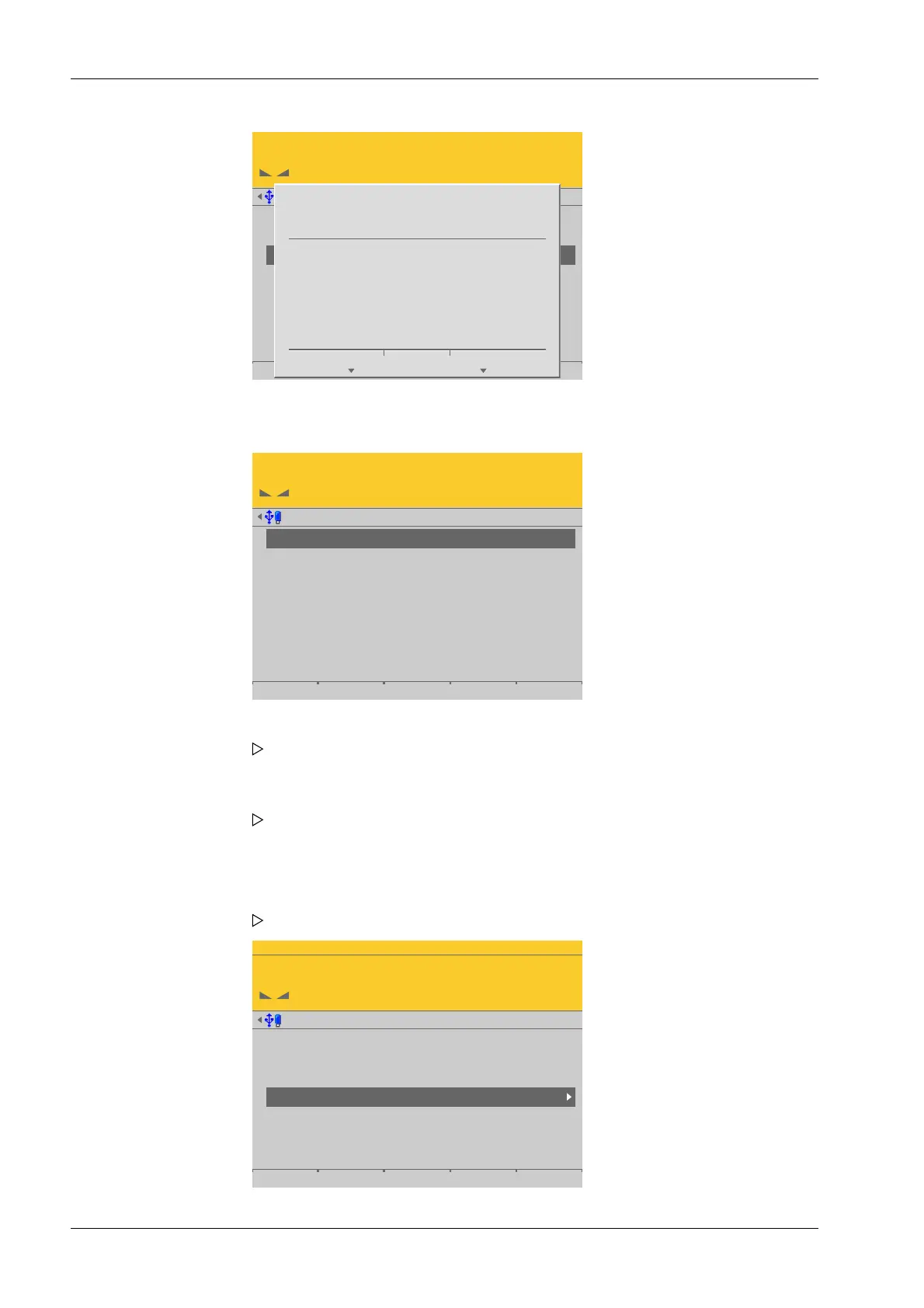
The load cells are assigned by placing minimum weights on the scale.
Weighing points @admin
LC 1
LC 2
LC 3
LC 4
4.176 t
1.643 t
3.698 t
3.619 t
Info Assign by name Accept
WP-D
Max 200t d= 0.02t
7.500+ t
Weighing points @admin
Setup Pendeo
Quick install with search load cells and set dead load
Search for connected load cells
View and assign load cells
Calibrate the scale
Assign load cell name
Service function for load cells
3. Press the [Continue] soft key.
4. Place the weight on the corner/load cell that will later be assigned no. 1.
As soon as the device detects the weight change, the corresponding line is
selected.
5. Press the [Accept] soft key.
The future LC no. is shown at the far right of the line.
6. Remove the calibration weight.
7. Repeat these steps for load cells 2 to 4.
8. Press the [Save] soft key to save the new assignment.
The Pendeo setup menu opens.
Process Controller Maxxis 5 PR 5900 4 System setup
Minebea Intec EN-174



 To Next Page