WP-D
Max 200t d= 0.02t
7.500+ t
Calibration @admin
Number of vessel feet
Local gravity
Max
Scale interval
Dead load
Calibration weight
Corner correction
4
9.81379 m/s²
200.000 t
0.020 t
0.000 t
10000 d
1 d
The data from the last calibration is displayed.
Note:
The menu item [Modify] is only used for minor changes (e.g. changing the dead
load/preload). Otherwise, the menu item [New] should be selected.
WP-D
Max 200t d= 0.02t
7.500+ t
Calibration @admin
Number of vessel feet
Local gravity
Max
Scale interval
Dead load
Calibration weight
Corner correction
4
9.81379 m/s²
200.000 t
0.020 t
0.000 t
10000 d
1 d
New Modify
?
Corner correction will be reset.
Yes No
WP-D
Max 200t d= 0.02t
7.500+ t
Calibration @admin
1
2
3
Number of vessel feet
Local gravity
Max
Scale interval
Dead load
Calibration weight
Corner correction
4
9.81379 m/s²
200.000 t
0.020 t
10000 d
1 d
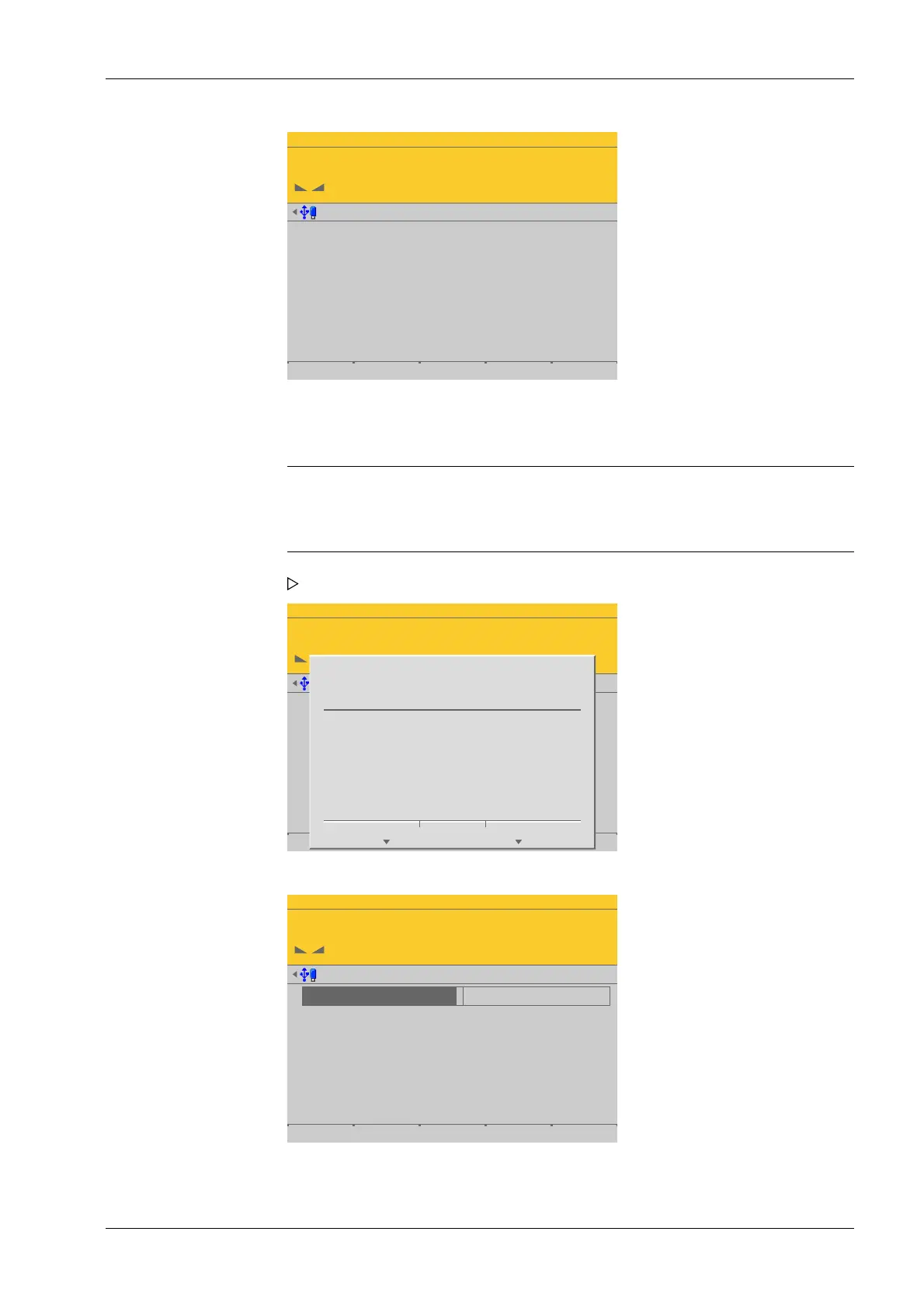
1. Press the [New] soft key.
A prompt window appears.
2. Press the [Yes] soft key.
3. Select [Number of vessel feet], change if necessary, and conrm.
4 System setup Process Controller Maxxis 5 PR 5900
EN-203 Minebea Intec



 To Next Page