WP-D
Max 200t d= 0.02t
7.500+ t
Number of vessel feet
Local gravity
Max
Scale interval
Dead load
Calibration weight
Corner correction
4
9.81379 m/s²
200.000 t
0.020 t
10000 d
1 d
WP-D
Max 200t d= 0.02t
7.500+ t
Number of vessel feet
Local gravity
Max
Scale interval
Dead load
Calibration weight
Corner correction
4
9.81379 m/s²
200.000 t
0.020 t
10000 d
1 d
The weight unit is taken from [Max]. The number of digits behind the decimal point is
also automatically determined when [Max] is entered.
WP-D
Max 200t d= 0.02t
7.500+ t
Calibration @admin
Number of vessel feet
Local gravity
Max
Scale interval
Dead load
Calibration weight
Corner correction
4
9.81379 m/s²
200.000 t
0.020 t
10000 d
1 d
4. Select [Local gravity], change if necessary, and conrm.
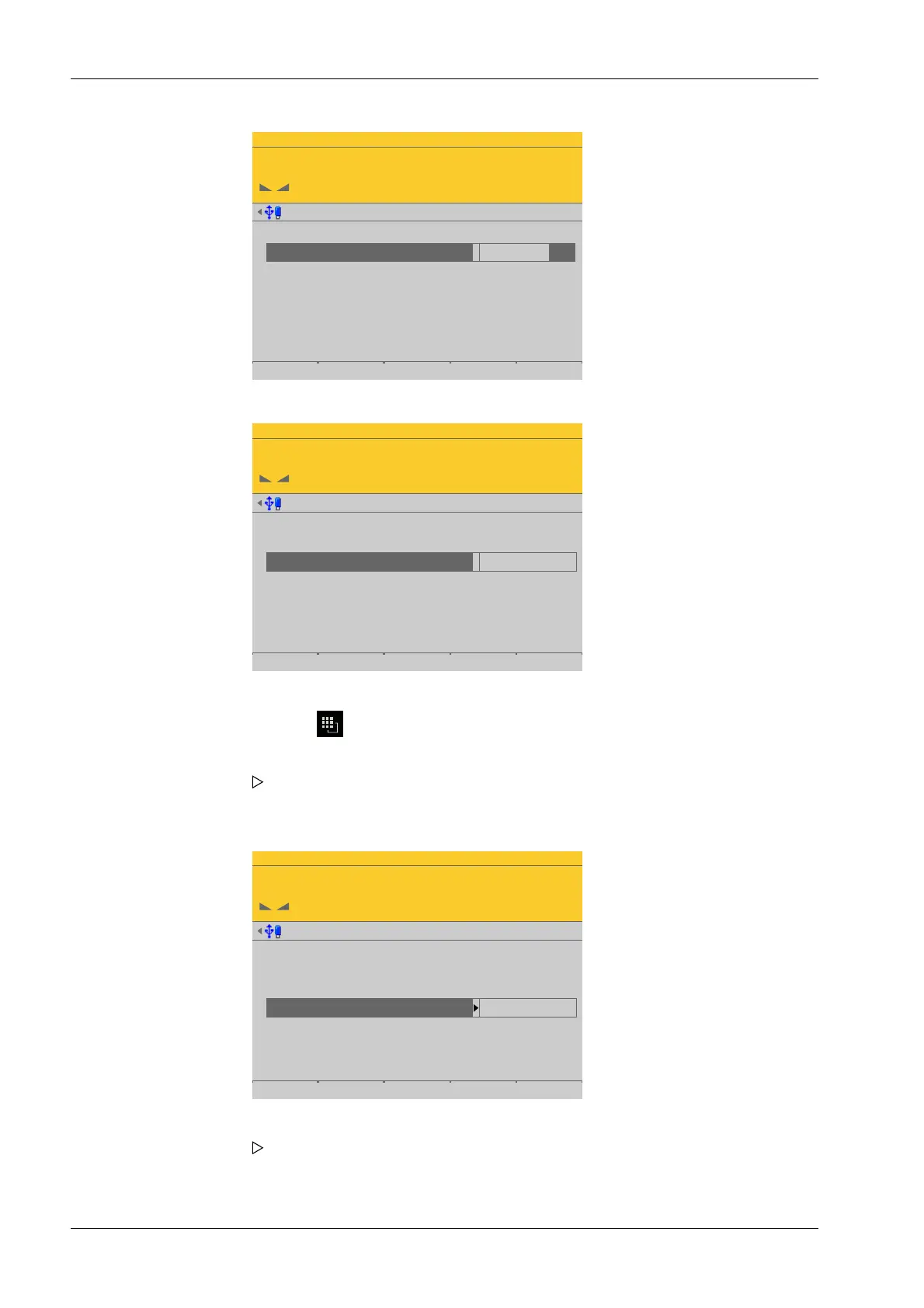
5. Enter [Max] (maximum capacity) with decimal places (in this example: 200.000 t).
6. Press the key (2×) to select the weight unit.
7. Conrm the entries.
The conrmation is displayed with "setting Max…".
8. Select the [scale interval] (1 d).
The scale interval (d) is calculated, based on the maximum weight value.
9. Conrm the entries.
Process Controller Maxxis 5 PR 5900 4 System setup
Minebea Intec EN-204



 To Next Page