Note:
If a remote terminal is connected to Maxxis, an additional line appears here:
"C1/CX1 Remote terminal Digital I/O".
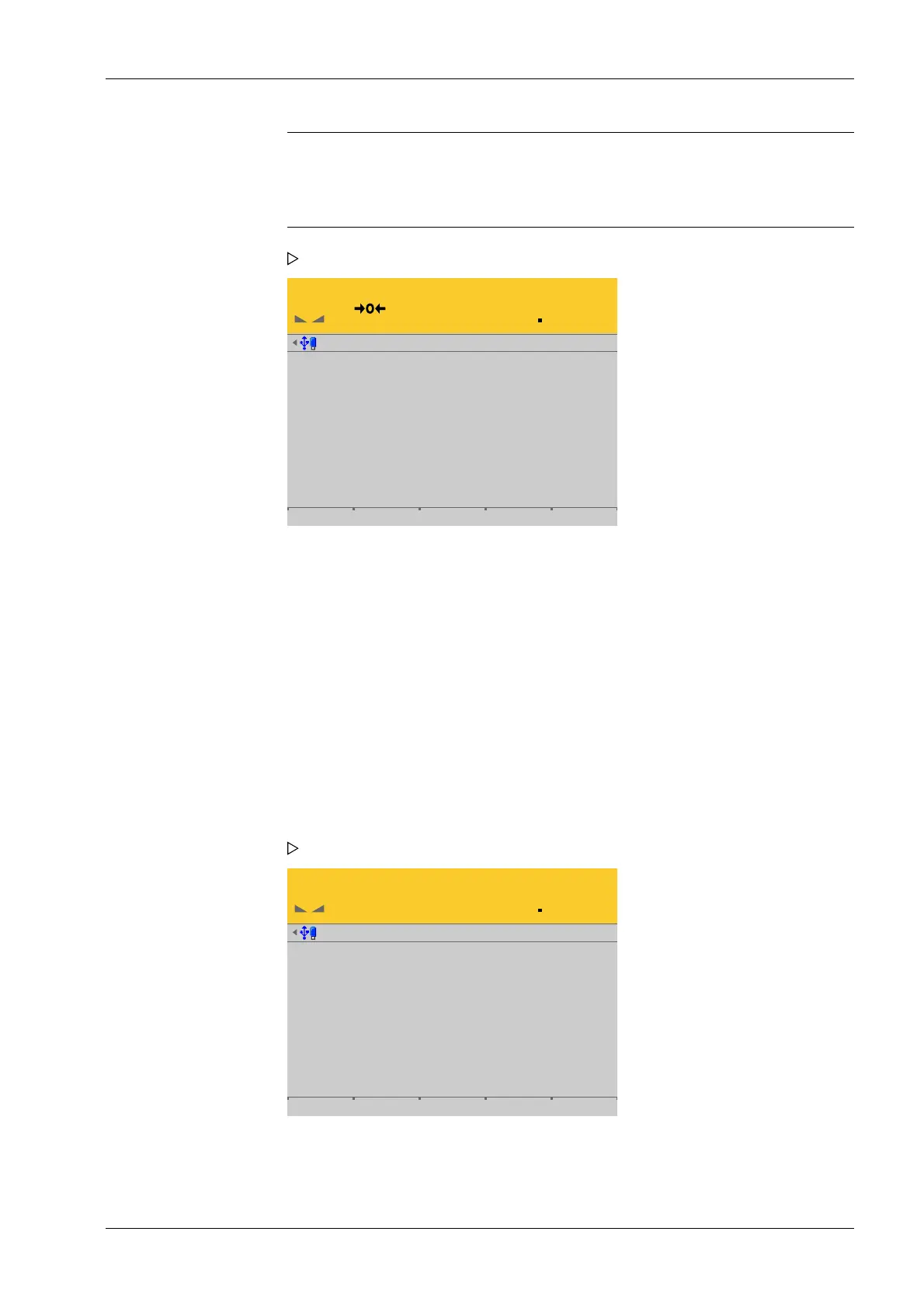
Test I/O-Cards @admin
WP A
Gross
Net
Tare
Zero correction
InputVoltage
Dead load voltage
PR5900/W1weighing electronics
0.0 g
0.0 g
0.0 g
-0.177 g
0.040310 mV/V
0.040382 mV/V
[Gross], [Net], [Tare]
Display the current values.
[Zero correction]
Displays the zeroset range already used.
[InputVoltage]
The displayed value x input voltage (e.g. 12 V) gives the value to be measured; see the
PR 5900 installation manual under [Device installation] - [Accessories] - [PR 5900/07
analog input and output] .
[Dead load voltage]
Displays the value calibrated for the dead load.
Test I/O-Cards @admin
WP A
Gross
PR5900/W1weighing electronics
3000.0 g
Press the soft key again to switch o the increased resolution (10-fold).
An information window is displayed.
2. Press the [Analog test] soft key.
An information window is displayed.
3. Press the [10x Res.] soft key if necessary to display the weight value in an increased
resolution (10-fold).
6 System maintenance Process Controller Maxxis 5 PR 5900
EN-339 Minebea Intec



 To Next Page