Printer @admin
Interface not assigned
Test print Save
Not assigned
Built-in RS-232
Built-in RS-485
Option-2 RS-485-A
Option-2 RS-485-B
Network printer
Network share connection
USB printer
USB folder
Interface
Protocol
Printer type
Queue name
IP address
Network printer
LPR (Port 515)
raw
lp0
172.24.20.68
Default Test print Save
[Protocol]
Transmission protocol
Selection: consult the responsible system administrator. LPR (Port 515) or RAW (Port
9100)
[Printer type]
The printer type depends on the printer: raw, CR/LF translation, EPSON TM‑U220,
EPSON LQ-300K, Generic PCL5 (Unicode), Generic PCL5 (codepage), Generic ESC/P2
[Queue name]
The name can only be selected if [Protocol]- [LPR (Port 515)] is selected.
Selection: consult the responsible system administrator.
[IP address]
Selection: consult the responsible system administrator.
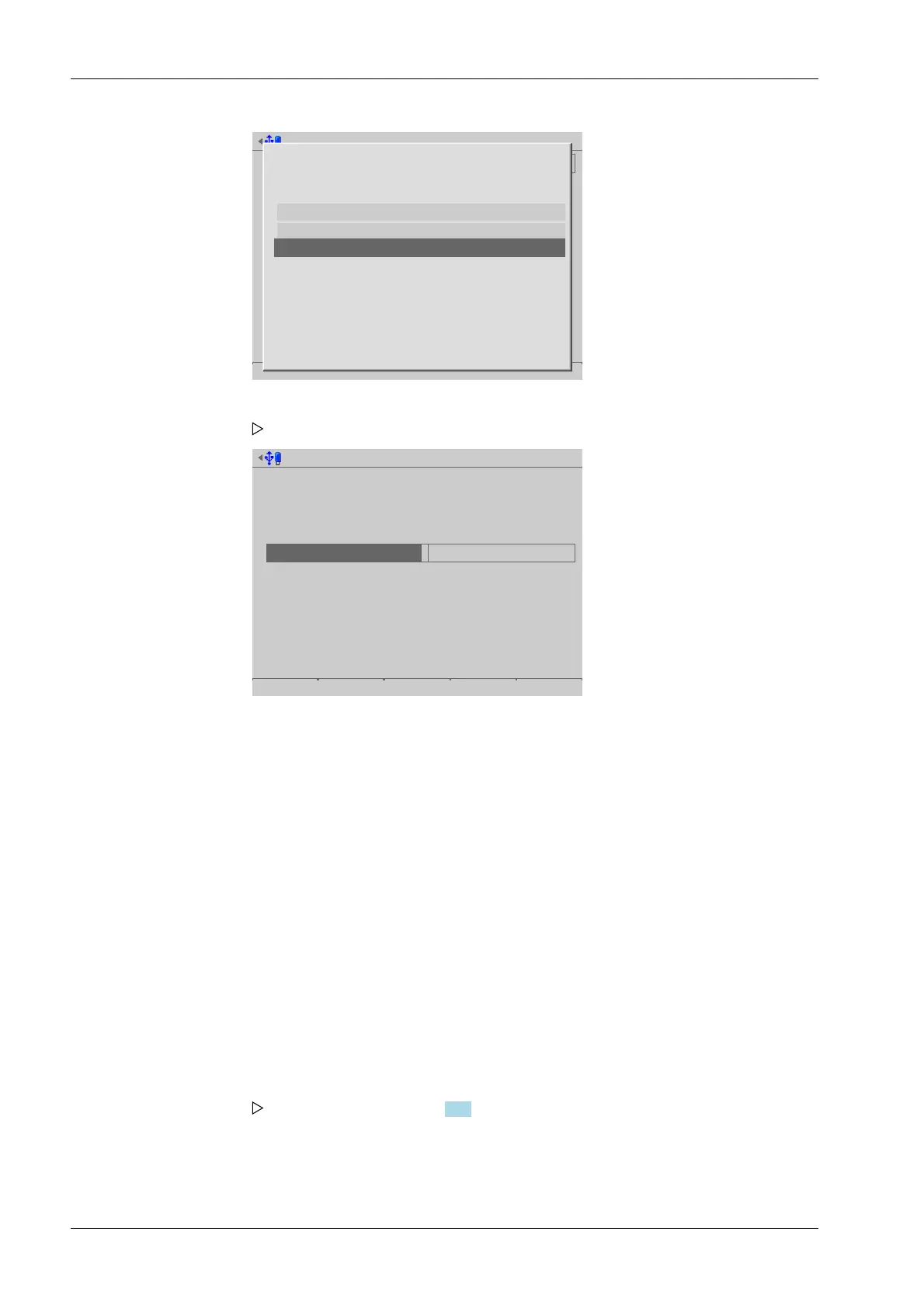
1. Select and conrm [Network printer].
A selection window opens.
2. Select and conrm the individual parameters.
3. Press the [Test print] soft key.
A test page (see Chapter 10.2) is printed.
4. Check the printer settings and change if necessary.
5. Press the [Save] soft key to save the settings.
Process Controller Maxxis 5 PR 5900 4 System setup
Minebea Intec EN-66



 To Next Page