Note:
After a cold start, the les will be lost.
It is possible to permanently load the language les to the device using the update
software "Flashlt" from version 02.73.11 upwards.
Selection: [disabled], enabled
[Keys require logged in user]
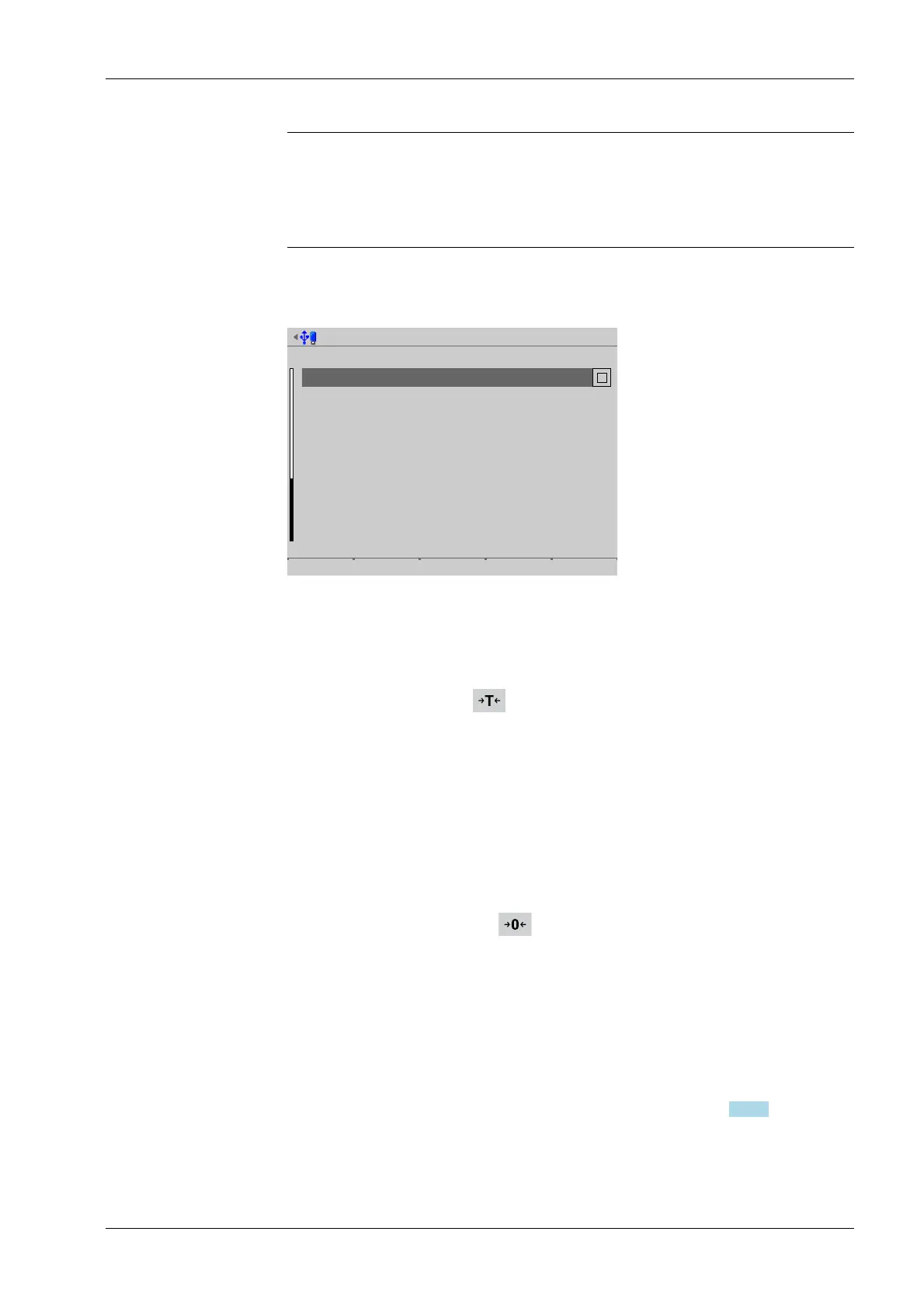
Operating parameters @admin
Operating
Keys require logged in user
Tare key
Set zero key
F1 key
F2 key
set tare & reset tare
only when not tared
no function
Change language
Default Input test Save
If the checkbox ☑ is ticked, the keys with weighing point functions (e.g. set zero; F1
and F2, if congured for weighing point function) are disabled for users who are not
logged in.
[Tare key]
The function of the tare key can be congured.
Selection: disabled, [set tare & reset tare], set tare & set tare again
[Disabled] means that the key has no function.
[Set tare & reset tare] means that the device will be tared if it has not been tared
previously and the tare will be reset if the device has already been tared.
[Set tare & set tare again] means that each time a key is pressed, the instant value in
the tare memory is applied and the net display switches to 0.
[Set zero key]
The function of the set zero key can be congured.
Selection: disabled, [only when not tared], reset tare on zero set
[Disabled] means that the set zero key on the keypad has no function.
The key's function can be limited to gross mode with [only when not tared] or
switched automatically to gross mode with [reset tare on zero set].
If the set zero key with these settings has no eect, the congured zeroset range
(around the zero point set with the dead load) is already utilized due to a previous
zero-setting operation and/or automatic zero setting (see Chapter 4.7.1.1).
4 System setup Process Controller Maxxis 5 PR 5900
EN-79 Minebea Intec



 To Next Page