Chapter Four: Operation in Normal Mode General Information
101
Chapter Four: Operation in Normal Mode
General Information
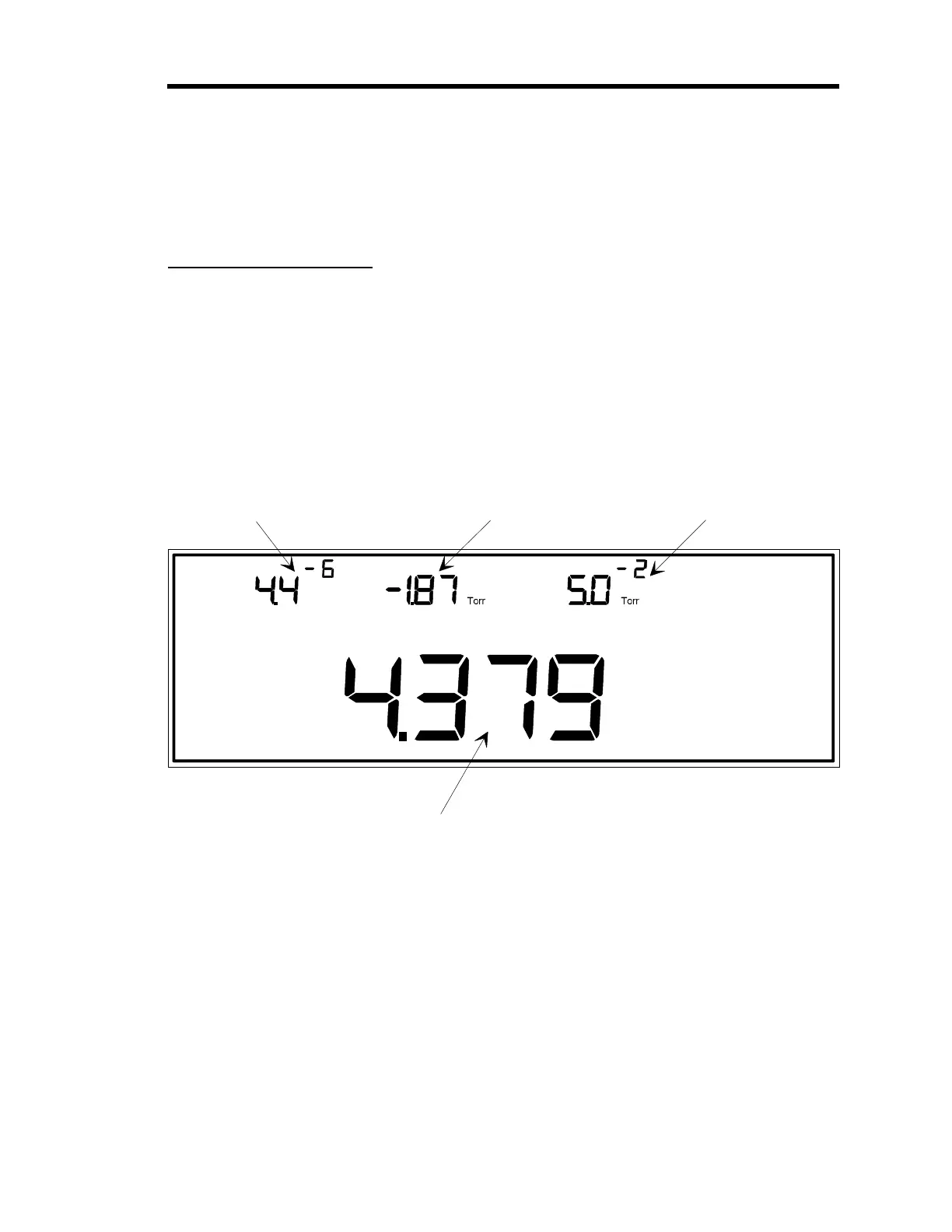
Figure 25 shows a sample window for Normal Mode. In Normal Mode, all displays show a
pressure reading, provided the displays are connected to active sensors and the sensors are
reading within their range. If the Control board is installed, the valve control state is displayed
(
OPEN
,
AUTO
,
CLOSE
,
HOLD
, or
MANUAL
) as well. In our example, the valve control state is set
to
HOLD
.
Torr m
HOLD
4
mTORR
LEFT DISPLAY CENTER DISPLAY
RIGHT DISPLAY
The pressure reading
from the gauge on
channel 1 is shown
here.
The pressure reading
from the gauge on
channel 2 is shown
here.
The pressure reading
from the gauge on
channel 3 is shown
here.
The pressure reading from the gauge on channel 4 is shown here.
Note:
It is possible to display the pressure reading from
a gauge on any channel in the Main Display.
MAIN DISPLAY
Figure 25: Normal Mode Display
Artisan Technology Group - Quality Instrumentation ... Guaranteed | (888) 88-SOURCE | www.artisantg.com











 To Next Page