How To Switch Channels in the Main Display Cha
ter Five: O
eration in Leaka
e Mode
130
Torr mTorr
LEAKAGE
HOLD
TORR
1 4
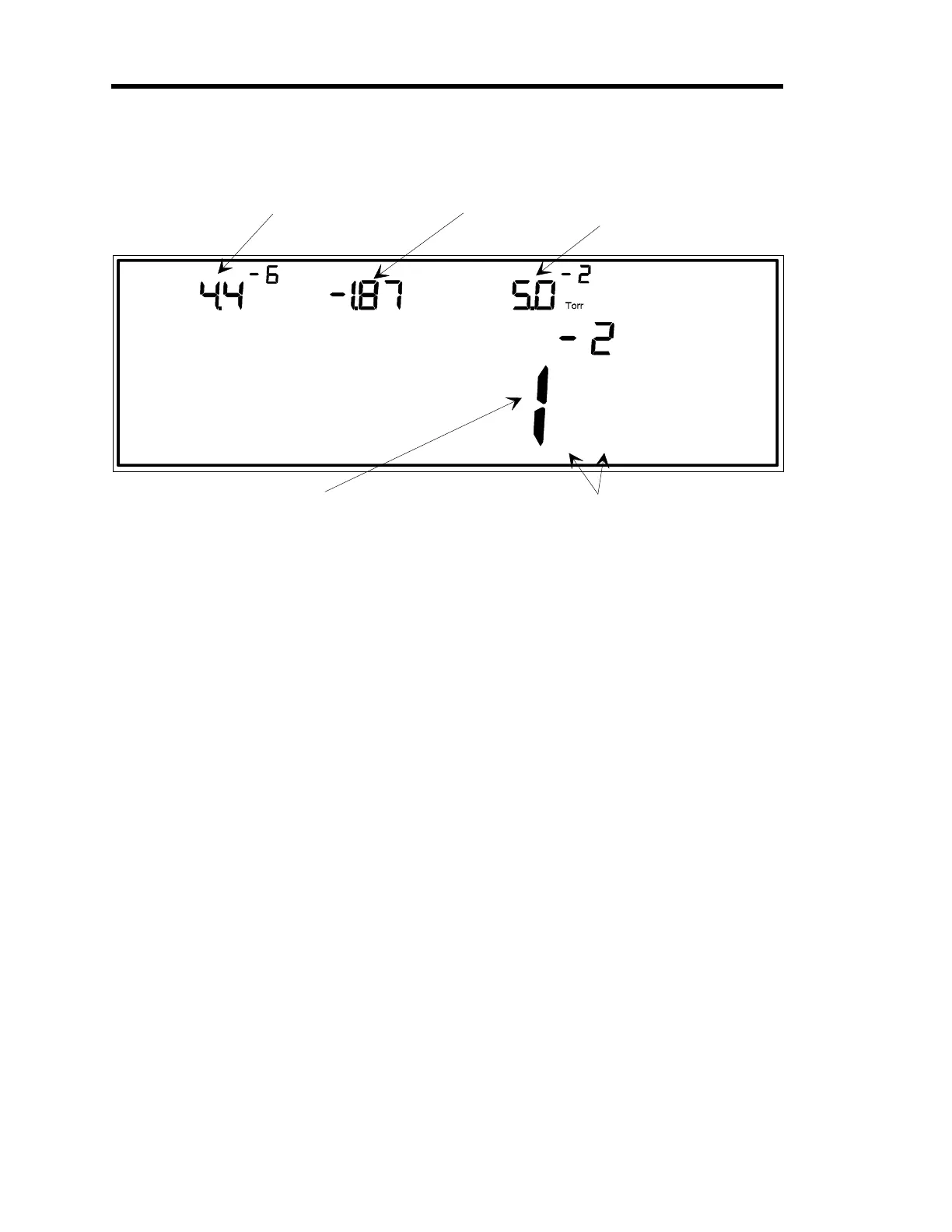
LEFT DISPLAY
CENTER DISPLAY
RIGHT DISPLAY
The pressure reading from
the gauge on channel 1 is
shown here.
The pressure reading from
the gauge on channel 3 is
shown here.
The pressure reading from
the gauge on channel 2 is
shown here.
MAIN DISPLAY
This display shows either Instantaneous Leakage (current
pressure minus base pressure) or Leakage Rate expressed in
units/second (leakage is measured over a user-defined time base.
Base pressure is the pressure reading on a channel when Leakage
Mode is first entered. Base pressure is obtained and stored for all
active channels.
Note:
In this example, the
gauges on channels 1 and
4 make up the dual channel
display.
Figure 35: Dual Channel Display in Leakage Mode
In a dual channel display function, leakage information is shown for a single channel, or
for both channels combined. The display is determined by whether the dual channel
display feature is configured for continuous or discontinuous operation, and whether
instantaneous pressure is being taken from the upper or lower channel, or the overlapping
region between the channels. Refer to
How To Set Up a Dual Channel Readout
, in the
Operation in Setup Mode
chapter, to learn how to select continuous or discontinuous
operation in the dual channel feature.
Artisan Technology Group - Quality Instrumentation ... Guaranteed | (888) 88-SOURCE | www.artisantg.com











 To Next Page