Chapter Three: Overview Inside the T
e 146 Unit
75
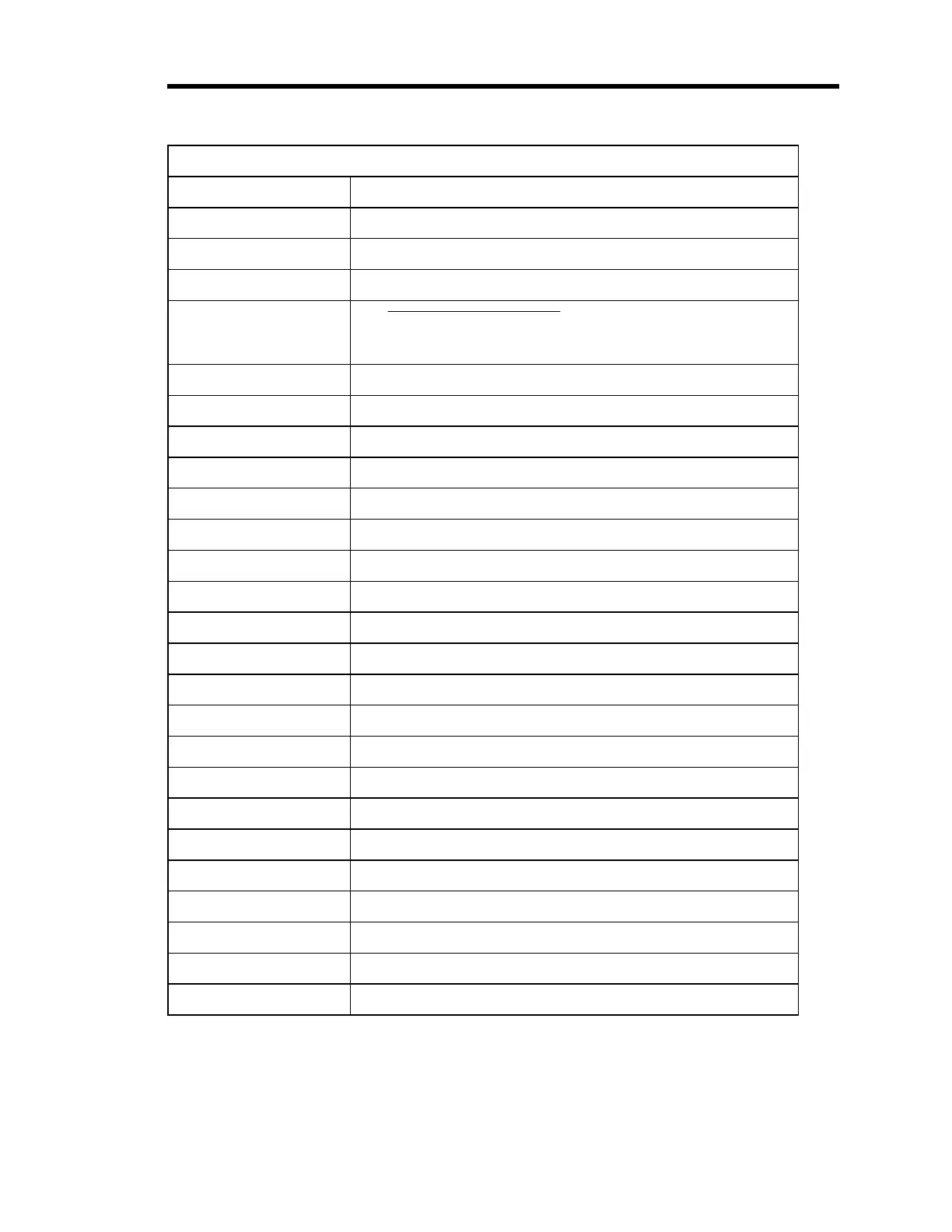
Front Panel Connector Pinout on the Displayless 146 Unit
Pin Number Assignment
1 Chassis Ground
2 RS-232 Transmit
3 RS-232 Receive
4
RS-232 Receive Enable
(connect to digital ground to
override rear connector RS-232)
5 RS-232 CTS (special option)
6Spare
7 Digital Ground
8 Filtered +5 Volts
9 Keyboard P4
10 Keyboard P5
11 Keyboard P6
12 Keyboard P7
13 Keyboard P8
14 Display Backlight Enable
15 Display Data U2
16 Display Data U3
17 Display Data U4
18 Display Data Clock
19 Keyboard P3
20 RS-232 RTS (special option)
21 Keyboard P2
22 Keyboard P1
23 Keyboard P11
24 Keyboard P10
25 Keyboard P9
Table 30: Front Panel Connector Pinout on the Displayless 146 Unit
Artisan Technology Group - Quality Instrumentation ... Guaranteed | (888) 88-SOURCE | www.artisantg.com











 To Next Page