Chapter Three: Overview The Front Panel Window
43
The Front Panel Window
Initial View Upon Power Up
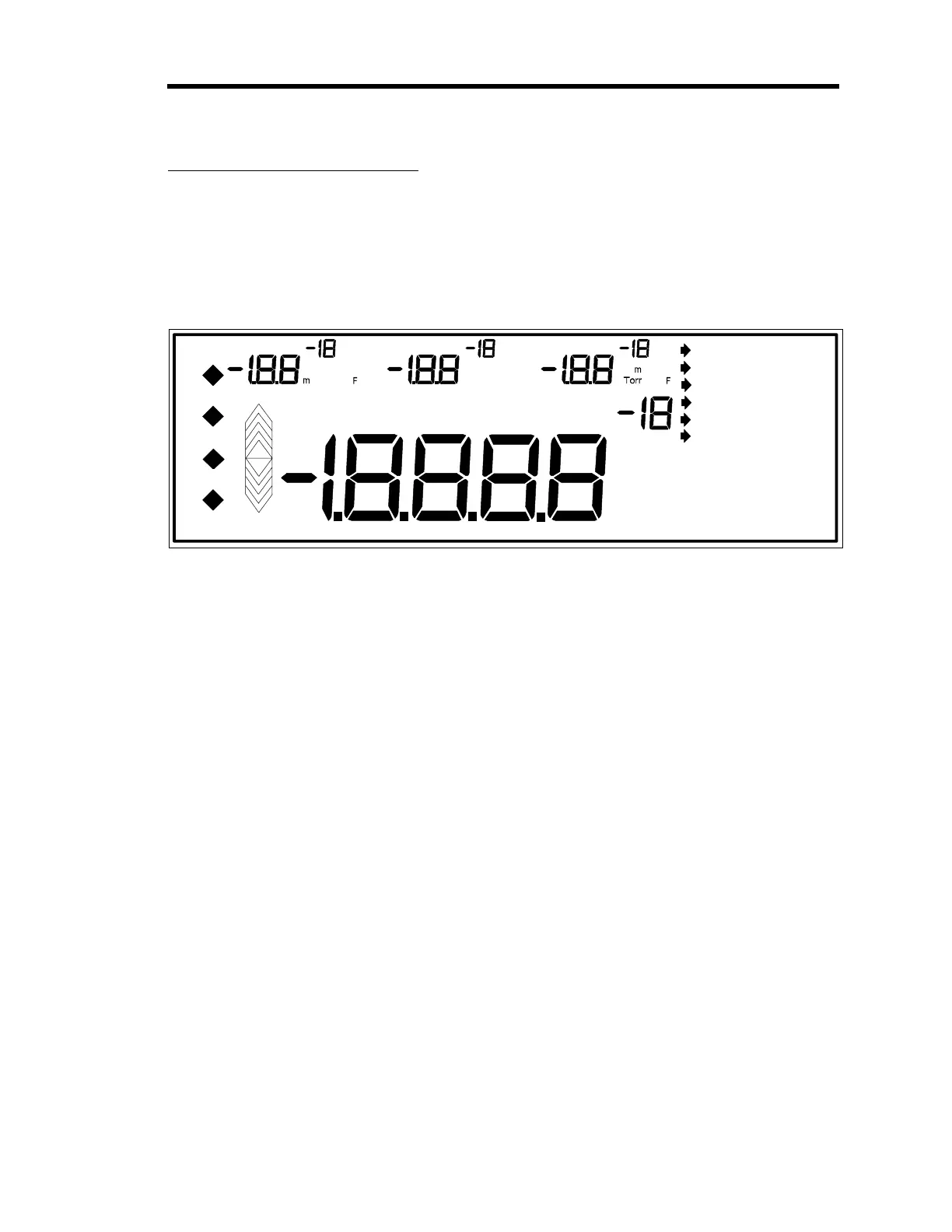
On power up, the 146 unit goes through its normal initialization and provides a full LCD test
display in the front panel window, shown in Figure 12.
mBAR C
mTORR F
PASCAL
VOLTS K
1 2 3 4
o
o
o
Pa
Torr
K
o
o
C
o
m
BAR
Pa
m
Torr
F
o
C
o
m
BAR K
o
Pa
m
o
C
o
BAR
K
o
TUNING LEAKAGE SETUP
SELF
OPEN
AUTO
CLOSE
HOLD
MANUAL
LATCHED
LATCHED
LATCHED
LATCHED
SET POINT LEAD GAIN
OVERRANGE
UNDERRANGE
NO SENSOR
CAN'T ZERO
OVERRIDE
INVALID
PRESET DUAL CHANNEL
INTEGRAL THRESHOLD
START SENSOR CAL
BASE CODE TRIP POINT
ANALOG END POINT
Figure 12: Full LCD Display
When initialization is complete, the 146 unit defaults to Normal Mode operation. The front
panel back-light has an automatic timed turn off. If no keys are pressed, the back-light shuts off
after one hour. The window is reactivated by pressing any key (the key also executes any
command associated with it).
Artisan Technology Group - Quality Instrumentation ... Guaranteed | (888) 88-SOURCE | www.artisantg.com











 To Next Page