Code 10x: How To Adjust the Display Lag Cha
ter Seven: O
eration in Setu
Mode
226
Code 10x: How To Adjust the Display Lag
SETUP
CODE
LEFT DISPLAY
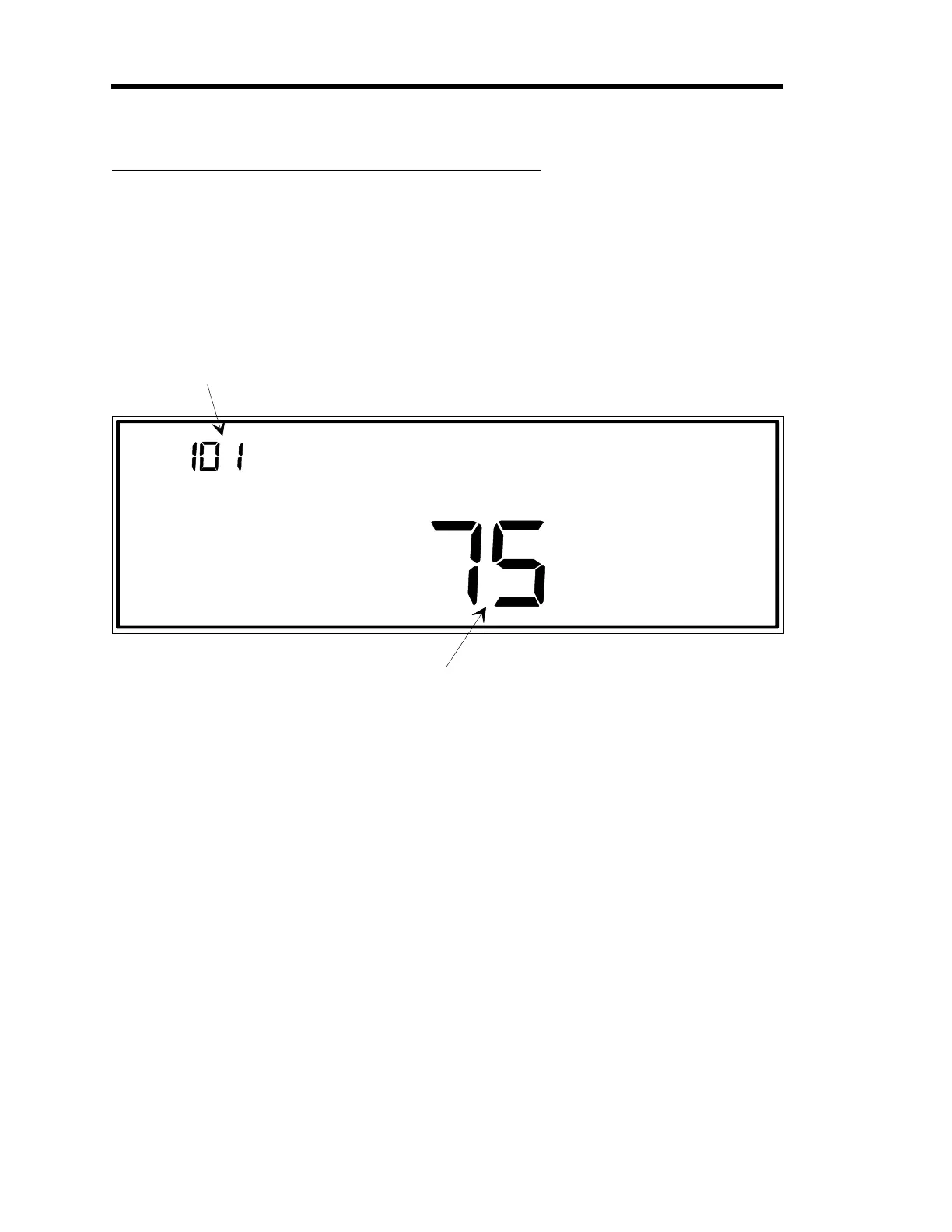
The code number is displayed
and edited here.
In this example, the code number
is 10x, where x represents the
channel number of the display
to be edited.
MAIN DISPLAY
This is the display la
percent. The ran
e for the la
percent
is 1 to 100, where 100% is the hi
hest display sensitivity. Use
a hi
h display sensitivity for very quiet applications only.
Figure 73: Code 10x Display
The
x
in the code number represents a channel number. Code 10 adjusts the display sensitivity
for a channel. When sensitivity is increased, any noise on the selected channel becomes more
apparent in the display. Therefore, for noisy applications a low sensitivity value is best.
Sensitivity is entered as a percent; the range is 1% to 100%.
The percent value is the weight of the instantaneous pressure (or flow) reading that is used to
calculate the pressure (or flow) value that is displayed. For example, a value of 100% causes the
display to show the actual measured pressure (or flow) since 100% weight is given to the
instantaneous value. A value of 90% gives a 90% weight to the instantaneous pressure (or flow)
reading and a 10% weight to the previous reading. Both weights are included in the calculation
to determine the displayed pressure or flow reading.
Artisan Technology Group - Quality Instrumentation ... Guaranteed | (888) 88-SOURCE | www.artisantg.com











 To Next Page