The Diagnostics Feature Cha
ter Eleven: Troubleshootin
294
Code 4: Check all Keys
1. Press the [4/4] key and then the [
ENTER
] key.
The system should respond by clearing the window and showing the number four (4) in
the right display. All keys on the keypad can now be tested. To test a key simply press
it. For example, if the [1/1] key is pressed, the number 1 appears in the main display.
If the [2/2] key is pressed, the number 2 appears in the main display. The following
chart lists what is shown in the main display for every key on the keypad. Figures 87
and 88 provide examples of some keypad test results.
To Exit Code 4
1. Press the [
] and [ ] keys simultaneously.
The system responds by returning to the initial diagnostics screen display.
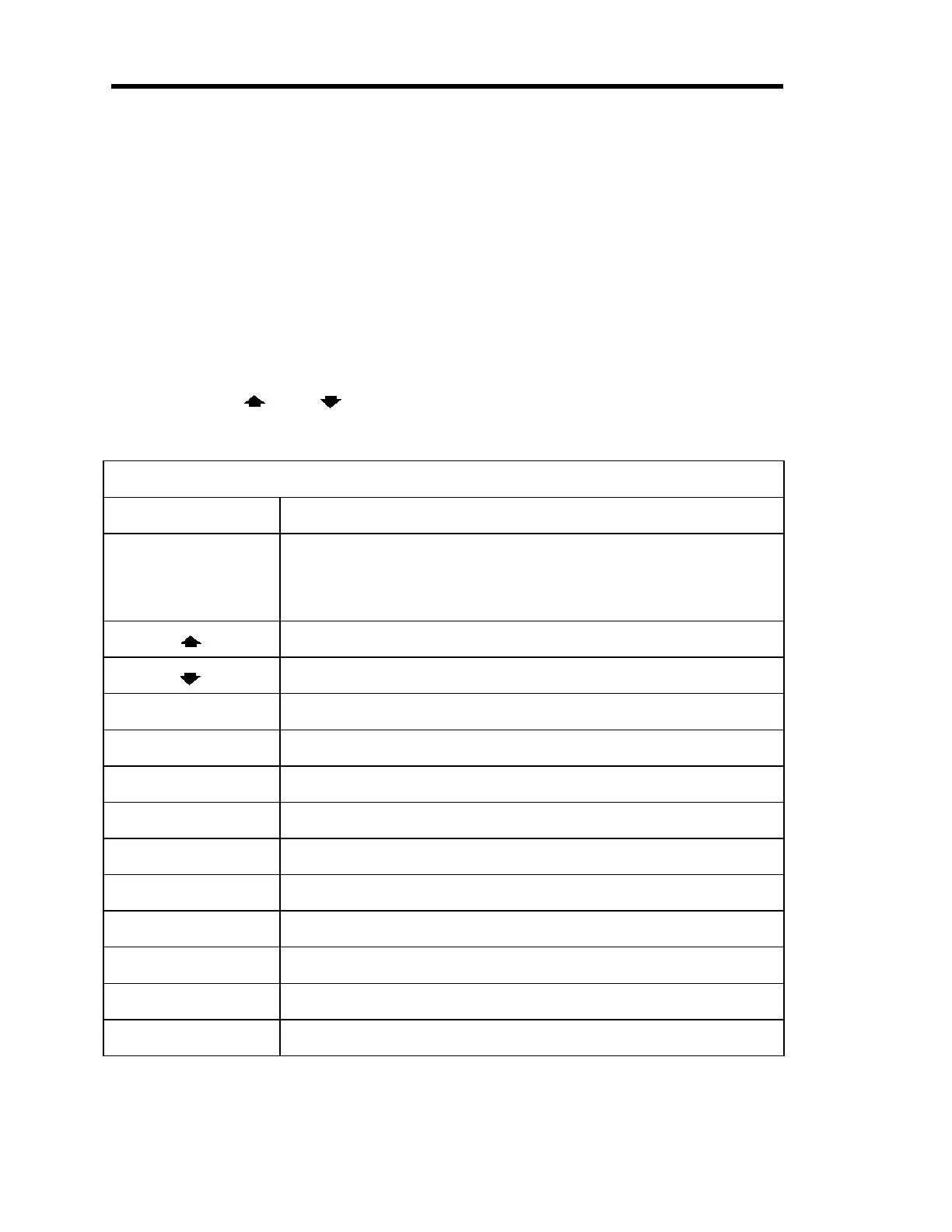
Diagnostics Code 4 Key Test Results
Key Pressed What Appears in the Main Display
[
the number keys
]
[1/1] through [0/D]
The corresponding number
For example, pressing the [1/1] key displays the number 1, pressing
the [0/D] key displays the number 0.
The word
UP
The abbreviation
dn
(for down)
[+/-] The word
SIGn
(as shown in Figure 87, page 295)
[
ZERO
/
EXP
] The abbreviation
EP
(for exponent)
[
SPAN
/.] Three decimal points
...
[
DEGAS
/
SET POINT
] The abbreviation
SP
(for set point)
[
ON
/
LEAD
] The word
on
[
OFF
/
GAIN
] The word
oFF
[
QUIET
/
CANCEL
] The word
SHHH
(as shown in Figure 88, page 295)
[
DISPLAY MODE
] The abbreviation
dISP
(for Display mode)
[
CONTROL MODE
] The abbreviation
cont
(for Control mode)
[
ENTER
] The abbreviation
Ent
(for enter)
Table 87: Diagnostics Code 4 Key Press Results
Artisan Technology Group - Quality Instrumentation ... Guaranteed | (888) 88-SOURCE | www.artisantg.com











 To Next Page