The Diagnostics Feature Cha
ter Eleven: Troubleshootin
292
There are three general message codes that may appear in the main display. One general message
code is
nA
for non-applicable. This appears when a test is being run inappropriately. The
general message code
ni
stands for not installed. For example, if the Code 6x test is being run
to test one of the analog outputs on the Analog Output board, and the Analog Output board is not
installed in the 146 unit, then the
ni
general message code is displayed. General message code
Err
is displayed for an inappropriate key sequence. When this message is displayed, press the
[
QUIET
/
CANCEL
] key to return to the initial diagnostics screen display.
To Exit the Diagnostics screens:
1. Press [1/1] , then [0/
D
] , and then the [
ENTER
] key.
The system responds by exiting the Diagnostics screens.
Code 1: RAM Test
1. Press the [1/1] key and then the [
ENTER
] key.
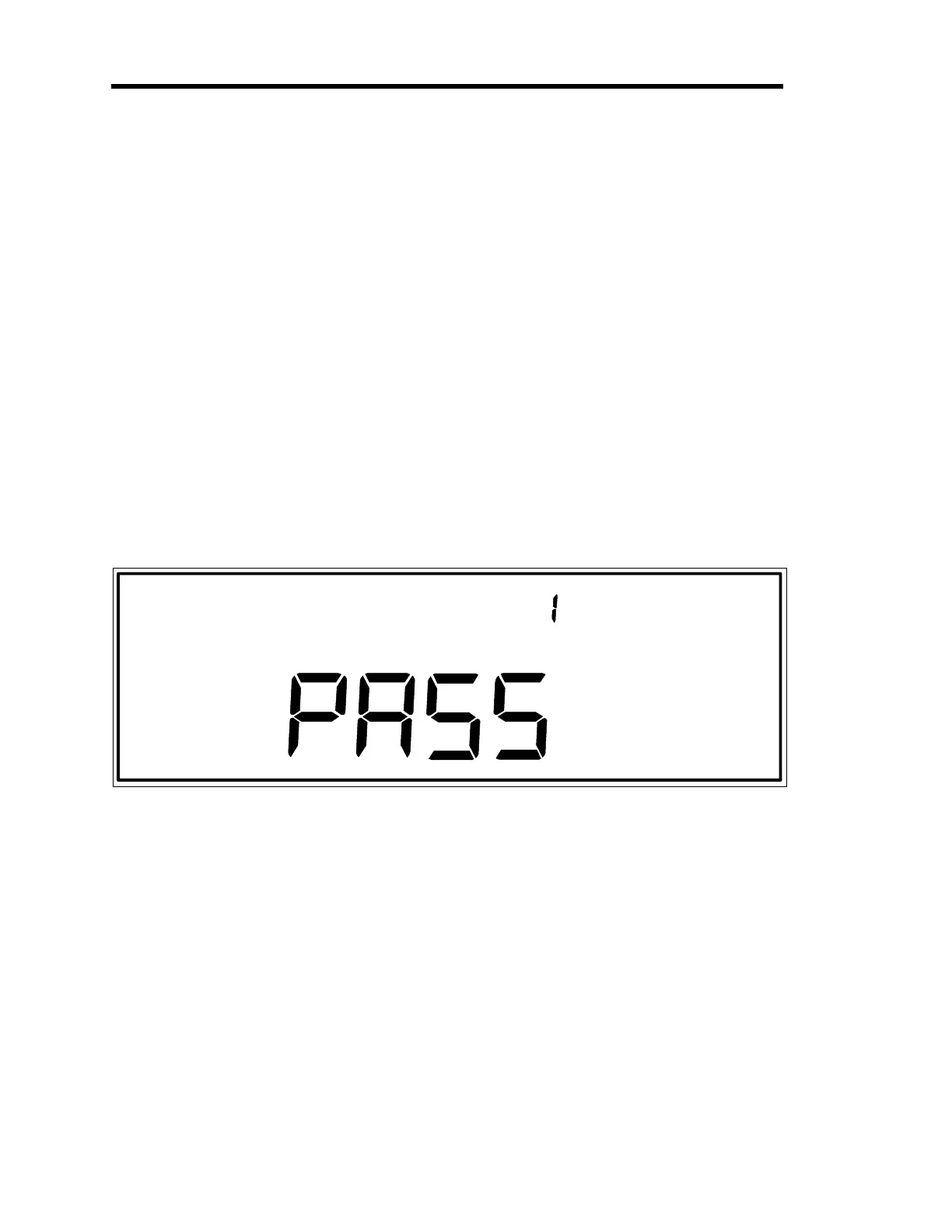
The system should respond by performing a RAM test and displaying PASS. An
example of the PASS display shown in Figure 86.
Figure 86: PASS Test Result Display from RAM Self-Test
Artisan Technology Group - Quality Instrumentation ... Guaranteed | (888) 88-SOURCE | www.artisantg.com











 To Next Page