Code 3: How To Adjust Audio Alarms Cha
ter Seven: O
eration in Setu
Mode
216
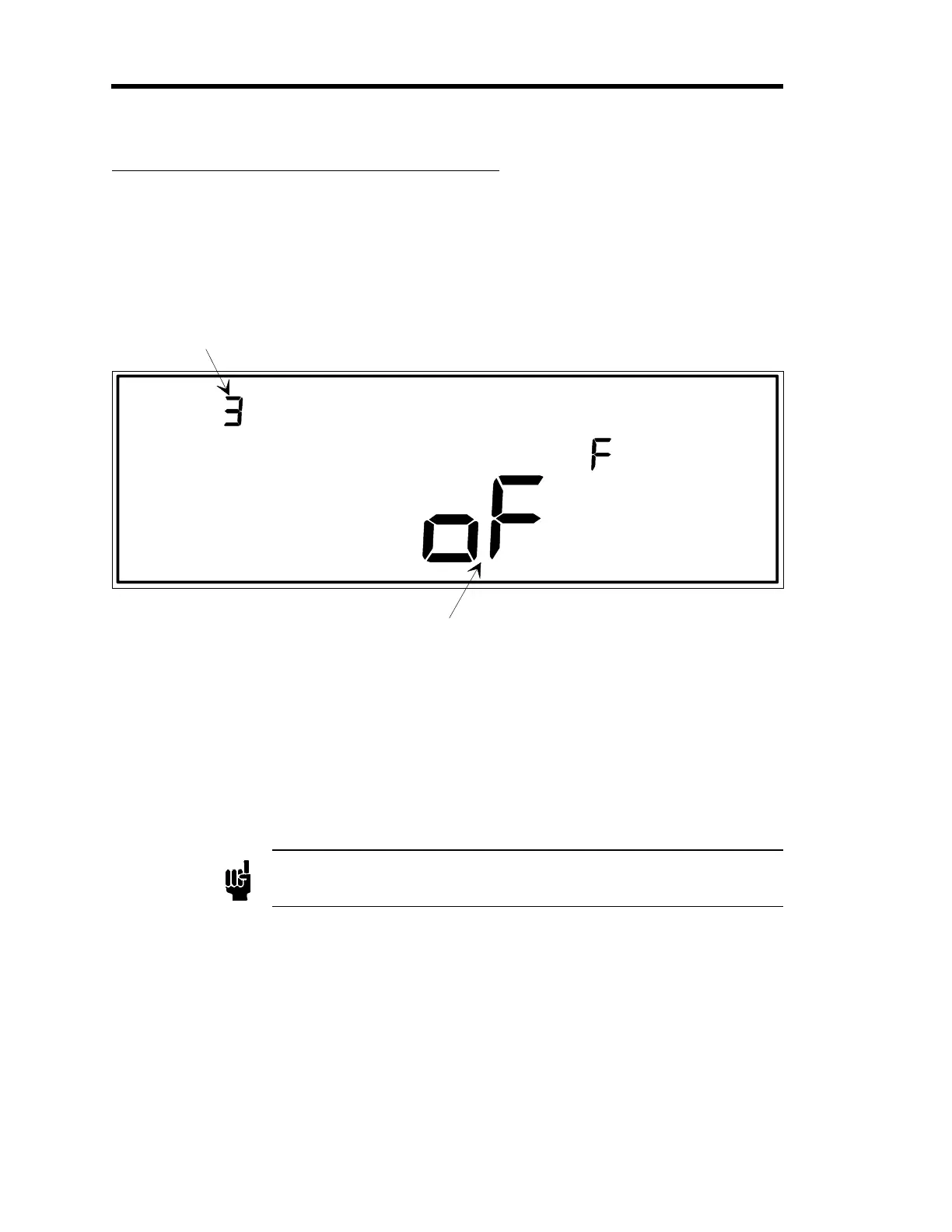
Code 3: How To Adjust Audio Alarms
LEFT DISPLAY
CLOSE
SETUP
CODE
The code number is
displayed and edited here.
In this example, the
code number is 3.
MAIN DISPLAY
This display to
les between on (turn the audio alarm on),
and oFF (turn the audio alarm off) as shown in this example.
Figure 68: Code 3 Display
The Audio Alarm function turns On/Off some of the beeper sounds made by the 146 unit. If
turned Off, the only remaining sound from the beeper is the key-press click.
Note
The Audio Alarm function should be set to Off for displayless units
since these units have no front panel keypad.
1. Repeatedly press the [
DISPLAY MODE
] key until the 146 unit is in Setup Mode.
The system responds by scrolling through modes.
2. Use the arrow keys to scroll to the
CODE
legend.
The system responds by causing the left display to blink.
Artisan Technology Group - Quality Instrumentation ... Guaranteed | (888) 88-SOURCE | www.artisantg.com











 To Next Page