Code 13x: How To Adjust Softstart for Control Cha
ter Seven: O
eration in Setu
Mode
232
Code 13x: How To Adjust Softstart for Control
RIGHT DISPLAY
LEFT DISPLAY
CLOSE
SETUP
CODE
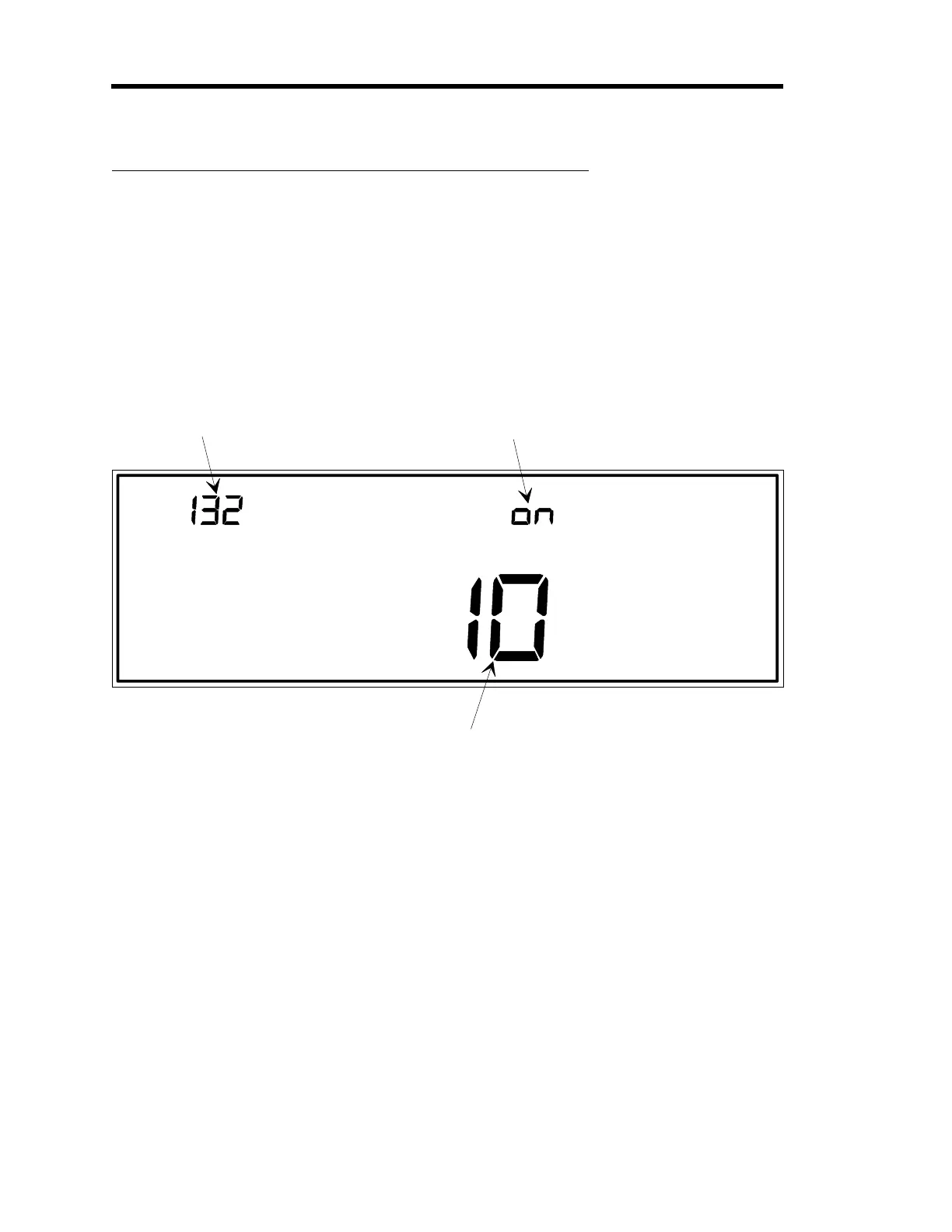
The code number is
displayed and edited here.
In this example, the code
number is 13x, where x
represents the number of
the recipe whose softstart
value is listed in the main
display. In this example,
the recipe number is 2.
This display to
les between
oFF (disable the softstart speed
feature for the selected recipe),
and on (enable the softstart speed
feature). This example shows the
softstart speed enabled.
The status of the softstart feature,
either enabled or disabled, applies
to all recipes.
MAIN DISPLAY
The softstart speed value is edited here. The value
entered here only effects the selected recipe.
Figure 76: Code 13x Display
This function requires the Control board.
The
x
in the code number represents a recipe number. The softstart speed is used when
adjusting the control valve, and is the time period for which the valve drive signal (and thus the
valve position) can go from 0 to 100%. Each recipe can have a different softstart speed
the
value shown in the main display applies to the selected recipe only. The right display indicates
the status of the softstart function; whether it is enabled or disabled. The softstart status applies
to all recipes.
Artisan Technology Group - Quality Instrumentation ... Guaranteed | (888) 88-SOURCE | www.artisantg.com











 To Next Page