Description A
endix D: Front Panel Error/Status Messa
es
308
Description of Front Panel Error/Status Messages (Continued)
Display/Error Code Error
E0 Disconnected sensor
If any sensor becomes disconnected from a powered channel, the
NO SENSOR
legend appears on the right side of the window, and the
channel’s pressure reading is replaced with
E0
.
E1 Bad sensor
A sensor is considered bad if it is unable to provide pressure
information. This determination is sensor dependent. A Pirani type
gauge with an open filament, an MKS Type 120 sensor which cannot
range switch or which has a non-verified change in gain, and MKS
Type 107 six decade transducer with corrupted EEPROM data, are the
detectable bad sensors.
E2 PROM checksum error
E3 RAM failure
E4 User EEPROM checksum failure
E8 EEPROM Cal reference failure (non-recoverable)
E9 Set point input out of range
E10 Wrong EEPROM format
E12 System recovery failure
C5 Cannot turn off channel with associated alarms enabled
C6 Cannot turn off channel with associated control channel in
AUTO
C7 Cannot shut off reference channel of an auto powered ion gauge
C11 New hardware configuration detected
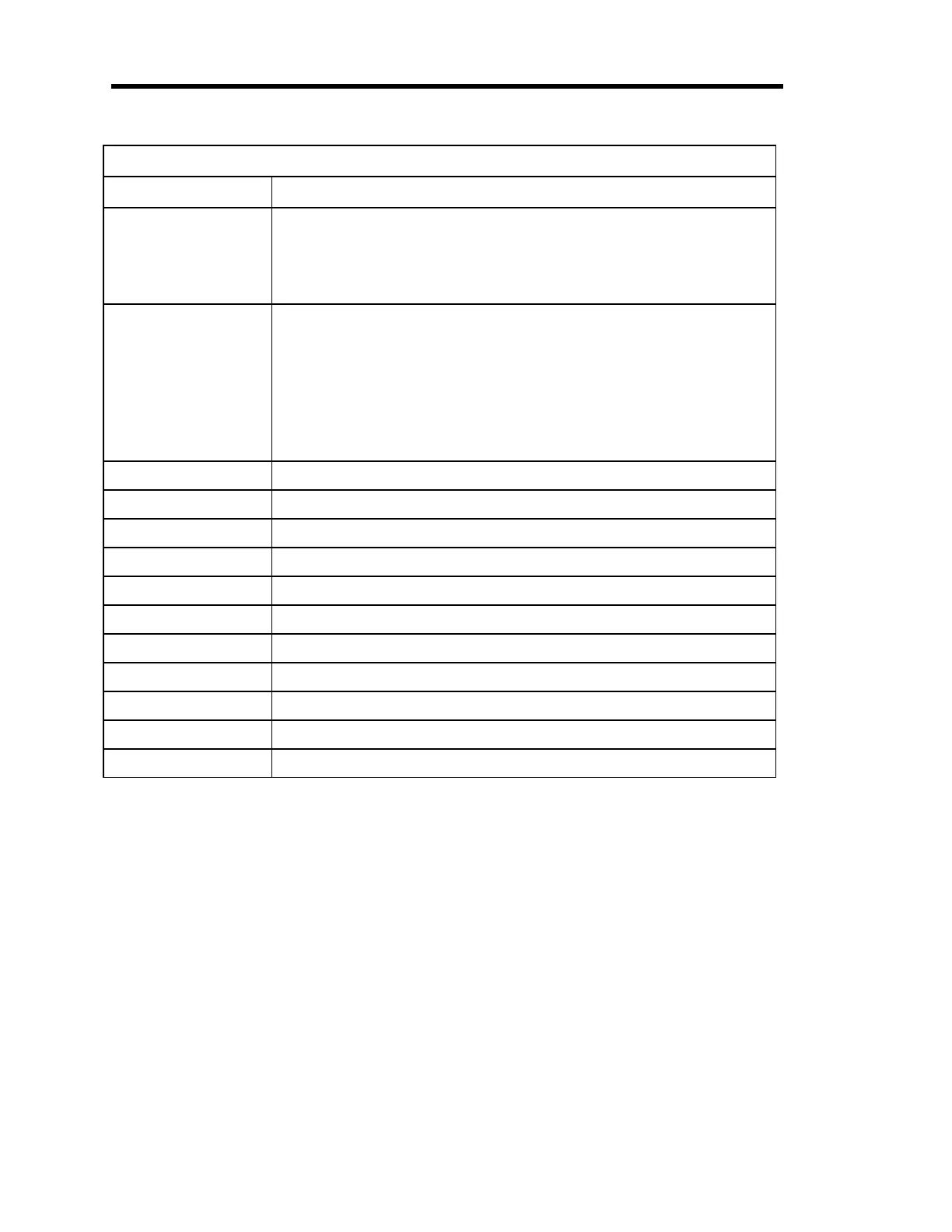
Table 90: Description of Front Panel Error/Status Messages
To Override C Error Codes (C5, C6, C7, and C11):
All of the
C
error codes are overridden by pressing the [
ENTER
] key.
Codes Displayed at Power Up:
If there has been a configuration change in the 146 unit (C11), or an E4 or E10 condition is
present, the 146 instrument displays an error code upon power up. When power is recycled
(turned off and then on again), the unit clears the non-fatal error code. If there is only one non-
fatal error, the unit powers up and initializes normally. If however, a second error condition
exists, then the error code for the second error condition is displayed. By cycling the power a
few times, all non-fatal error codes are displayed and then cleared.
Artisan Technology Group - Quality Instrumentation ... Guaranteed | (888) 88-SOURCE | www.artisantg.com











 To Next Page