Chapter 4: Using the Commands
December 31, 2007 AT Commands Reference Manual 4-23
STK
Display Text/Display Idle Mode Text
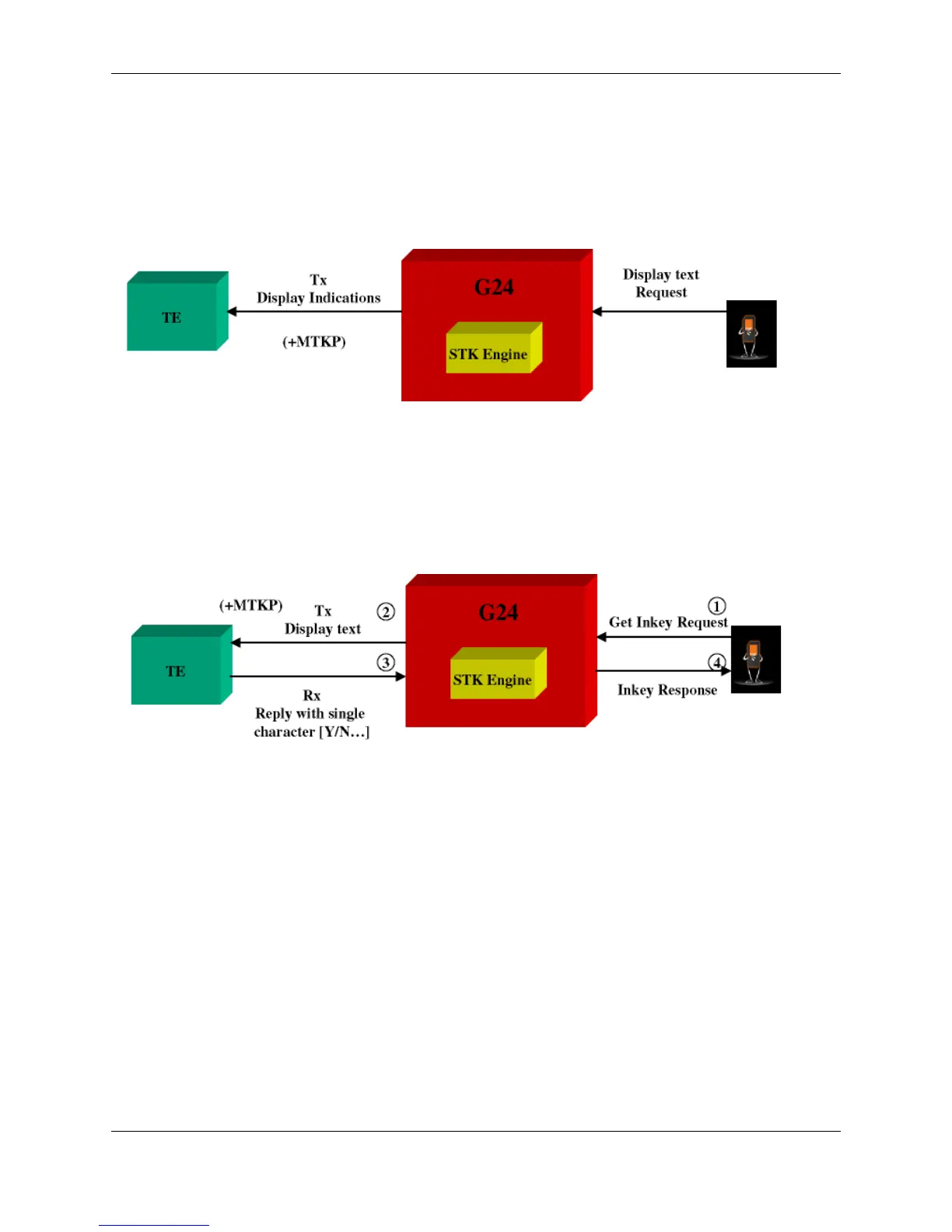
The SIM card requests to send text to the G24 and the G24 displays it on the terminal.
Figure 4-12: Display Text
Get Inkey
The SIM card requests to display text on the terminal, and waits for a response from the terminal
(user). The response is a single character.
Figure 4-13: Get Inkey
Note: All responses to unsolicited events are expected within one minute.



 To Next Page
 Loading...
