8 Operation
Maschinenfabrik Reinhausen GmbH 2020116 3587317/21 ENTAPCON
®
Example:
Configuration
To configure the device as a GOOSE publisher, you have to call up the vi-
sualization via a PC. You must have a parameter configurator or administra-
tor user role.
To configure the device as a GOOSE publisher, proceed as follows:
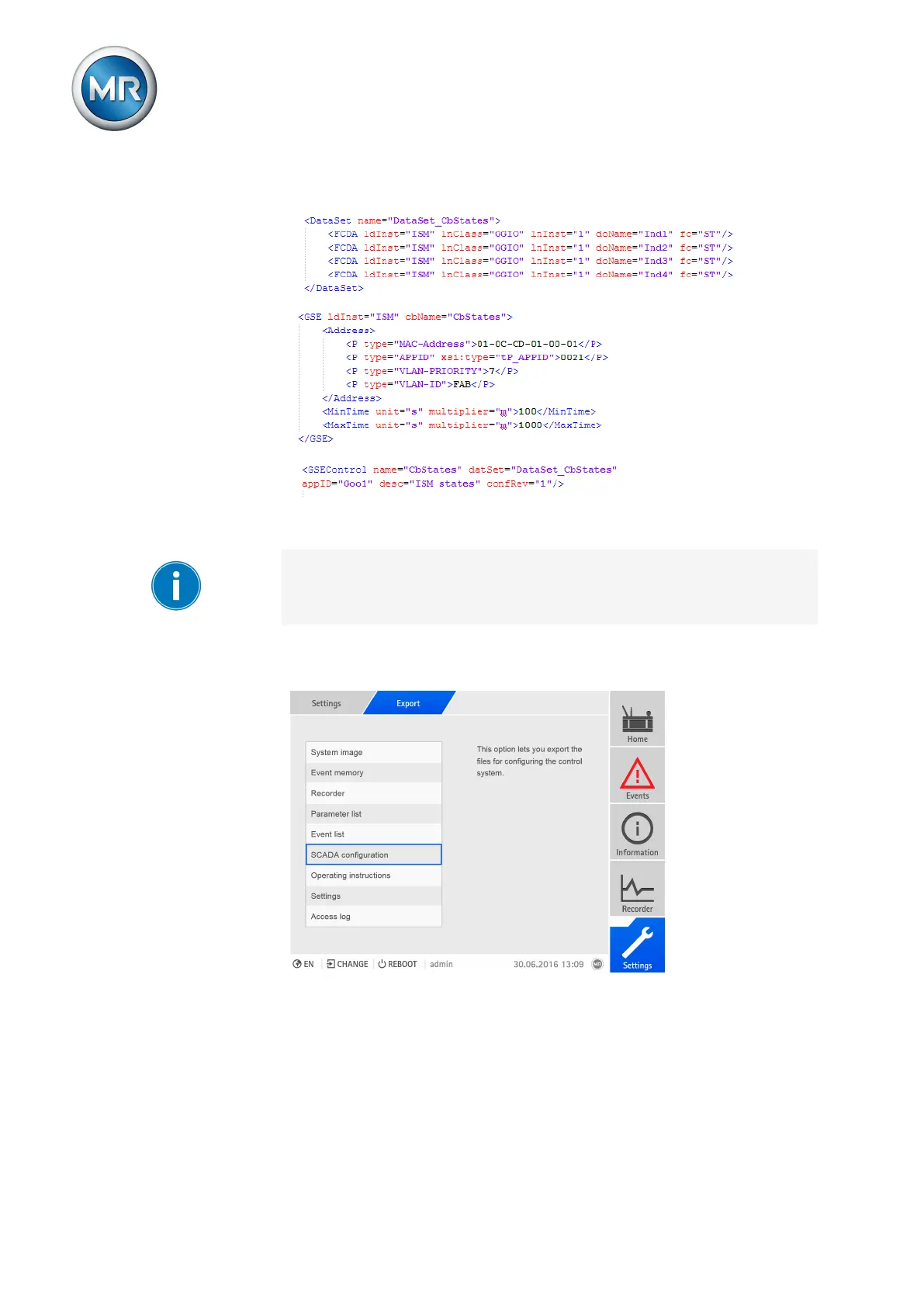
1. Go to Settings > Export.
Figure87: Exporting SCADA configuration
2. Select the SCADA configuration option.
ð The SCADA configuration is exported as a zip archive.
3. Unzip the zip archive and adapt the TEMPLATE.icd file to the require-
ments.
4. Go to Settings > Import.



 To Next Page