8 Operation
Maschinenfabrik Reinhausen GmbH 2020 1173587317/21 EN TAPCON
®
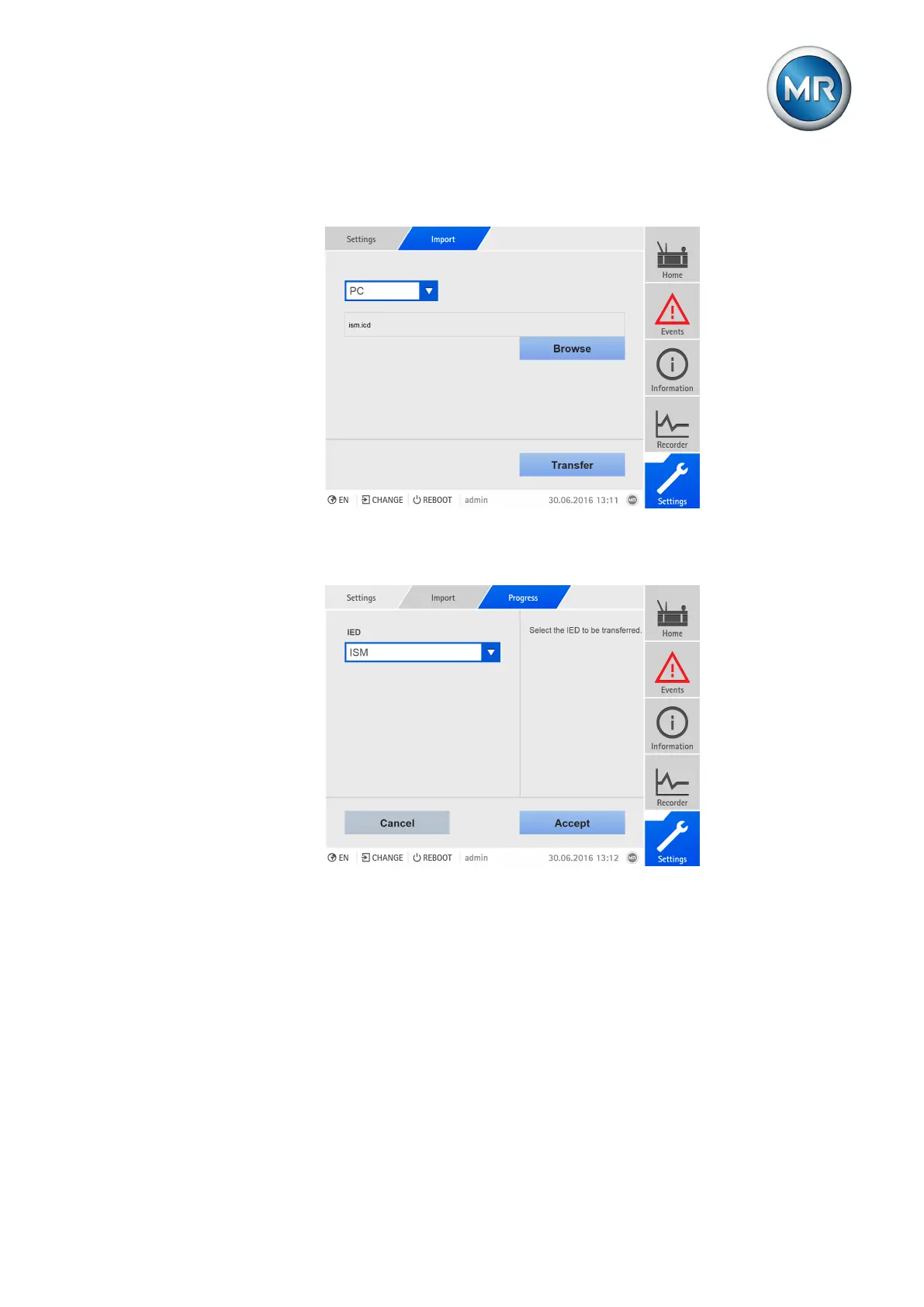
5. Select the PC or USB option, select the SCD/CID file, and select Trans-
fer.
Figure88: Importing an SCD/ICD file
6. Select the desired IED with the configuration that is to be imported and
select Accept to start the import.
Figure89: Selecting an IED
7. Upon successful completion of the import, restart the device.
ð The system restarts and checks the configuration. If the configuration
failed, an error message appears and the device resets the configuration
to the one with which it was delivered.
8.8.7.2 Configuring GOOSE subscriber
If you configure the device as a GOOSE subscriber, you can receive
GOOSE messages from an IED in the network and link them to device func-
tions. You can use this function to display all of the device's digital input sig-
nals via GOOSE.



 To Next Page