8 Operation
Maschinenfabrik Reinhausen GmbH 2020124 3587317/21 ENTAPCON
®
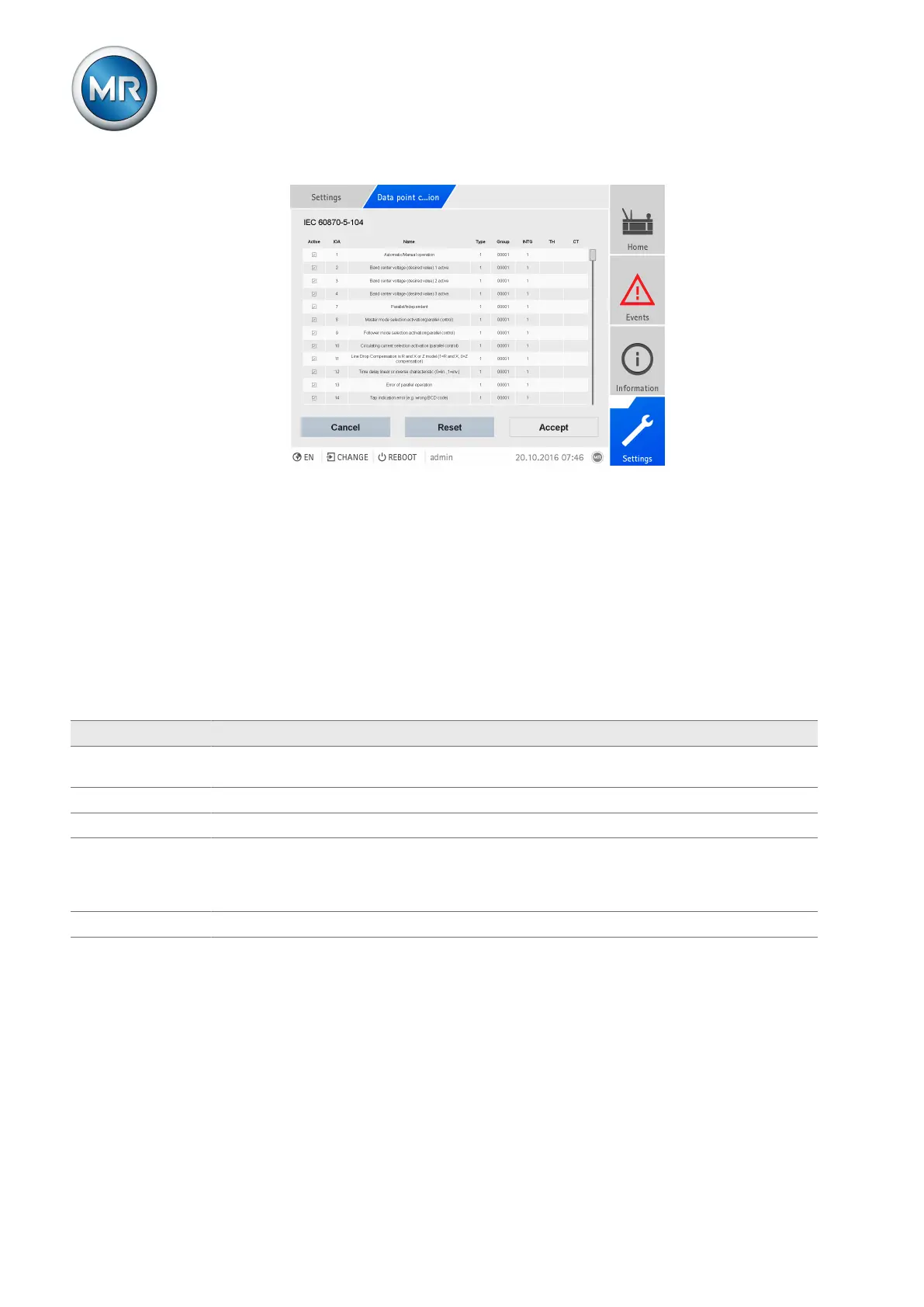
Figure94: Configuring IEC 60870-5-104 data points
Proceed as follows to configure the data points:
1. Go to Settings > Data point configuration.
2. Adjust the data points as required.
3. Press the Accept button to adopt the modified list of data points.
4. Restart the device to activate the modified list of data points.
8.8.8.4 Configuring Modbus data points
You can adjust the following data point properties for the Modbus control
system protocol:
Column Description Modifiable Setting range
Active You can use the checkbox to set whether the data point is
to be transferred via the control system protocol or not.
Yes Active/inactive
Type Data point type No -
Index1 Data point address Yes 0...65,535
Index2 Optional second data point address. This is used auto-
matically for data points able to transfer values greater
than 16 bits. Please note that the Index2 address always
follows on from the Index1 address exactly.
No -
Name Data point designation No -
Table36: Configuring Modbus data points



 To Next Page