8 Operation
Maschinenfabrik Reinhausen GmbH 2020 1253587317/21 EN TAPCON
®
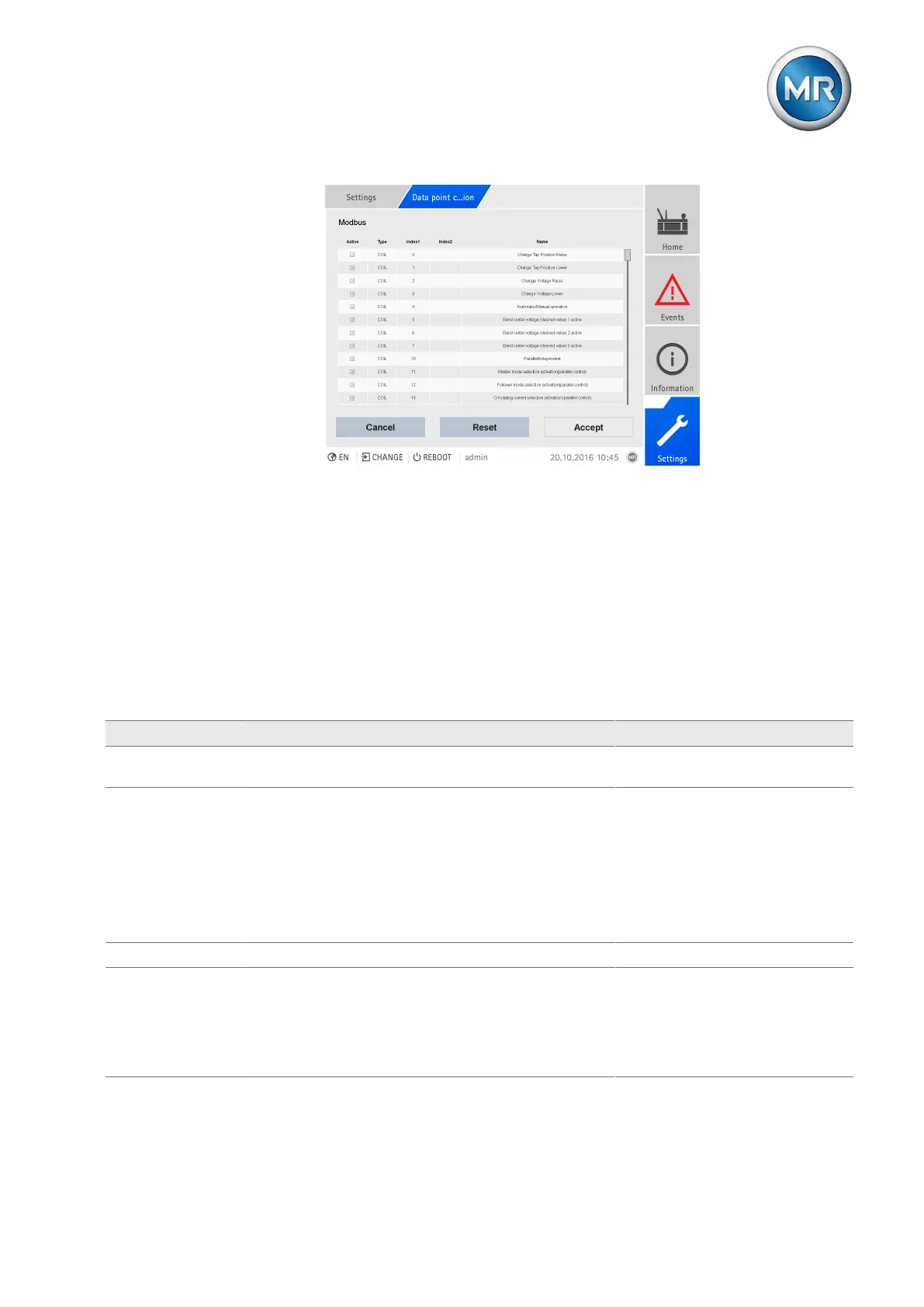
Figure95: Configuring Modbus data points
Proceed as follows to configure the data points:
1. Go to Settings > Data point configuration.
2. Adjust the data points as required.
3. Press the Accept button to adopt the modified list of data points.
4. Restart the device to activate the modified list of data points.
8.8.8.5 Configuring DNP3 data points
You can adjust the following data point properties for the DNP3 control sys-
tem protocol:
Column Description Modifiable Setting range
Active You can use the checkbox to set whether the data point is
to be transferred via the control system protocol or not.
Yes Active/inactive
OBJGROUP The OBJGROUP column indicates the data point object
group:
▪ AI = Analog Input
▪ AO = Analog Output
▪ BI = Binary Input
▪ BO = Binary Output
▪ CT = Counter
No -
INDEXADDR Data point address. Yes 0...4,294,967,296
CLASS Data point class.
▪ 0: Static
▪ 1...3: Event
Notice: You can only set the data point class for data
points of object groups AI, BI, and CT.
Yes 0...3



 To Next Page