8 Operation
Maschinenfabrik Reinhausen GmbH 2020 1513587317/21 EN TAPCON
®
Desired
value
BCD input
100 80 40 20 10 8 4 2 1
127 V 1 0 0 1 0 0 1 1 1
128 V 1 0 0 1 0 1 0 0 0
129 V 1 0 0 1 0 1 0 0 1
130 V 1 0 0 1 1 0 0 0 0
131 V 1 0 0 1 1 0 0 0 1
132 V 1 0 0 1 1 0 0 1 0
133 V 1 0 0 1 1 0 0 1 1
134 V 1 0 0 1 1 0 1 0 0
135 V 1 0 0 1 1 0 1 0 1
136 V 1 0 0 1 1 0 1 1 0
137 V 1 0 0 1 1 0 1 1 1
138 V 1 0 0 1 1 1 0 0 0
139 V 1 0 0 1 1 1 0 0 1
140 V 1 0 1 0 0 0 0 0 0
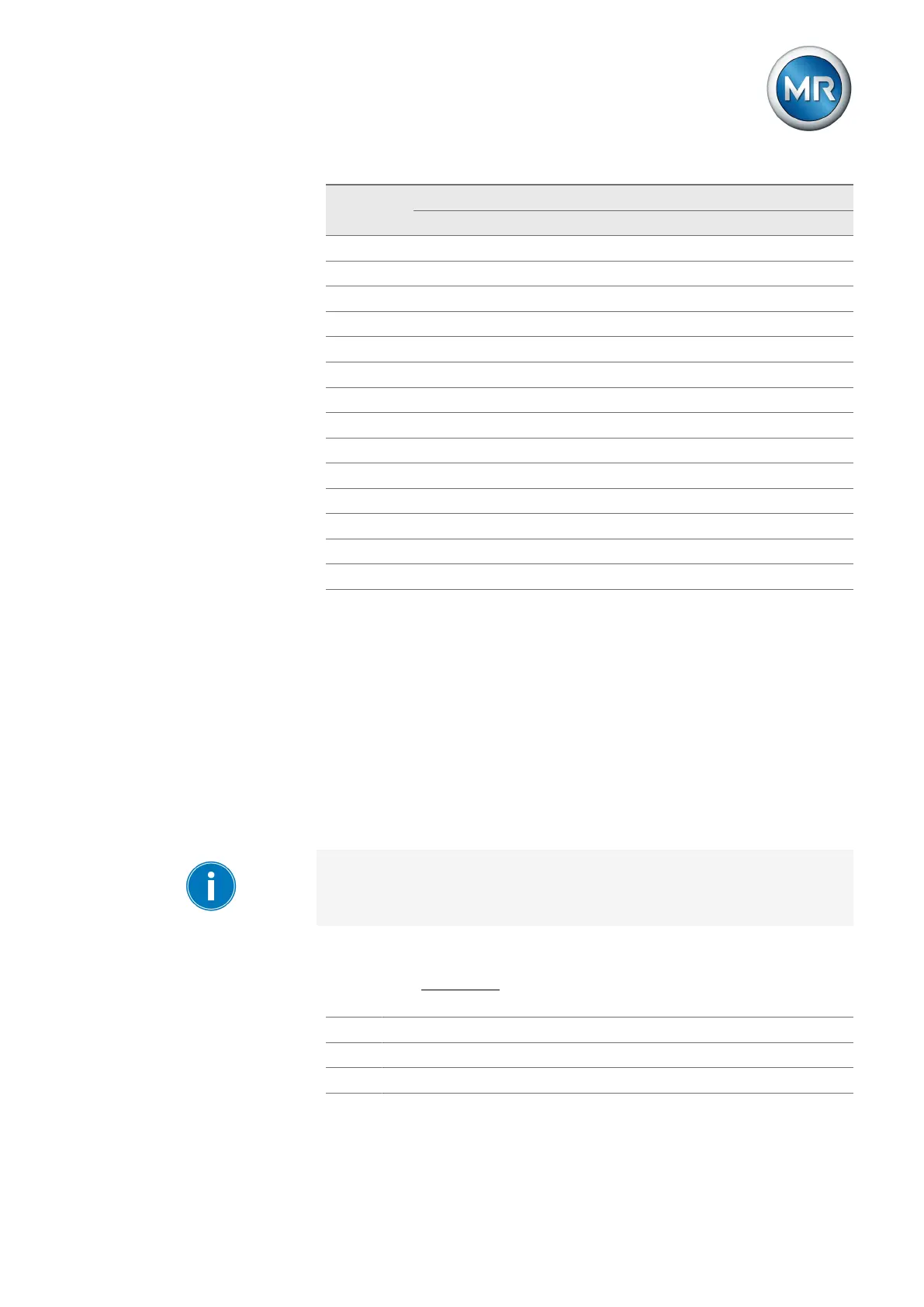
Table43: BCD-coded desired value
Setting desired value 1
1. Go to Settings > Parameters > Grid > Control > Desired value.
2. Enter the desired value.
3. Press the Accept button to save the modified parameter.
Bandwidth
You can use this parameter to set the maximum permissible deviation of the
measured voltage U
actual
from the desired value U
desired
.
In order to set the correct value, the transformer step voltage and nominal
voltage must be known. Note that a large bandwidth will result in a large
control deviation.
The bandwidth must always be greater than the following value:
|
± B
|
≥ 0,6×
U
n - 1
- U
n
U
N
×100%
U
n-1
Step voltage of tap position n-1
U
n
Step voltage of tap position n
U
N
Nominal voltage



 To Next Page