8 Operation
Maschinenfabrik Reinhausen GmbH 2020 2113587317/21 EN TAPCON
®
You can set the following parameters for each limit value:
▪ Hysteresis limit value: Specification as a percentage relative to the de-
sired voltage value.
▪ Delay time limit value
Behavior If the measured value is higher than the upper limit or lower than the lower
limit, the device triggers the Upper bandwidth limit value / Lower bandwidth
limit value message.
The "Function monitoring" function is used to detect long periods when val-
ues are above or below the bandwidth. Long periods when values are above
or below the bandwidth indicate a problem with the device function because
the device is not able to correct the control deviation.
If the value is above or below the set bandwidth [►Page 151], the Function
monitoring event is displayed after the set delay time for function monitoring
has elapsed. The event is automatically acknowledged as soon as the mea-
sured value is back within the set bandwidth.
The following parameters are available for setting function monitoring:
▪ Function monitoring
▪ Hysteresis
▪ Delay time
Function monitoring Auto and Manual
Lower bandwidth hysteresis 0.1%
Lower bandwidth delay time 2s
Upper bandwidth hysteresis 0.1%
Upper bandwidth delay time 2s
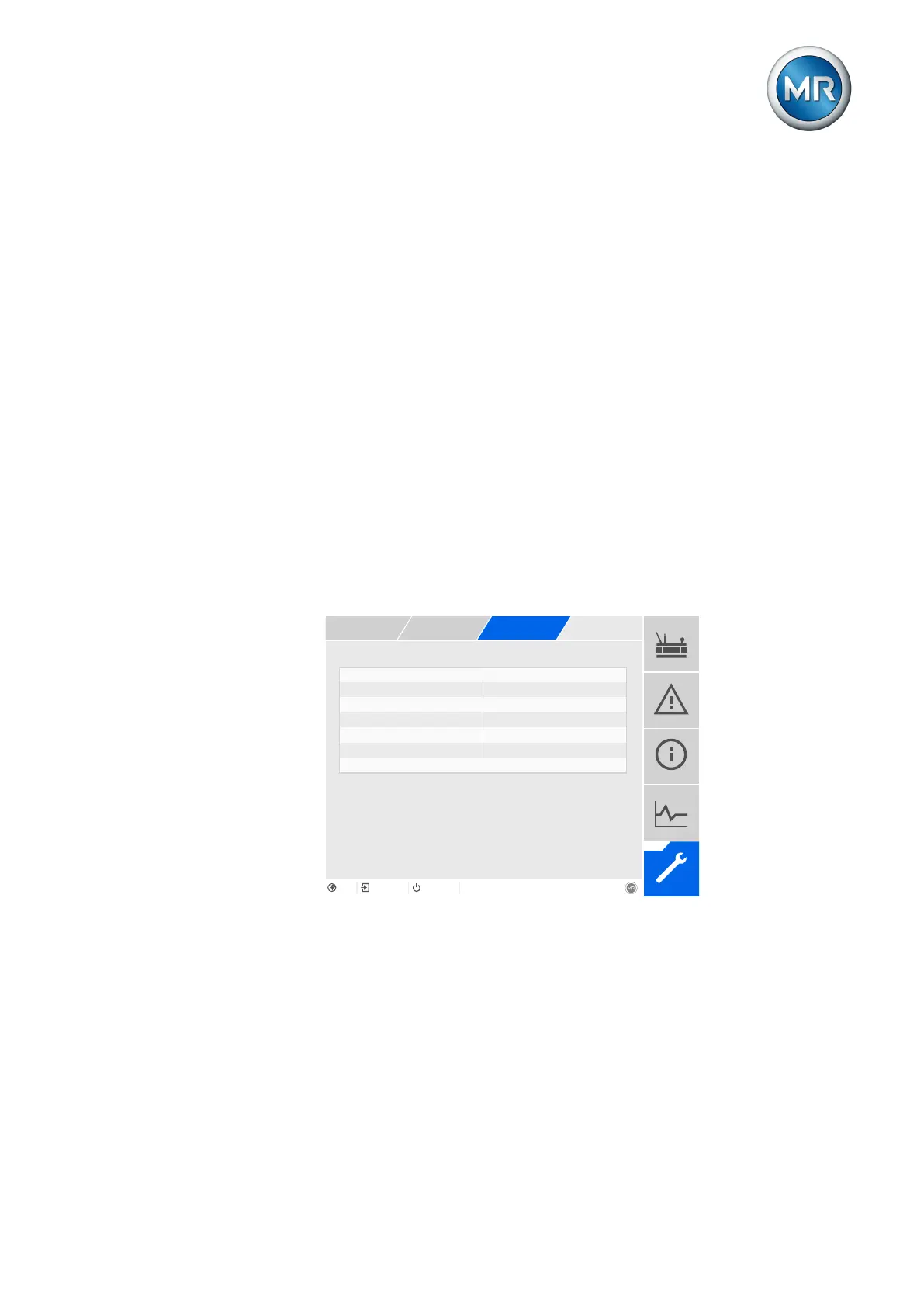
Figure145: U bandwidth monitoring
1. Go to Settings > Parameters > On-load tap-changer regulator > U
bandwidth monitoring.
2. Select the desired parameter.
3. Set the desired parameter.
4. Press the Accept button to save the modified parameter.
Also refer to
2 Current monitoring [►202]



 To Next Page