8 Operation
Maschinenfabrik Reinhausen GmbH 2020 2213587317/21 EN TAPCON
®
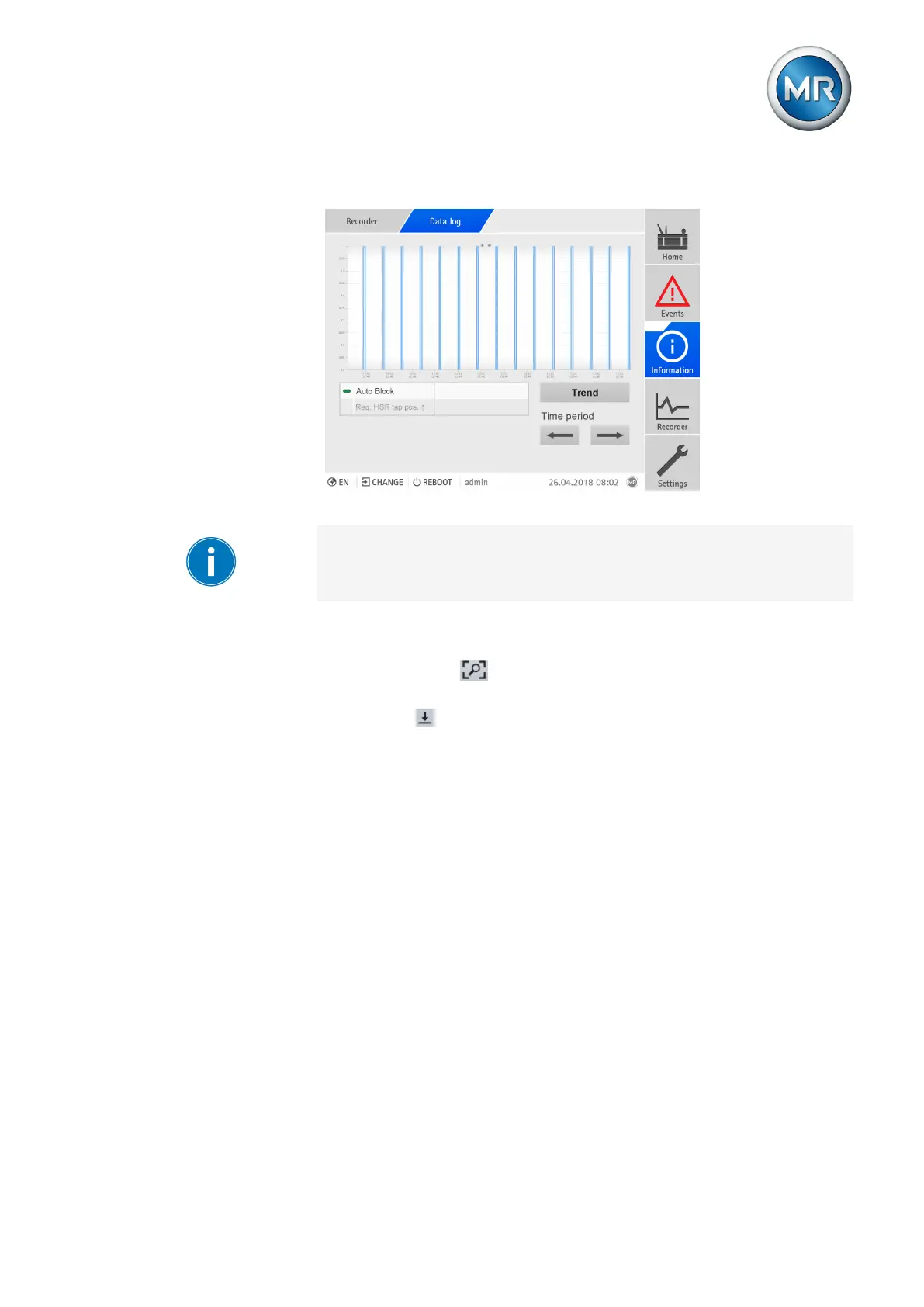
5. Press Display to call up the measured value display (data log).
Figure151: Data log
The operation described below is only possible if you access the visualiza-
tion using a computer.
6. Move the mouse pointer to a measurement point for more information.
7. Use the mouse to drag a selection window in order to zoom into the dia-
gram. Select the button to reduce the diagram back to its original
size.
8. Select the button to save the displayed measured values as a csv file.



 To Next Page