8 Operation
Maschinenfabrik Reinhausen GmbH 2020220 3587317/21 ENTAPCON
®
Signal Description
t motor Motor runtime
Q1 Off Motor protective switch triggered
Par. grp. 1 Parallel operation group 1 active
Par. grp. 2 Parallel operation group 2 active
Table79: Measured values and signals
If you call up the measured value recorder directly on the device display,
you can select a maximum of 3 measured values. If you access it via the
web visualization, you can select a maximum of 10 measured values.
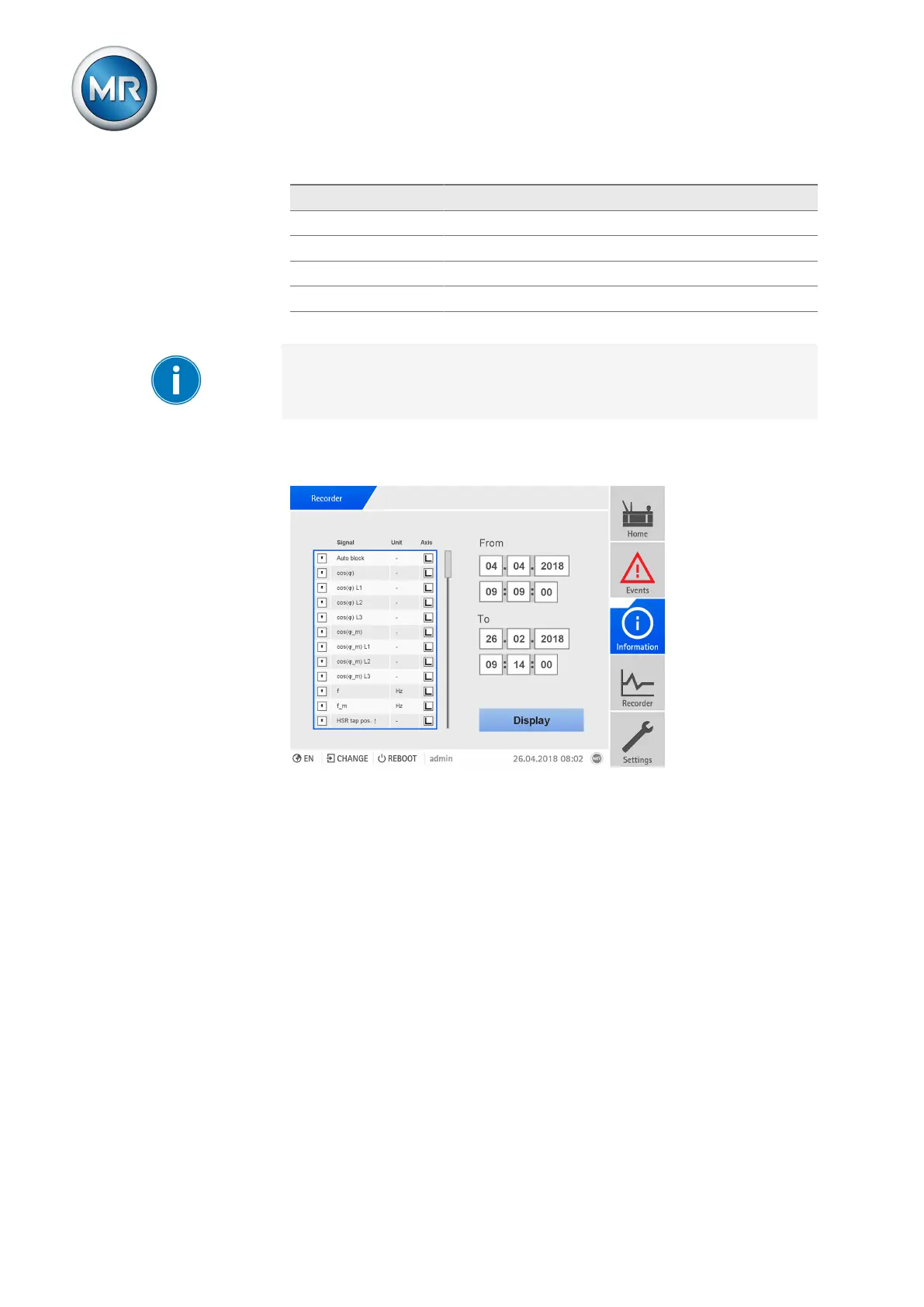
To display the measured value recorder, proceed as follows:
1. Go to Recorder.
Figure150: Recorder
2. Select the signals to be displayed in the list.
3. If necessary, set the desired axis for each signal.
4. Enter the start time and end time for the measured value display.



 To Next Page