8 Operation
Maschinenfabrik Reinhausen GmbH 2020270 3587317/21 ENTAPCON
®
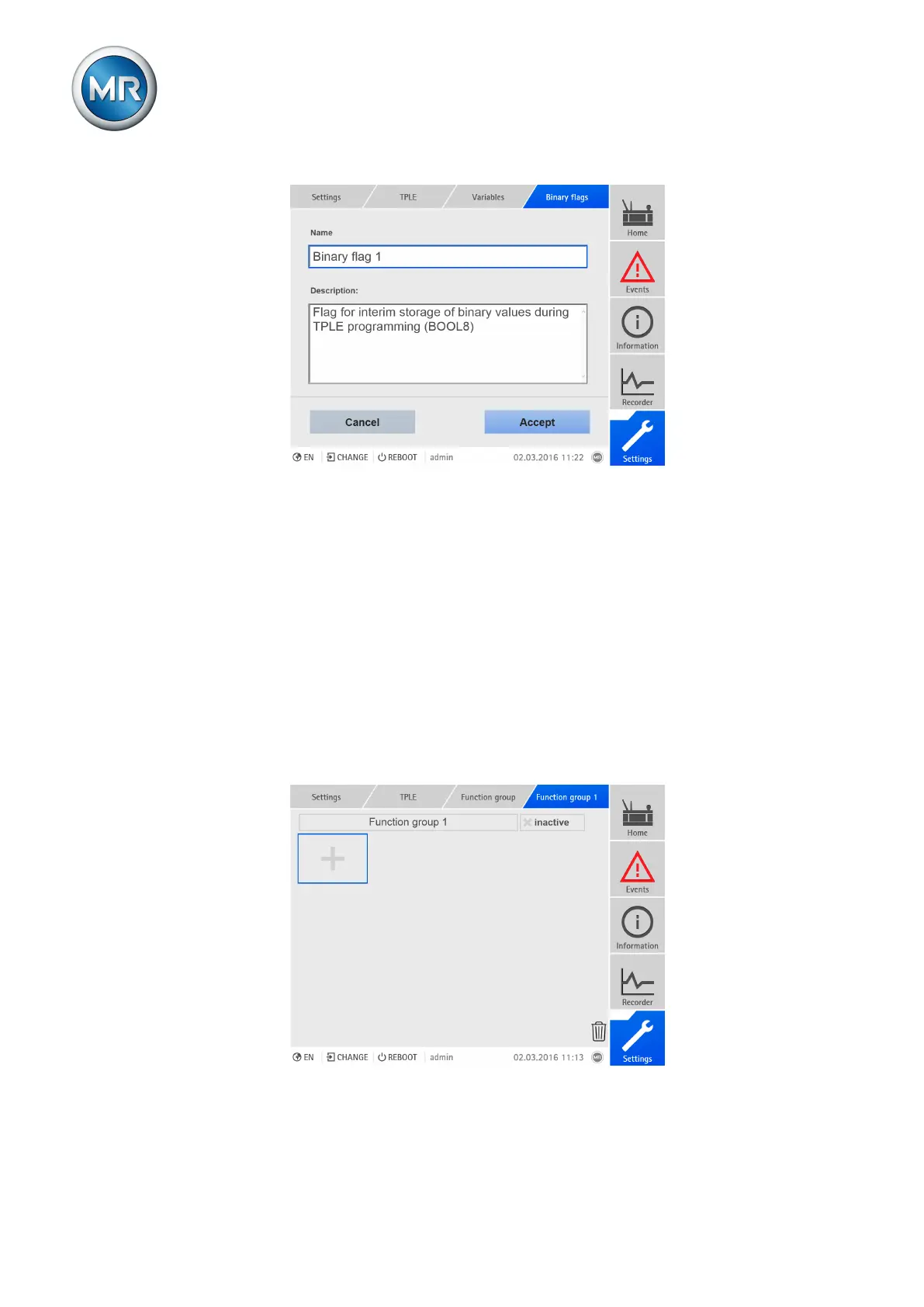
Figure186: Editing variable
To edit the variable, proceed as follows:
1. Go to Settings > TPLE > Variables.
2. Select the variable you want.
3. Enter the name and description.
4. Press the Accept button to save the modified variable.
8.30.2.2 Creating functions
Within one function group, you can create up to 12 function modules to de-
pict one function. To create, edit or delete a function, you have to call up the
function group you want. To do so, proceed as follows:
1. Go to Settings > TPLE > Function group.
2. Select the function group you want.
Figure187: Function group



 To Next Page