8 Operation
Maschinenfabrik Reinhausen GmbH 2020 2713587317/21 EN TAPCON
®
Creating function modules
To create a function module, proceed as follows:
► Press the + button to create a new function module.
Deleting function modules
To delete a function module, proceed as follows:
► Drag the desired function module to the trash can using drag & drop.
Sorting function modules
To sort a function module, proceed as follows:
► Drag the desired function module to the desired position using drag &
drop.
Editing function module
To edit a function module, proceed as follows:
1. Select the desired function module.
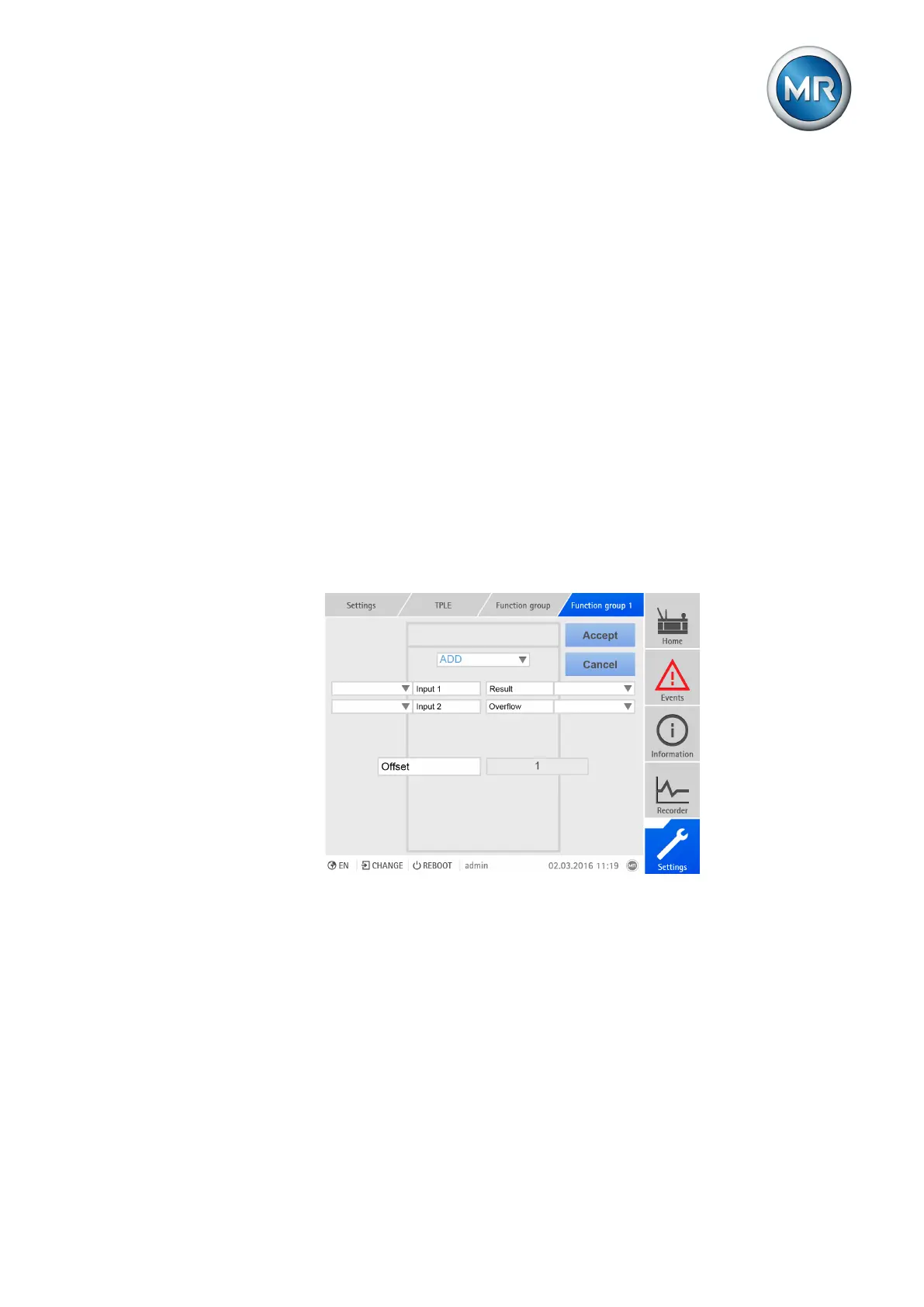
2. Press the Edit button.
Figure188: Editing function module
3. Select the inputs and outputs you want and set the parameters.
4. Press the Accept button to save the change to the function module.
8.30.2.3 Renaming function group
If necessary, you can rename the function group in order to better assign it.
To rename a function group, proceed as follows:
1. Go to Settings > TPLE > Function group.
2. Select the function group you want.



 To Next Page