8 Operation
Maschinenfabrik Reinhausen GmbH 2020272 3587317/21 ENTAPCON
®
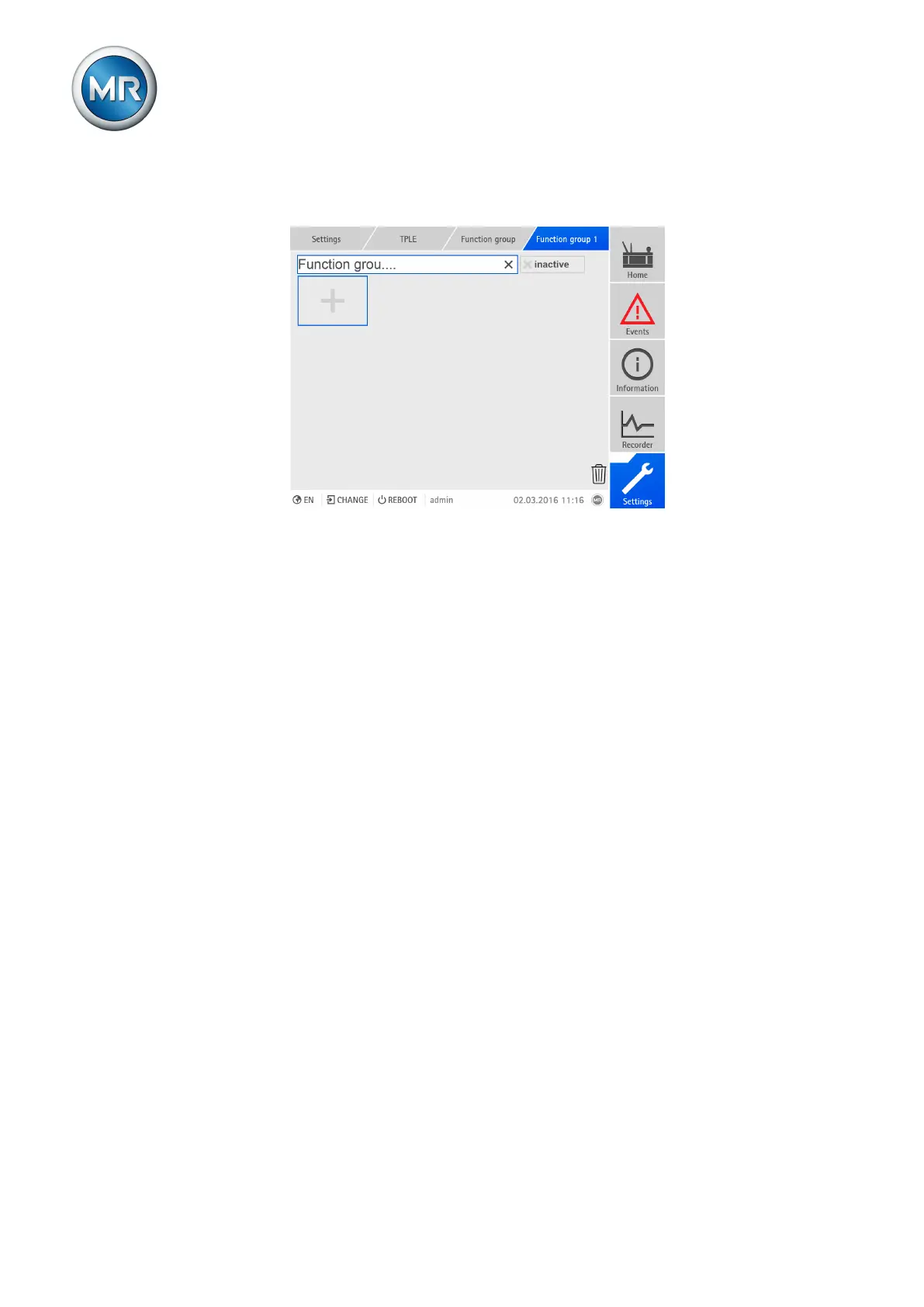
3. Select the text field with the name of the function group and enter the
name you want.
Figure189: Renaming function group
4. Press [Enter] to accept the change.
8.30.2.4 Activating/deactivating function group
You can fully activate or deactivate a function group. When you deactivate a
function group, none of the function group's function modules are processed.
To activate/deactivate a function group, proceed as follows:
1. Go to Settings > TPLE > Function group.
2. Select the function group you want.
3. Press the Inactive button.
ð Red X: Function group is inactive; gray X: Function group is active.



 To Next Page