PRISMAproduction Explorer Vario PJM
A29247-X3-X-6-7670 107
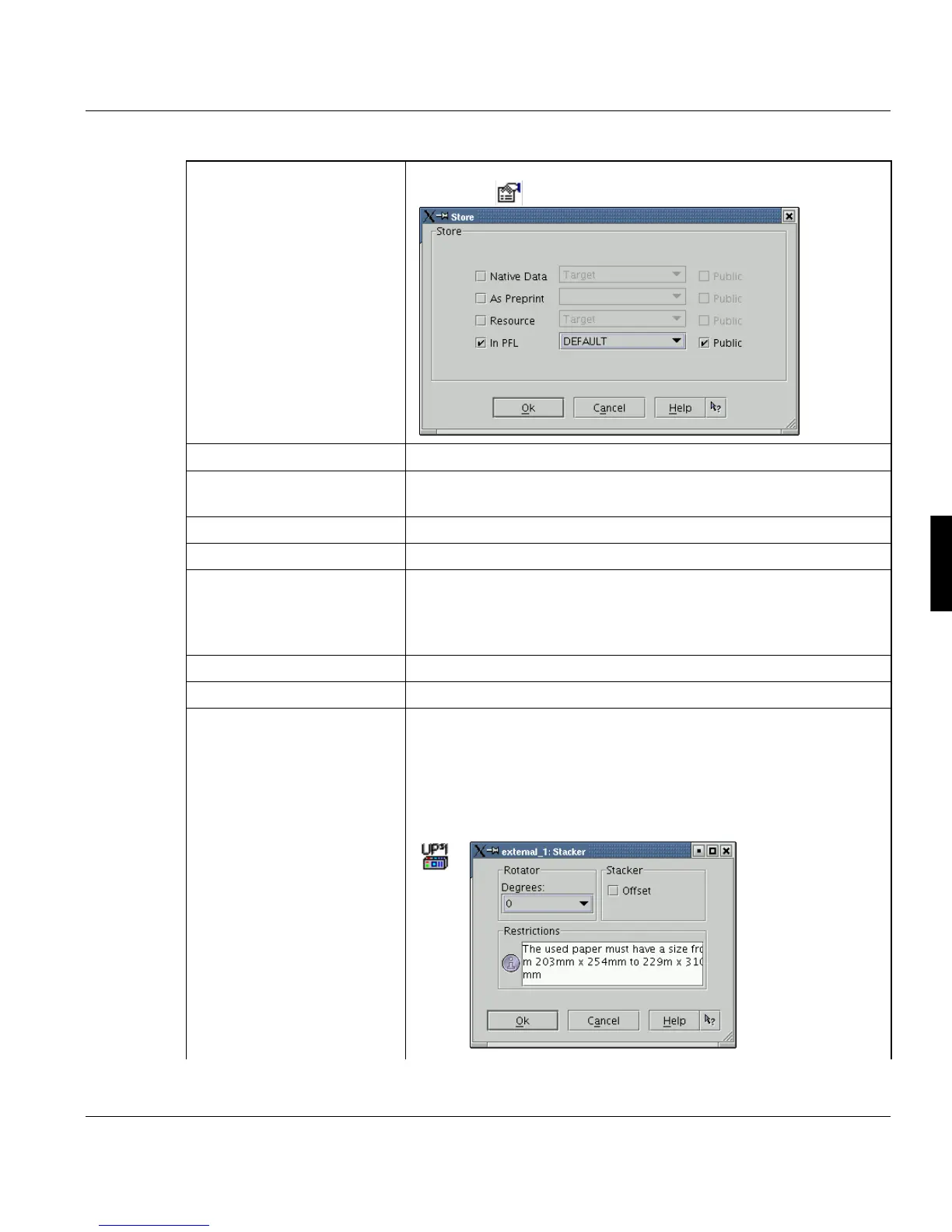
’Store’ The print job will be stored on the PRISMAproduction server. Use
the button to select the target directory:
’PreView’ Opens the converted file with the Professional Document Viewer 3.
’Store local’ The print job is stored on the local windows computer. Can be used
together with ’Store’.
’Job Queue’ Select the job queue of the printer.
’Copies’ Number of copies for the job.
’Collation’ Select whether to collate or not collate the copies of the job. ’Colla-
ted’ will result in document copies, ’uncollated’ results in sheet co-
pies. Additionall you can choose ’collated’ and ’uncollated’ together
with ’copy offset’.
’Output Tray’ Select the output tray.
’Job Offset’ You can switch on or off the job offset.
’Finishing’ ’Internal Stacker’:
You can use this function with the printers VarioPrint 2090/3090,
Océ_9260 and Docutech_6180.
If a UP³I device is set for the selected printer (Configuration -> Prin-
ter -> Output Trays), you can set up parameters pressing this but-
ton:.



 To Next Page