Vario PJM PRISMAproduction Explorer
108 A29247-X3-X-6-7670
Notes
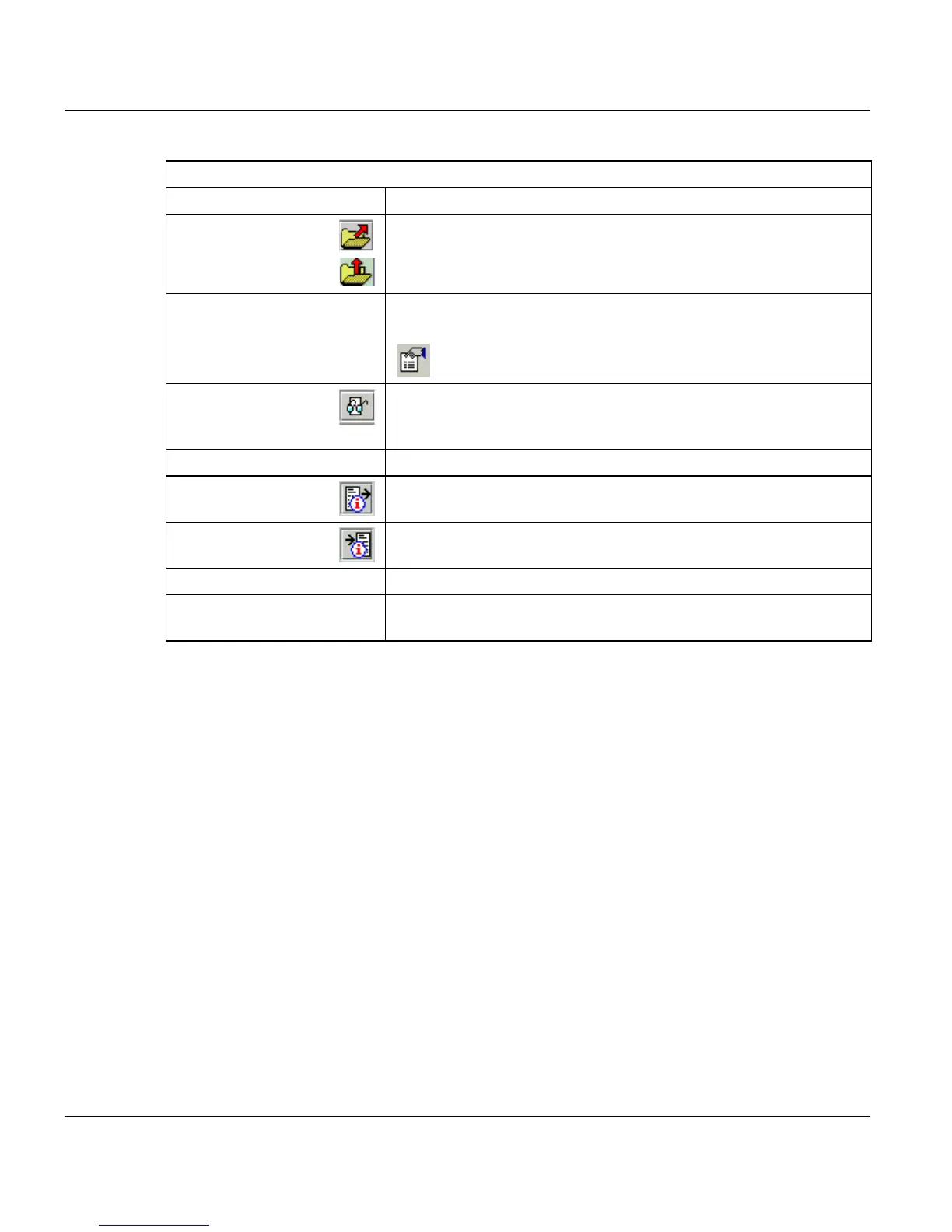
’Login Name’ Displays the current login name of the user.
’Printfile’ Displays the name of the print file. The upper folder button allows
you to select a file locally via a file selection box. The lower button
is displayed, if you want to upload a file via Java Web Start.
’Format’ Displays the file format depending on the file selected. From a drop
down list you can select another format.
Clicking this button allows you to adjust the properties for the
file.
’Preview’ Allows you to preview the original document depending on the file
format with a configured viewer (IOCA with the Professional Docu-
ment Viewer).
’Take parameter from file’ All parameters are taken from the file.
’Sender’ Displays the sender of the print job. Use the button to add additio-
nal information for the sender.
’Receiver’ Displays the receiver of the print job. Use the button to add additi-
onal information for the receiver.
’Account’ You can insert your account number here.
’Operator Message’ Insert a message for the operator. The operator can view the mes-
sage in the PRISMAproduction Explorer.



 To Next Page