Introduction Configuration
138 A29247-X6-X-6-7670
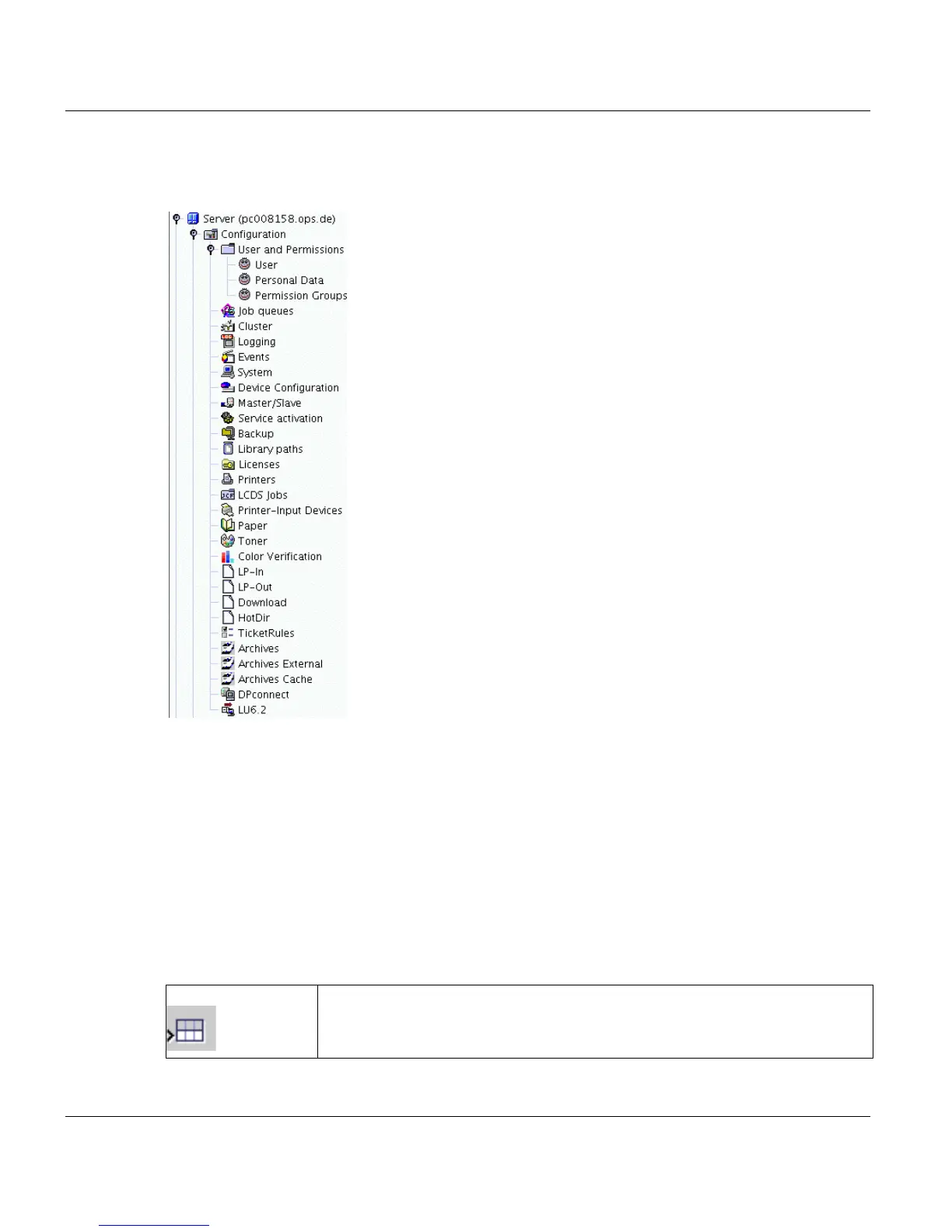
To access the configuration tools open the Configuration node in the Explorer tree and
double click on the desired item.
Configuration rights
The users admin and service are authorised to edit configuration data; the users applic
and operator can only access the data for viewing.
Editing configuration data
The configuration data is stored in the form of database tables. Each table consists of rows
and columns. When you select a row, you can edit its contents provided its value is not de-
rived from values in other fields. There is a standard set of functions and icons for editing
tables:
Insert Row Inserts a new row following the selected one



 To Next Page