Configuration Introduction
A29247-X6-X-6-7670 139
Pop up Menus
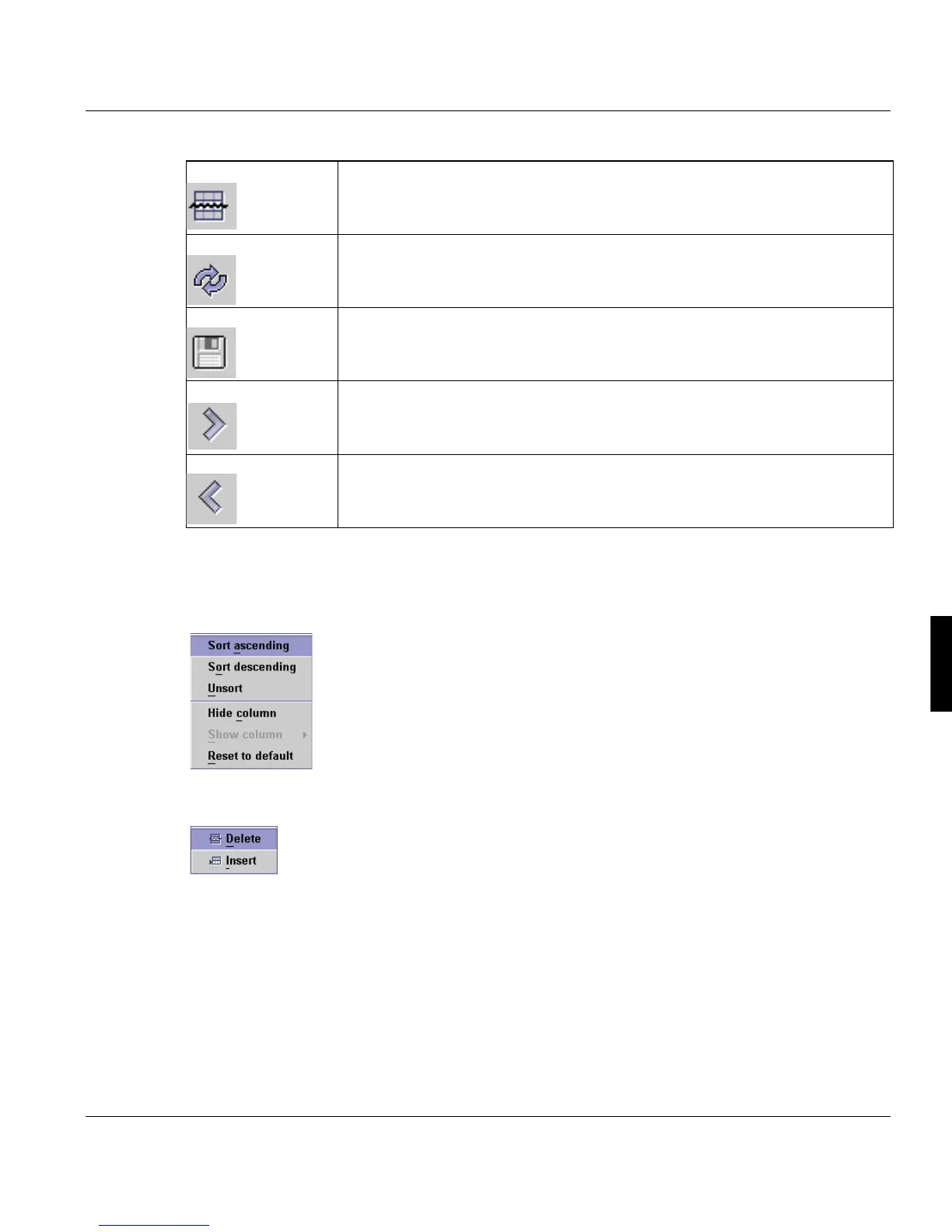
Clicking with the right mouse button on a column titel opens a menu with functions to sort
the list or to hide and display colums:
Clicking with the right mouse button in the list opens a menu with commands to insert or
delete rows.
Predefined entries in tables
If a column must contain a predefined entry, a double-click on the column displays a list of
the entries you can pick.
Delete Row Deletes the selected row.
Reload Shows the actual status of the data stored in the database. Any changes that
you have made via the interface are discarded if you do not save them prior
to executing this function.
Save Saves to the database any changes that you have made via the interface.
Move down Moves down one row; if you are already at the end of a table, this function
inserts a new row at the end of the table.
Move up Moves up one row.



 To Next Page