Licenses Configuration
172 A29247-X6-X-6-7670
Add License
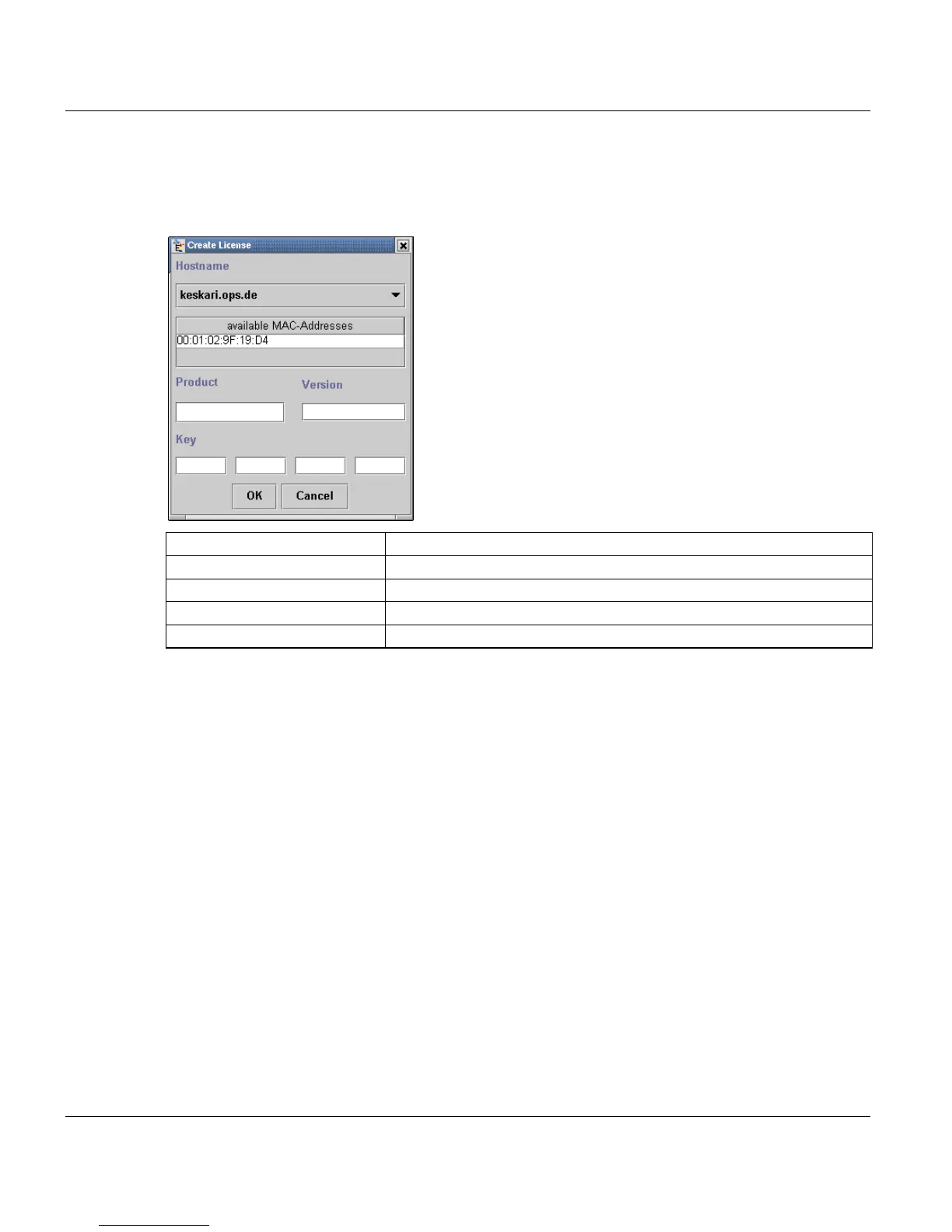
Select ‘Create new license' from the menu or the toolbar to open a dialog box in which you
can enter a new product name , version number and license key:
All of this information is supplied with the PC on the license floppy and license card.
All MAC addresses of all network cards in the system, which are specified by the host name
are displayed. The network must be configured to be able to display these items. The sys-
tem can have more than one network card.
Click ‘OK’ to close the window and check the integrity of entries.
‘Cancel’ closes the window and discards all entries.
Modifying Licenses
To change the license key of a product, you must select the entry first.
Hostname: select Hostname, the license belong to.
Available MAC-Addresses display only, to show the valid MAC-Addresses
Product name: Max. 20 characters.
Version: Max. 7 characters.
Activation key: 24 characters, divided into 4 input fields for better visibility.



 To Next Page