Configuration Licenses
A29247-X6-X-6-7670 173
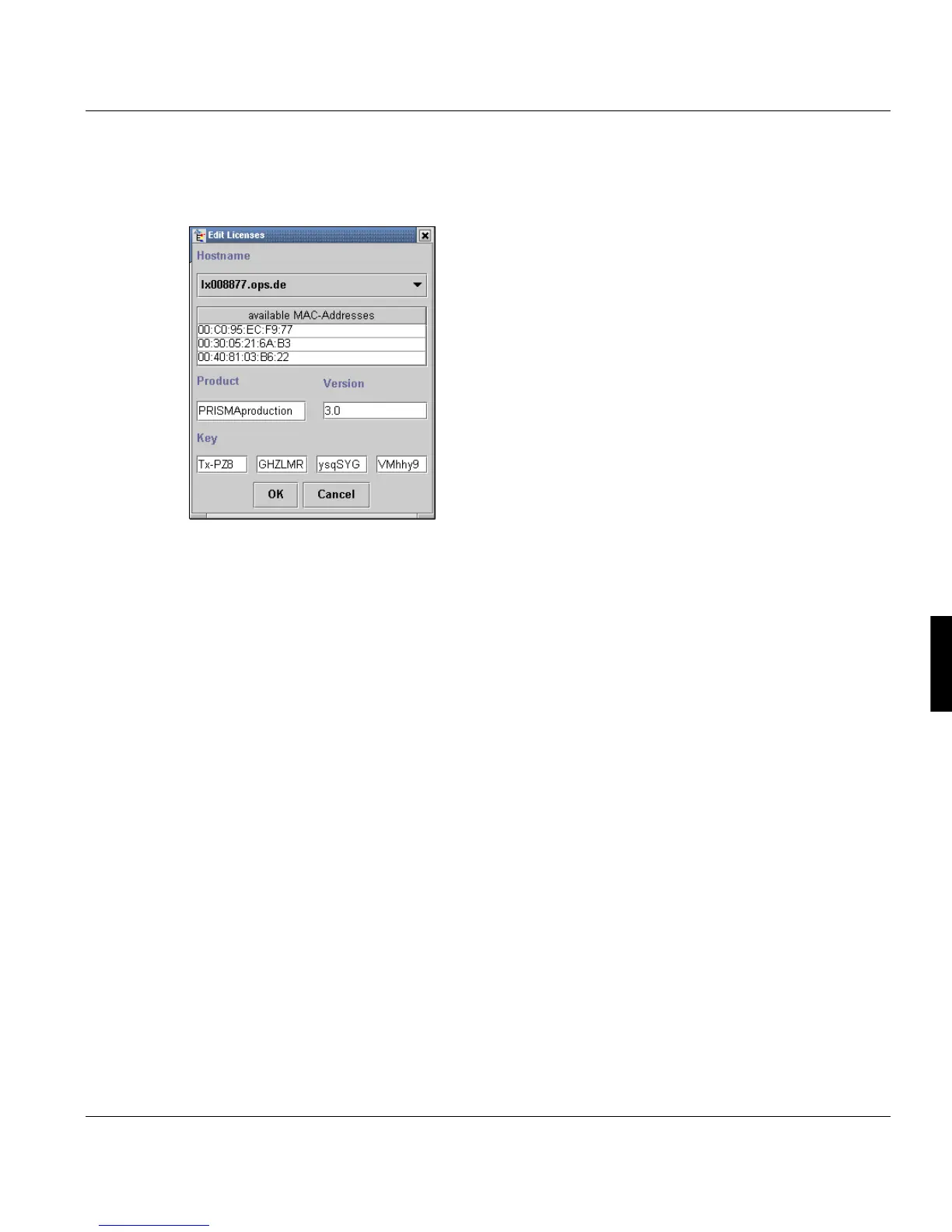
Once you have selected an entry, the ‘License Manager' opens a window in which you can
redirect the license to a different host, modify the product name, version number and li-
cense key.
The conventions used in this window (‘OK’, ‘Cancel’ and input validations) are the same as
when entering a new license.
Delete License
To delete a license key, you must select the entry first.
After you have selected an entry, click ‘Delete’ to remove this.



 To Next Page