Printer Configuration
188 A29247-X6-X-6-7670
Tuning Set
Click this button to enable predefined tuning sets, which allow you to easily modify the print
parameters of AFP/Linedata printers e.g. to enable traces or to drive non Océ printers.
A tuning set is a file, stored in the directory:
/u/prismapro/cfg/printers/.system/.
The files refer to sps or ftp-type printers.
The admistrator or service engineer can put additional tuning sets into this directory.
The format of such files is the usual ini-file-format. The contents depends on the printer de-
vice type (described in the "print parameters" tab). The name of the tuning set, which ap-
pears in the list, can be specified with a 'Name' statement for each language before the 1
st
section.
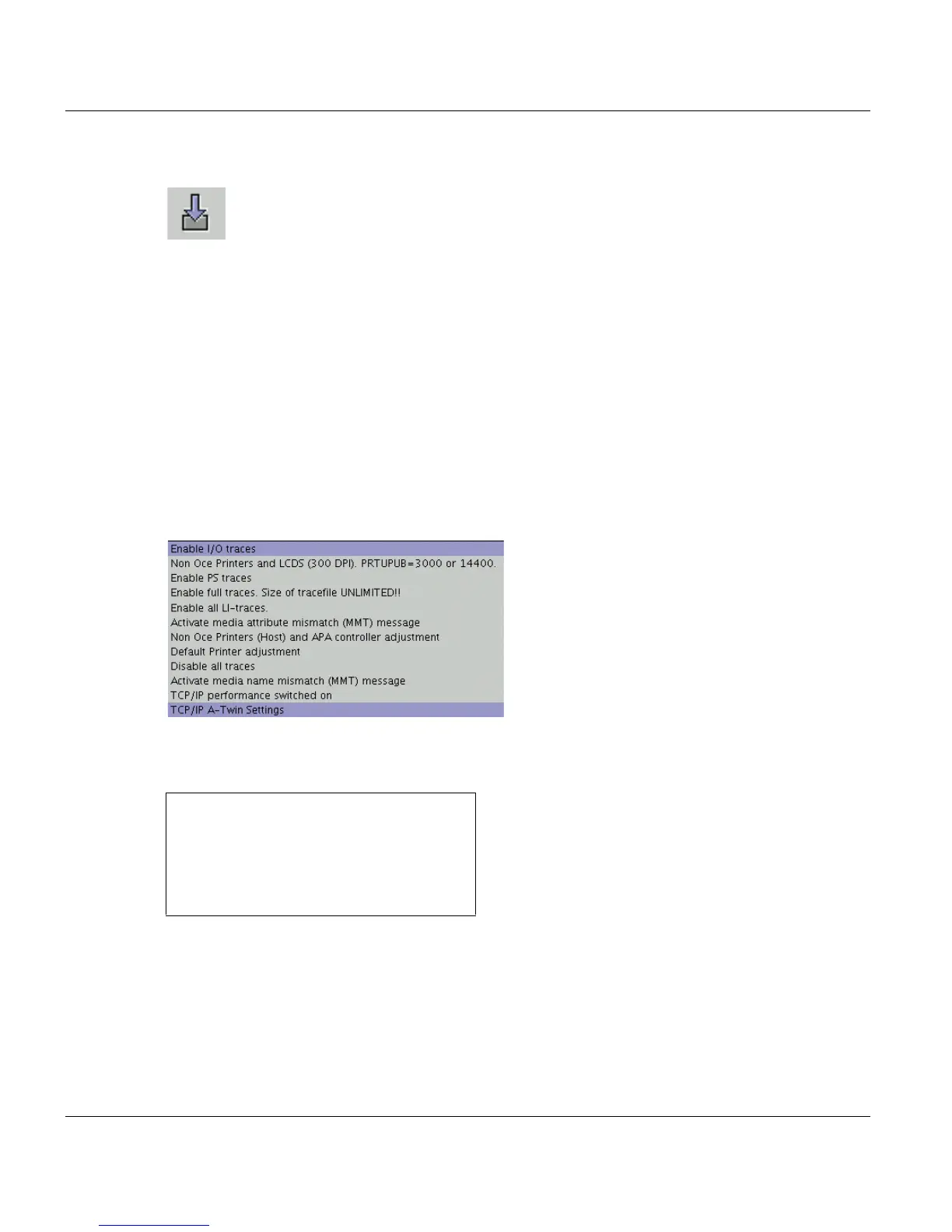
At the moment the following tuning sets are available:
See also PRISMAproduction Administrator Guide, chapter ’Print Parameters’.
Example for enabling all traces for SPS-type printers:
Name=Enable traces
[LI]
TRACELEVEL=4
TRACEFLAGS=0xFFFFFFFF
MONITOR=0xFFFF



 To Next Page