Printer Configuration
196 A29247-X6-X-6-7670
If you are converting and printing PS or PDF files, you can modify the grey curves using the
slide buttons on this tab. This enables printer-specific corrections to be made to the gray
values.If this parameter is not set, grays that are adapted to the Océ printing systems are
used instead of the default grays of the UnityRIP.
It is possible to make corrections to grey values which are read from a file. The correction
file contains 21 values, with one value per line. Values can be between 0 and 100000. The
value 100000 corresponds to a PostScript grey of 1.0, i.e. an intensity of 100% (the lightest
value). The 21 values begin with a substitute for 0% gray and end with the 21st value for
100% gray. In a file of 21 values, the increment between the gray values on each line is 5%.
It is up to the proficiancy and the experience of the user, to find matching values for his task.
Sometimes several tests have to be performed, to acheive acceptable results.
Note: This procedure can only be applied to documents with a color depth of more than 1
bit (images and graphics with more than one grey shade). Because UnityRIP trans-
formes the grey values based on the list of values you have created, you can use
this function only with this converter. TIFFs (or bitmaps) which have been created
by the DocSetter and have been saved as PDF, are simulating grey shades already
with a raster. They only have a color depth of 1 bit (black and white). Such docu-
ments cannot be changed anymore using the transfer curve, because the grey
shades have already been transformed to raster dots.
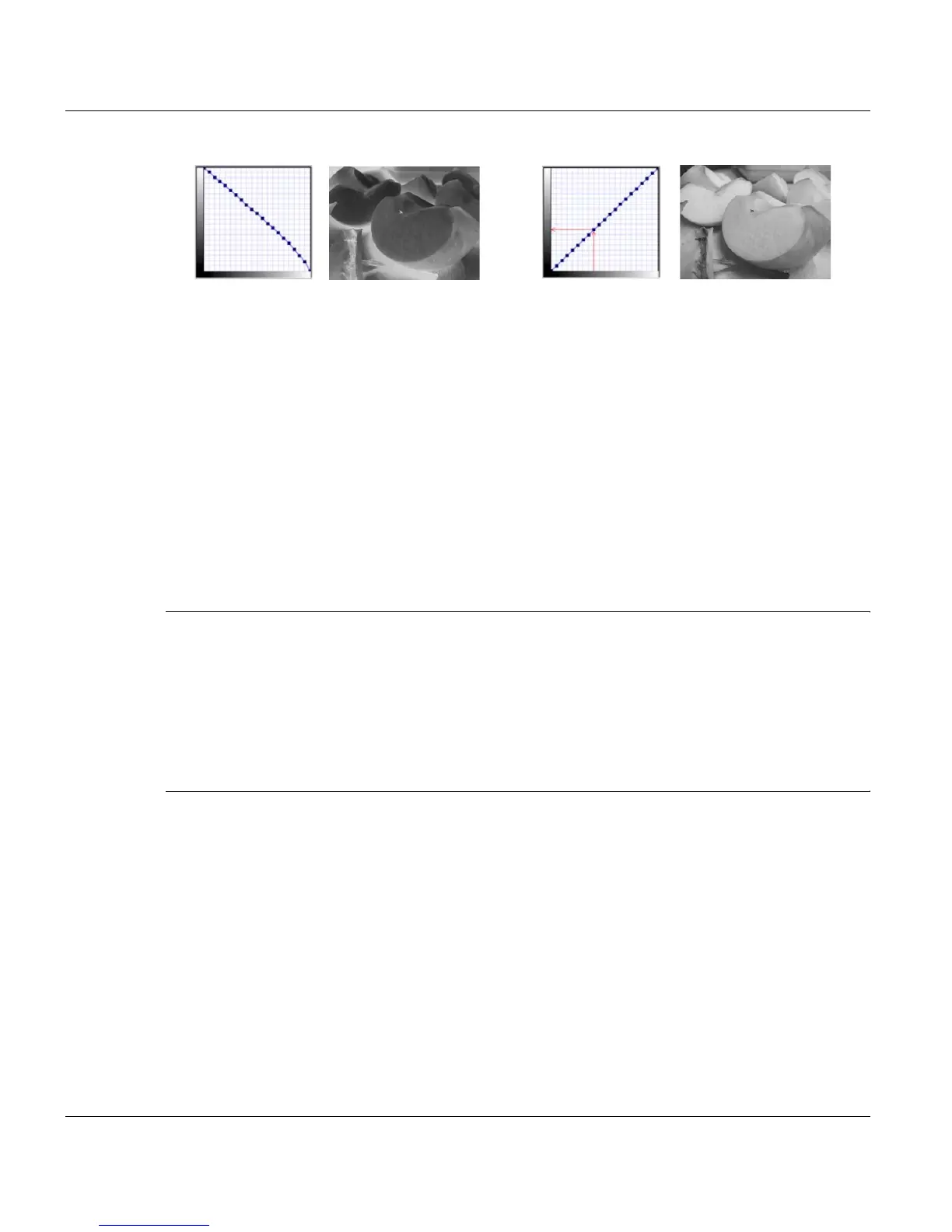
Such a curve turns every positive pattern into a
negative.
The ’normal’ image: The grey shades are con-
verted 1:1.



 To Next Page