Job Lists PRISMAproduction Explorer
82 A29247-X3-X-6-7670
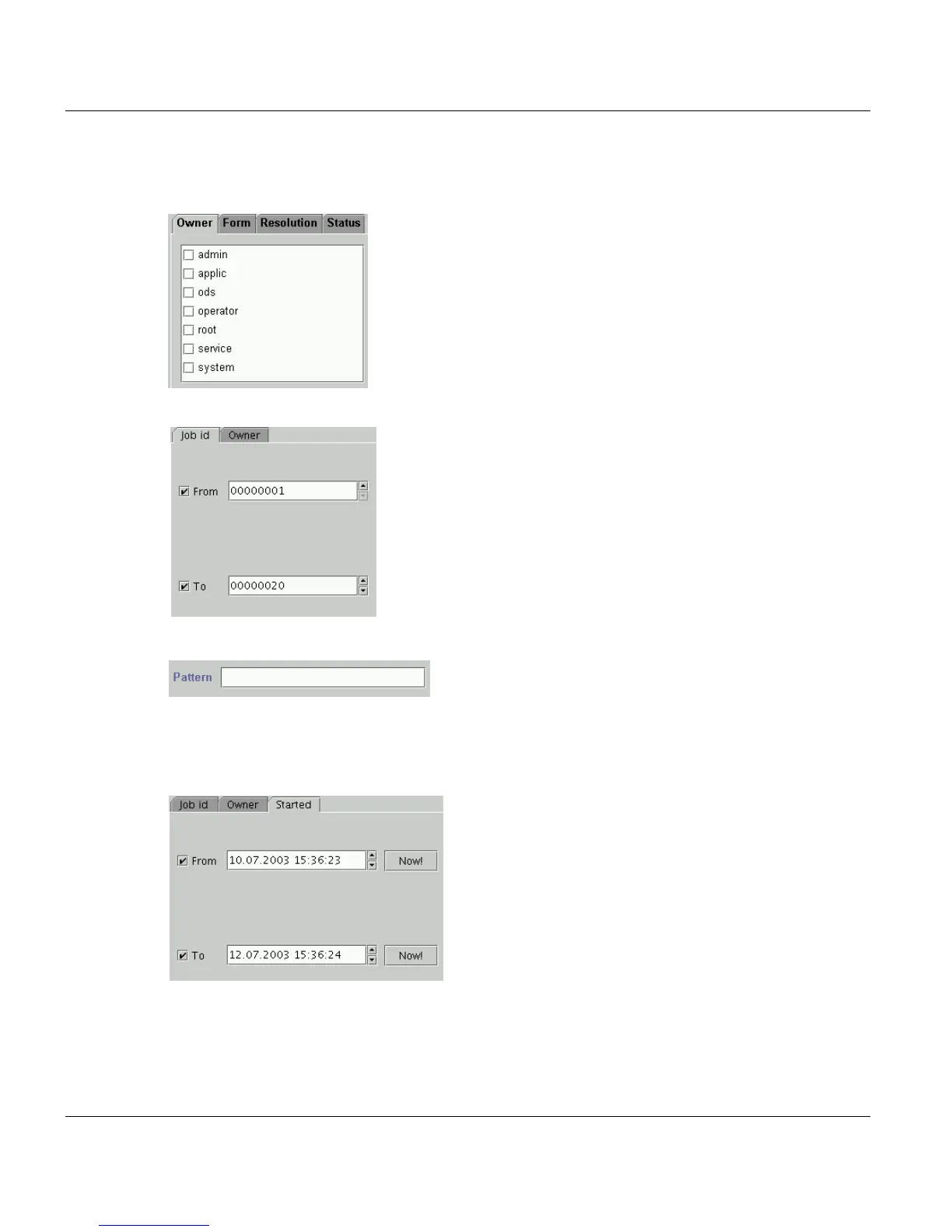
Examples:
Marking with a cross: Only jobs of the marked owner are displayed.
Setting a range: Only jobs of the indicated range of ID’s are displayed.
Setting a pattern: Only jobs with the job name ending with ’cluster’ are displayed.
The conventions for patterns are displayed as a tooltip.
Setting a range of time: Only jobs which are started in the range of time indicated are dis-
played:
The shortcut menu that you can open for column headings also includes an 'Edit Filter' func-
tion. When you choose the function via the shortcut menu, you are shown the relevant tab
for the column heading in question.



 To Next Page