Organize files in a User Box
6
6-18 d-Color MF552/452/362/282/222
6.6
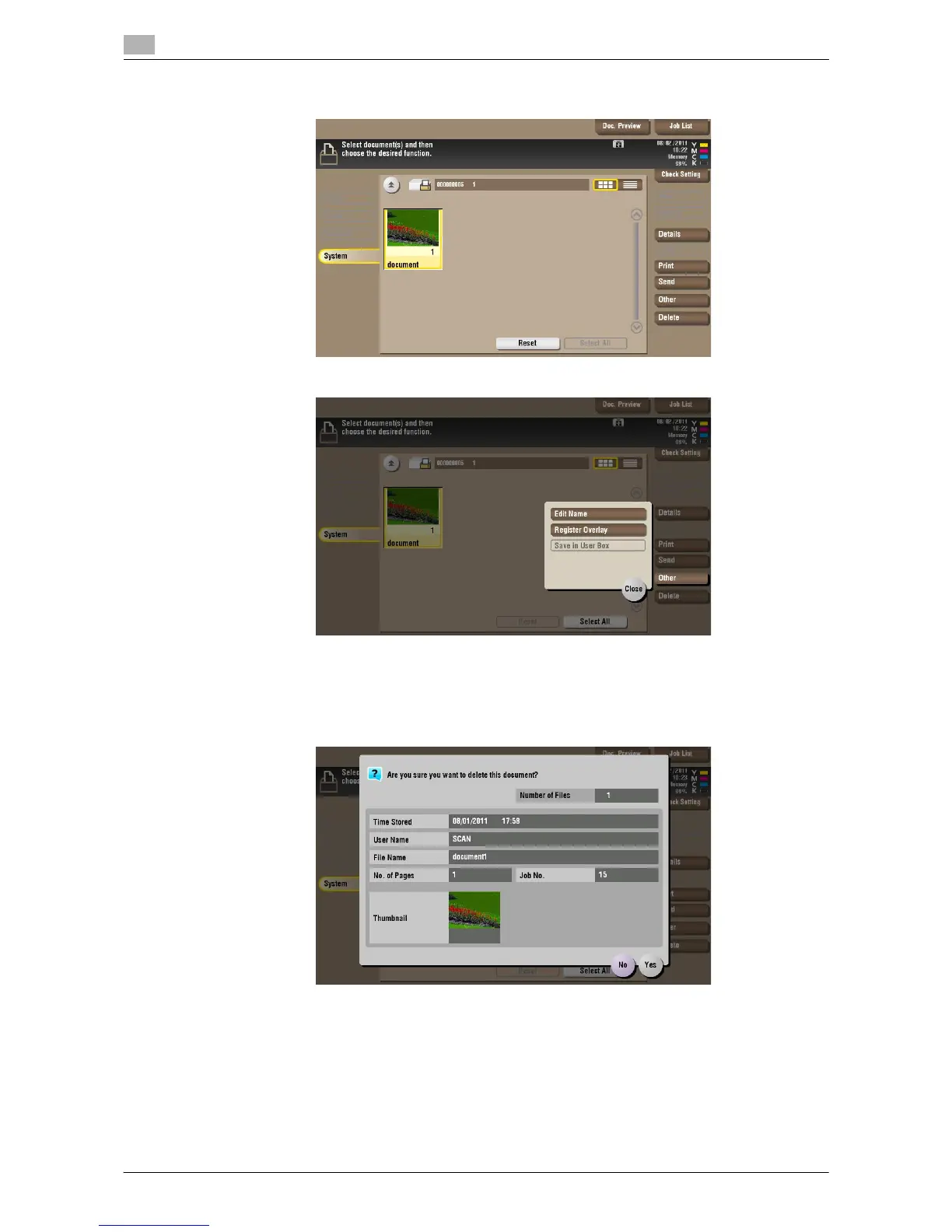
4 Select a file and set the desired operation.
Delete a file
Select a file, then tap [Delete]. The file is deleted. You can select multiple files and delete them simultaneous-
ly. Check the file details, then tap [Yes].



 To Next Page
 Loading...





