Optional settings before file storage
14
14-8 d-Color MF552/452/362/282/222
14.1
Skip blank pages ([Blank Page Removal])
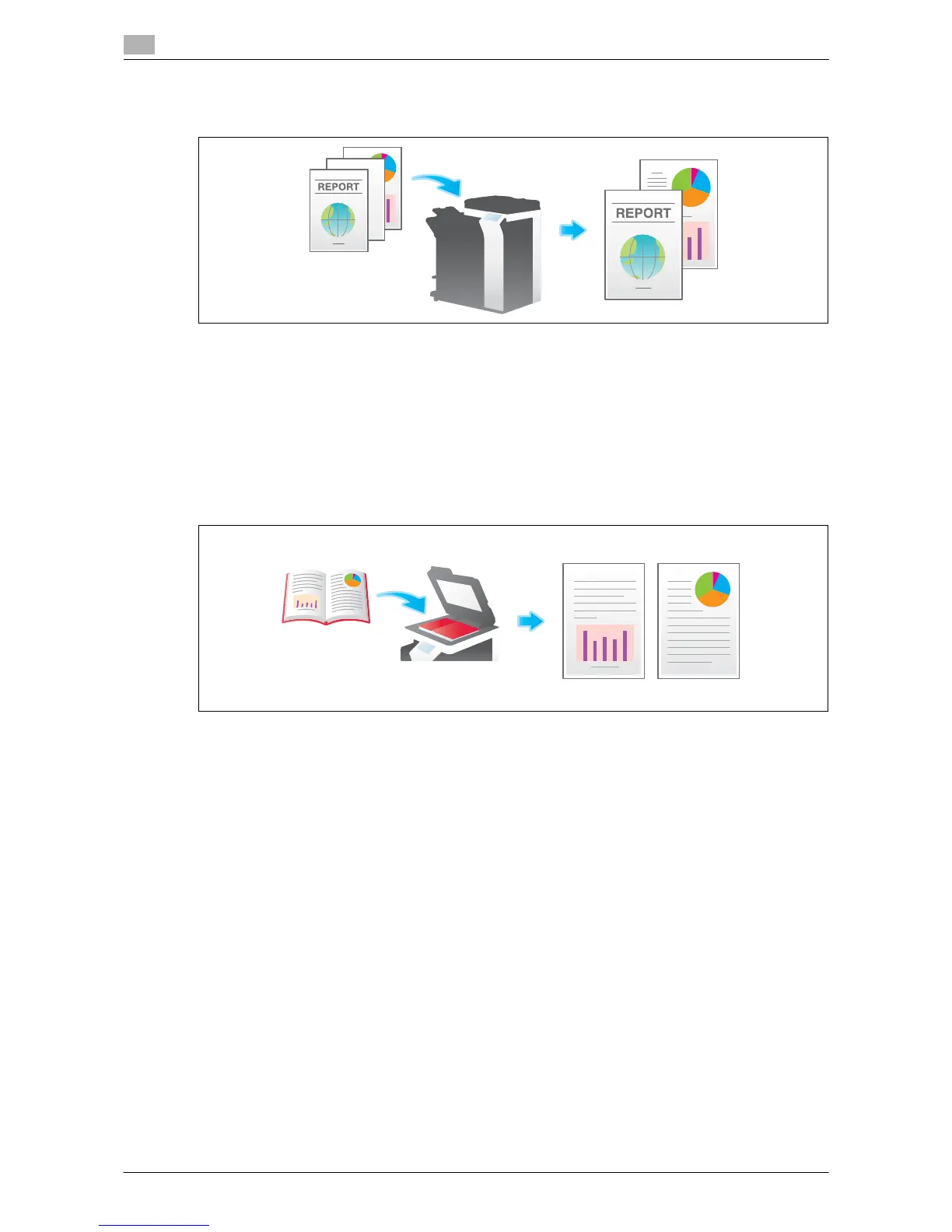
If blank pages are included in the original loaded into the ADF, they are skipped when the original is scanned.
For details, refer to the following page.
- When you are using a User Box, refer to page 15-14.
- When you are using an Annotation User Box, refer to page 15-152.
- When you are using an External Memory User Box, refer to page 15-222.
Split the left and right pages of a book or catalog ([Book Original])
You can scan two-page spreads such as books and catalogs separately into the left and right pages, or scan
a page spread as a single page. If you place a book or catalog on the Original Glass, you do not need to
close the ADF to scan it.
For details, refer to the following page.
- When you are using a User Box, refer to page 15-19.
- When you are using an Annotation User Box, refer to page 15-157.
- When you are using an External Memory User Box, refer to page 15-227.










 To Next Page