15
15-184 d-Color MF552/452/362/282/222
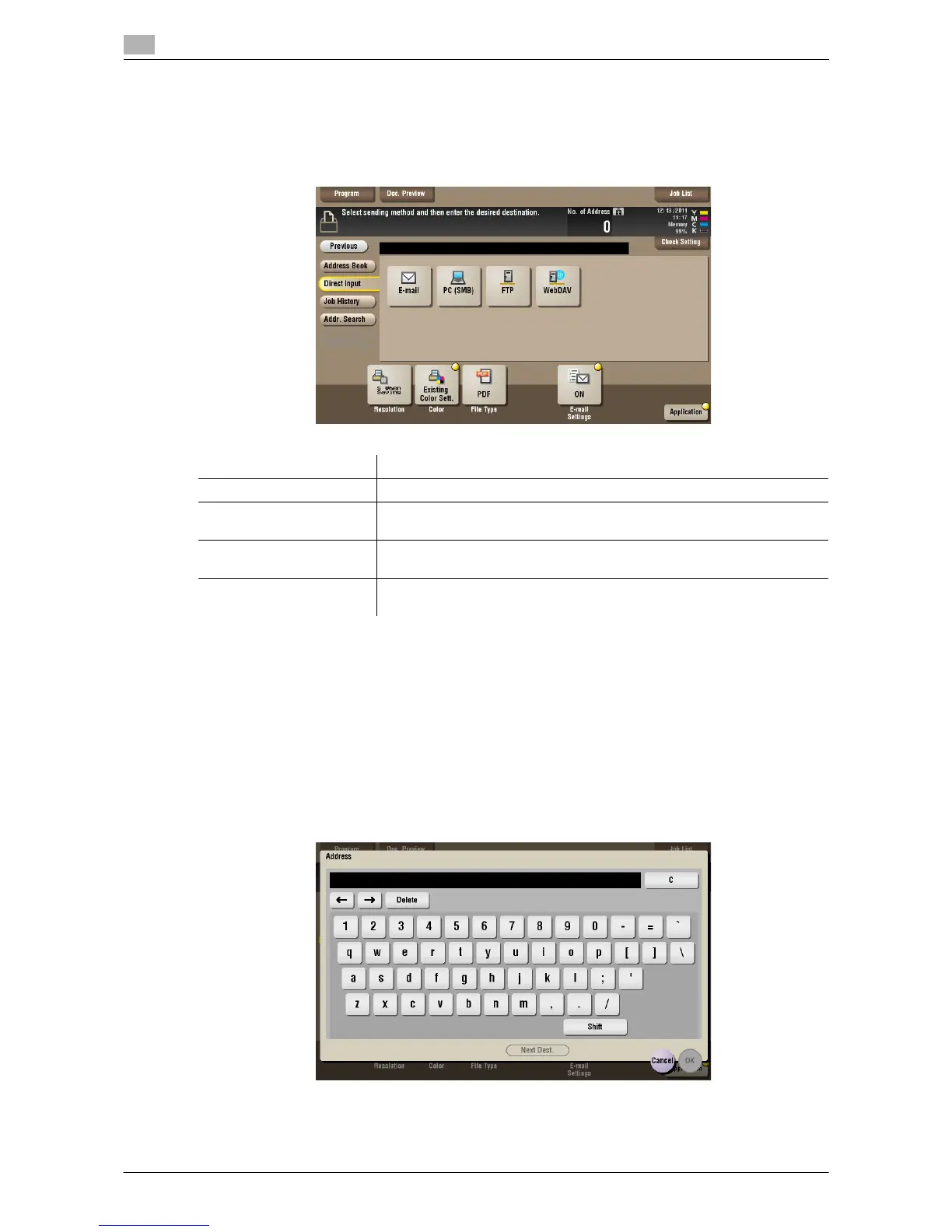
[Direct Input] ([Annotation]) ([Send])
To display: [Box] - [System] - [Annotation] - Select a User Box - [Open] - Select the file - [Send] - [Direct
Input]
Enter the recipient information according to the transmission system you use.
d Reference
You can directly enter a destination and store it in the Address Book. For details, refer to [User's Guide: Scan
Operations].
[E-mail] ([Annotation]) ([Send])
To display: [Box] - [System] - [Annotation] - Select a User Box - [Open] - Select the file - [Send] - [Direct
Input] - [E-mail]
Enter the destination mail address to send files attached to the E-mail to.
When specifying multiple destinations, tap [Next Dest.] to add destinations.
Settings Description
[E-mail] Enter the destination mail address to send files attached to the E-mail to.
[PC (SMB)] Enters the destination PC name (host name) or IP address to send files to
the shared folder of the network PC.
[FTP] Enter the host name or IP address of the destination FTP server to send
files to the FTP server.
[WebDAV] Enter the host name or IP address of destination WebDAV server to send
files to the WebDAV server.



 To Next Page
 Loading...





